
Known Participant
July 26, 2017
Question

There's still no way to load keyboard shortcuts in CC?

  • July 26, 2017
  • 4 replies
  • 13943 views

If you create a bunch of keyboard shortcuts and save them (to a thumbdrive, to copy them to multiple computers, for example), there's still no way to load them?

Try it: Go into Edit / Keyboard Shortcuts and check it out.
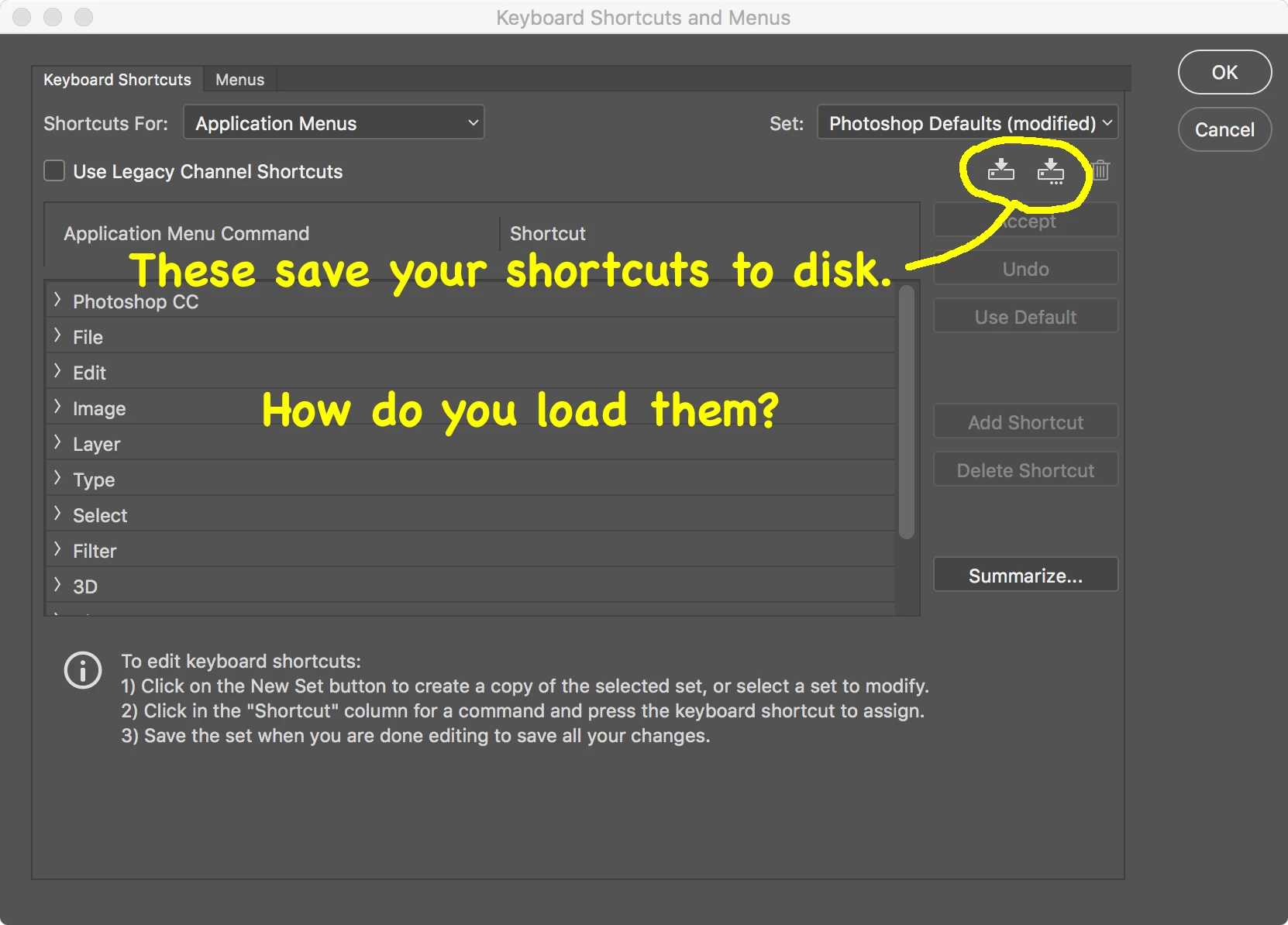
I checked the documentation and found that you can import & export presets, and supposedly keyboard shortcuts are amongst them.  NOPE.  In fact, this function doesn't appear to work at all:
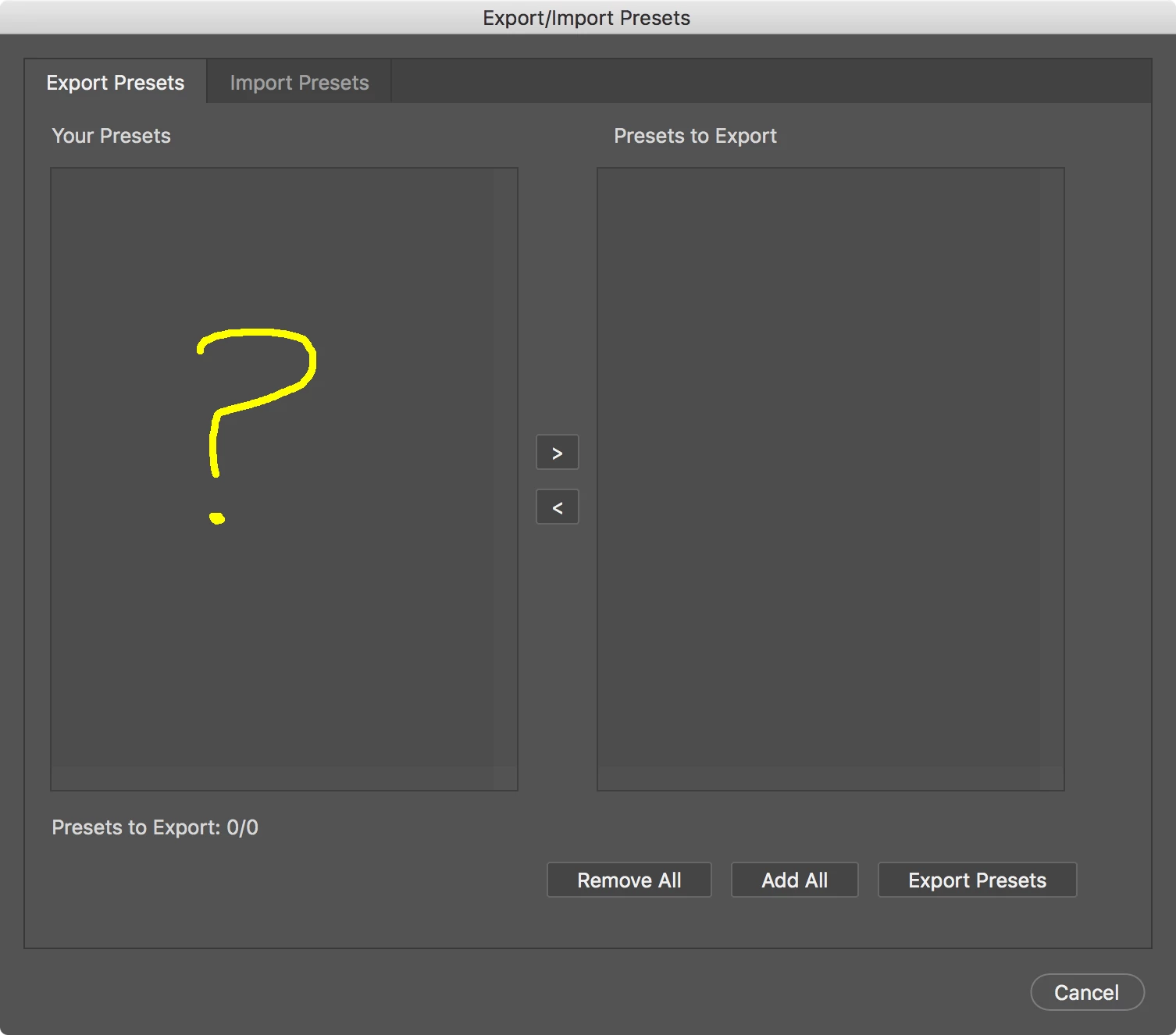
I like the idea of having one place for all presets (or I would if it worked), but then why have a redundant Save function in the keyboard-shortcuts dialog?

This topic has been closed for replies.

4 replies

Tempus5CC9
Participant
October 19, 2020


I've done it on this way:

Click on red "create a new set",  a save as window is showed.

Drop inside the .kys you want to use.

Restart PS.

After that, can select it on the Keyboard Shortcut Set.
A load function is a must.

Participating Frequently
November 18, 2018

Here is the ANSWER:

Quit Photoshop.

Locate the keyboard shortcut file you saved (on your desktop or whoever it is saved to) eg : Photoshop Defaults (modified) Copy 2.kys

Open that file by selecting it and right click to open with Photoshop.

You will now have that modified keyboard shortcut set active.

Why Adobe don't have a load function through Photoshop is a mystery.

Legend
July 26, 2017

Must be something on your system because it works fine here

Known Participant
July 26, 2017

Thanks, but your screen shot shows the Import tab.

I assume you have to export something in order to have anything to import, right?

My screen shot is of the Export tab.  It shows nothing, so naturally I can't create anything to import.

Legend
July 27, 2017

Must be something wrong on your system as it works fine here...

Legend
July 26, 2017

In Windows keyboard shortcuts are located at

c:\Users\YourName\AppData\Roaming\Adobe\Adobe Photoshop CC 2017\Presets\Keyboard Shortcuts\

If you put the *.kys file there it will be available in the List to choose from.

I do it all the time to transfer shortcuts between computers but it should work with the Preset Manager too.

Known Participant
July 26, 2017

Thanks!

But...

1. I'm on Mac (and I know where the directory is on Mac OS).

2. That's not the solution you'd find in a release-ready product.  It doesn't make sense to have a Save function without a corresponding Load function.

The Preset Manager doesn't appear to do anything.

D Fosse
Community Expert
Community Expert
February 16, 2022

Thanks for the reply. I never said that a "cloud" option isn't useful. I said it's not acceptable as the only solution, in place of simply being able to save and load a file locally.


If I'm running a computer lab in a classroom, I should be able to put a keymap file on a server or a thumbdrive for every student to load on his machine. Or even if I'm a lone user with three computers who wants the same shortcuts on them... I shouldn't have to round-trip a tiny file through some third-party Internet servers to computers that are 10 feet away.


And again... a Save function makes no sense without a Load function.


quote

And again... a Save function makes no sense without a Load function.


By @Mobius Strip


Hard to disagree with that and I've wondered myself.