
Known Participant
July 26, 2017
Question

There's still no way to load keyboard shortcuts in CC?

  • July 26, 2017
  • 4 replies
  • 13939 views

If you create a bunch of keyboard shortcuts and save them (to a thumbdrive, to copy them to multiple computers, for example), there's still no way to load them?

Try it: Go into Edit / Keyboard Shortcuts and check it out.
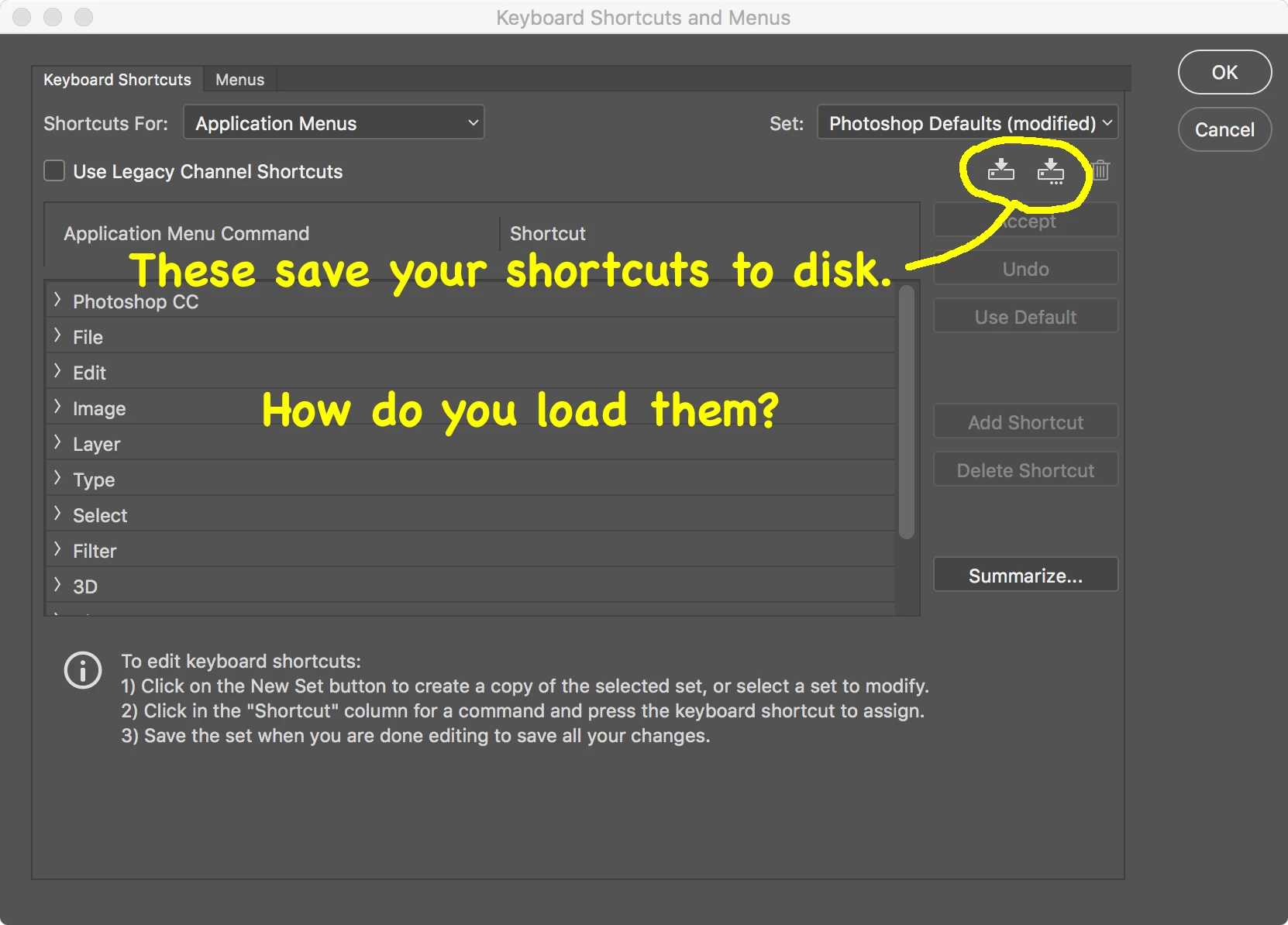
I checked the documentation and found that you can import & export presets, and supposedly keyboard shortcuts are amongst them.  NOPE.  In fact, this function doesn't appear to work at all:
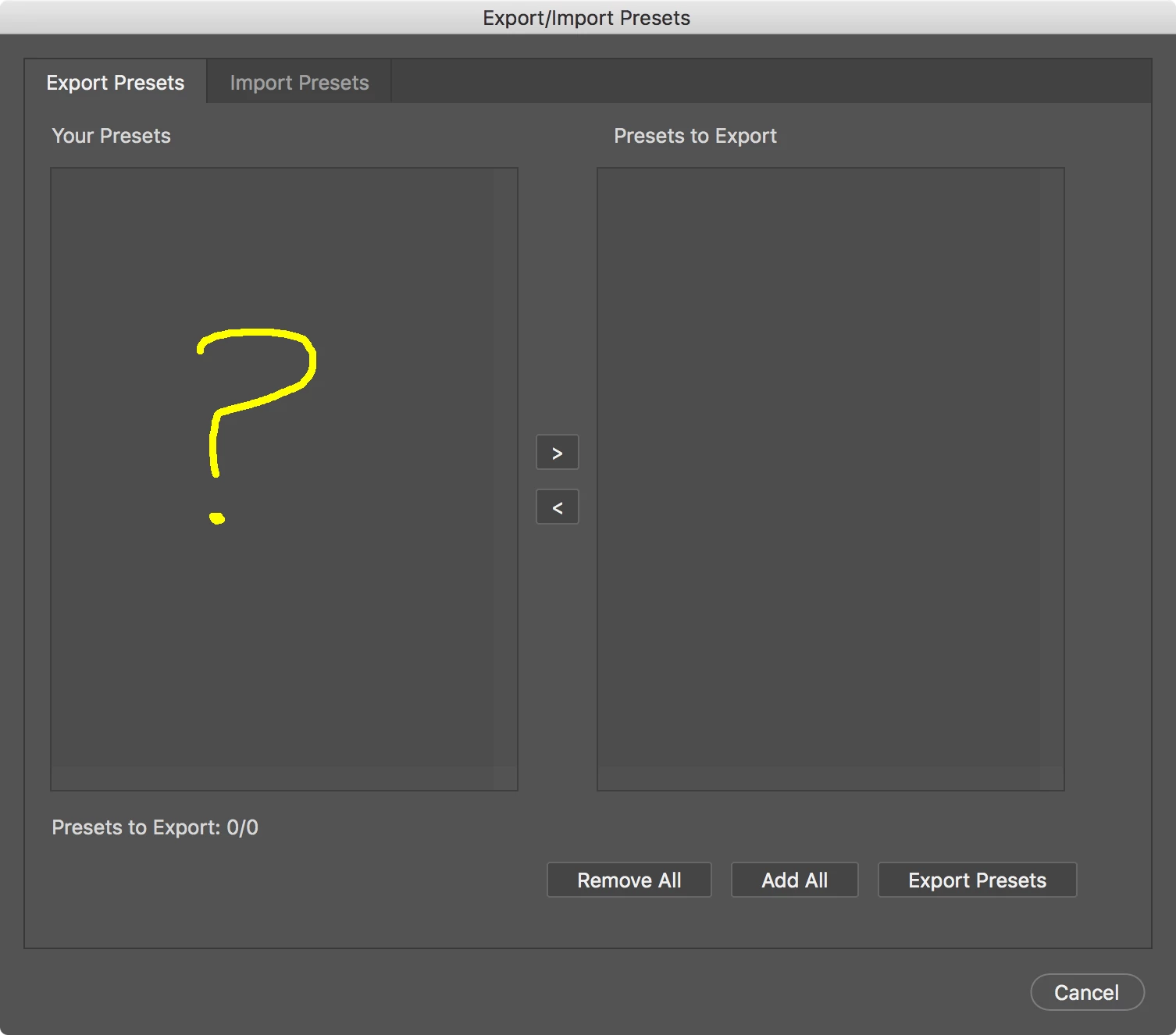
I like the idea of having one place for all presets (or I would if it worked), but then why have a redundant Save function in the keyboard-shortcuts dialog?

This topic has been closed for replies.

4 replies

Tempus5CC9
Participant
October 19, 2020


I've done it on this way:

Click on red "create a new set",  a save as window is showed.

Drop inside the .kys you want to use.

Restart PS.

After that, can select it on the Keyboard Shortcut Set.
A load function is a must.

Participating Frequently
November 18, 2018

Here is the ANSWER:

Quit Photoshop.

Locate the keyboard shortcut file you saved (on your desktop or whoever it is saved to) eg : Photoshop Defaults (modified) Copy 2.kys

Open that file by selecting it and right click to open with Photoshop.

You will now have that modified keyboard shortcut set active.

Why Adobe don't have a load function through Photoshop is a mystery.

Legend
July 26, 2017

Must be something on your system because it works fine here

Known Participant
July 26, 2017

Thanks, but your screen shot shows the Import tab.

I assume you have to export something in order to have anything to import, right?

My screen shot is of the Export tab.  It shows nothing, so naturally I can't create anything to import.

Legend
July 27, 2017

Must be something wrong on your system as it works fine here...

Legend
July 26, 2017

In Windows keyboard shortcuts are located at

c:\Users\YourName\AppData\Roaming\Adobe\Adobe Photoshop CC 2017\Presets\Keyboard Shortcuts\

If you put the *.kys file there it will be available in the List to choose from.

I do it all the time to transfer shortcuts between computers but it should work with the Preset Manager too.

Known Participant
July 26, 2017

Thanks!

But...

1. I'm on Mac (and I know where the directory is on Mac OS).

2. That's not the solution you'd find in a release-ready product.  It doesn't make sense to have a Save function without a corresponding Load function.

The Preset Manager doesn't appear to do anything.

Known Participant
August 13, 2017

I have read a little of the original post where the user ... Cox from Adobe said he has surveys and data showing differently, then what Mobius Strip had been asking, about loading keyboard shortcuts on multiple machines.

I also have been using Photoshop since Version 7 before CS was around, and I know one is able to load the keyboard shortcuts on Mac and Windows via the Presets folder on either OS.

But I do wonder why isn't there an option to load them into the Library for both Workspaces and Keyboard shortcuts?

I noticed in Photoshop I am able to configure Brushes in Window > Tool Presets then save the configuration for both the Workspace and Keyboard Shortcuts, Menus, Toolbar ...

It would be sincerely helpful if there were a button to Add Workspace to Adobe Creative Cloud library like this:

I think this would solve a lot of the issues regarding this topic if it's even possible to implement into the library.

I have a real world situation. I am one user with two machines and I have keyboard shortcuts and workspaces I want to mirror onto my two machines. Having an option like this on the CC library would help me configure once, and set that configuration to my other machine.

Even down the line, we own our own business as a small business, and we have more than 5+ machines. Having an option like this would seriously help productivity because as said before, I could configure one machine and set that configuration workspace in this image example to the CC library and apply it to any other machine using Photoshop CC.

I myself have four machines myself, but only CC on two machines as a single user.

There are real world examples to add this type of functionality.

Is it possible to do a survey on this post or something like unto it to see if users who have more than 1+ machine could benefit from this type of integration?

Just thought I would add to this conversation. Please if this is already available, how do I add a Workspace with Capturing Keyboard Shortcuts, Menus, Toolbar, etc to the Creative Cloud library? (Images would be helpful)

Very Respectfully,

Christopher Stapleton


A valid suggestion, although it's not suitable as the only solution because we shouldn't have to depend on 24/7 connectivity to CC for this simple function.

But thank you for weighing in to prove that Adobe is ignoring a common real-world situation faced by its users year after year.

How anyone with self respect can argue that a Save function without a matching Load function is a legitimate design is beyond me. The continued thrashing against requests to fix obvious design defects is a daily insult to paying customers, and an embarrassment to Adobe.