
Timeline and keyframes problem
I try to edit a short movie in Photoshop CC and I am a new in this part of editing(video editing): I have a little movie on who I need to remove some parts, write some words and blur some parts(plate number of cars, sometimes are 2 cars or/and are on another layer), but I get stuck at the part with blur, I used the method from this link:
Photoshop CS6: How to hide a face in a video - YouTube
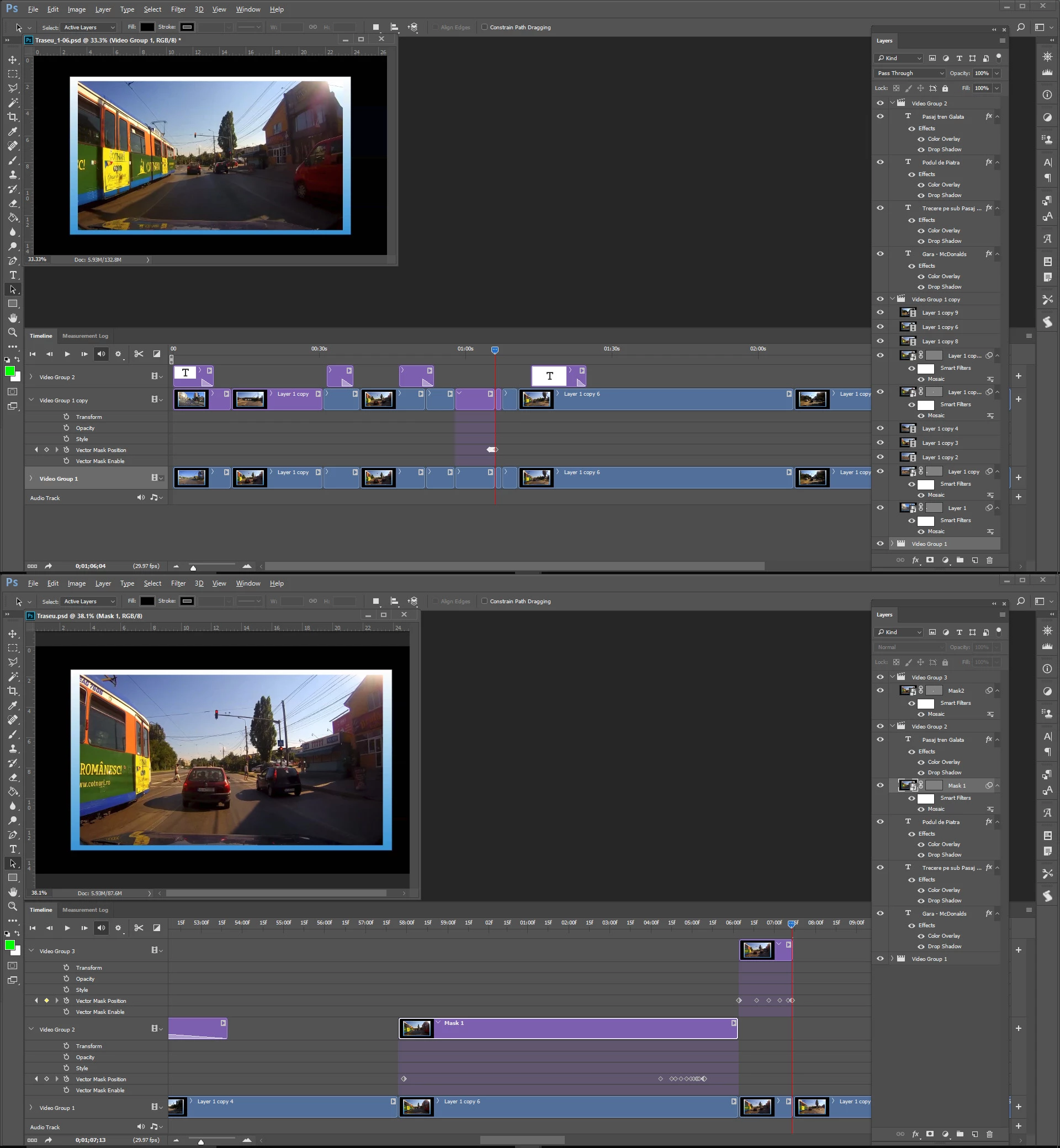
You can see in my image that I did the mosaic on layer 'Layer 1copy 6' and Mask vector position keyframes are with yellow, but when I move to 'Layer 1 copy 7', and try to do same thing, I can't, like I did not ended on previous layer, so even if I try to put 'manual' a keyframe in my new position on 'Layer 1 copy 7', it will put and select on 'Layer 1 copy 6', I know it is possible because I already did it for layer 1 and 2, somehow, but now not working anymore:
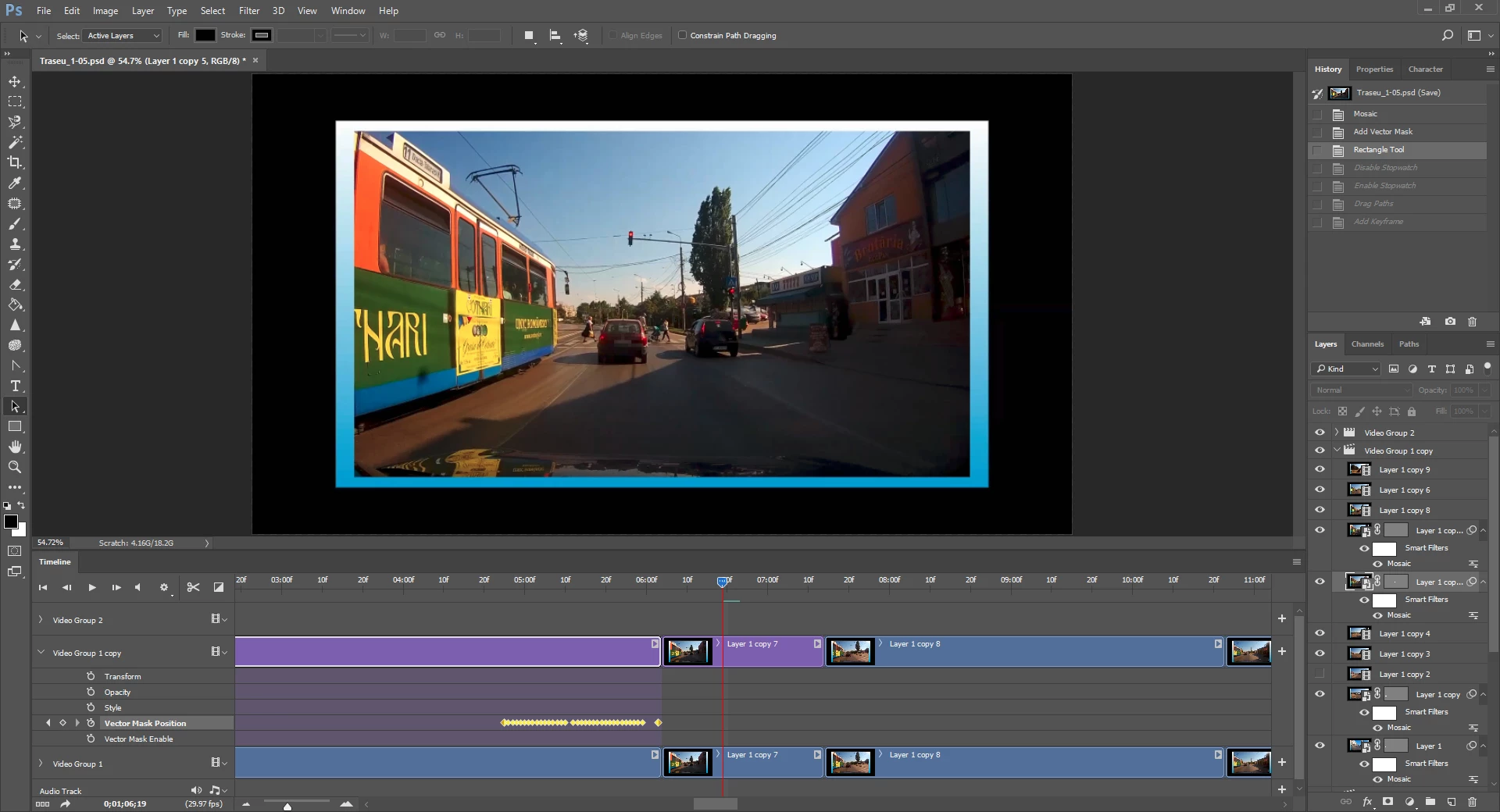
Anyone can help me? Hope make sense what I need.
 AdChoices