sourabhverma
Known Participant
March 1, 2019
Question

To extend the background with particular ration Automated

  • March 1, 2019
  • 1 reply
  • 413 views

Hi,

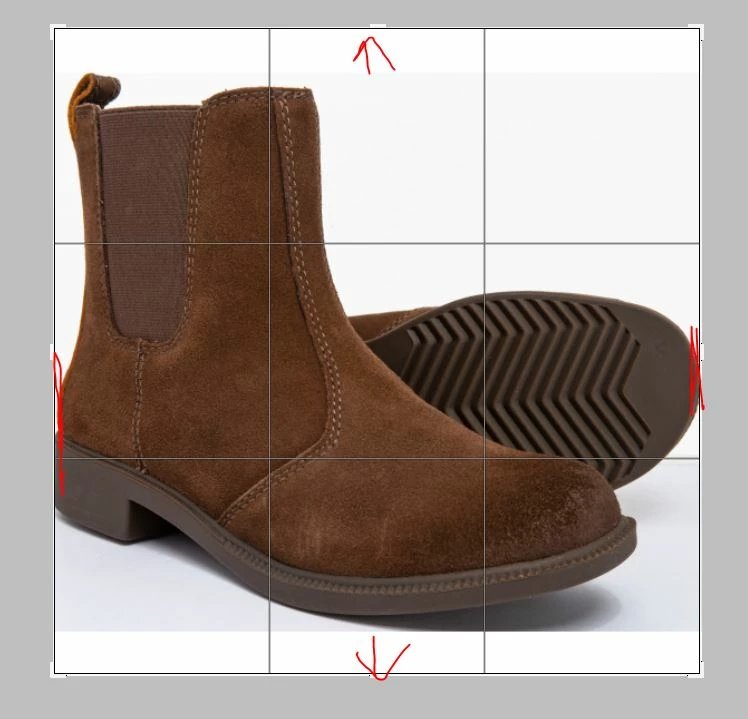
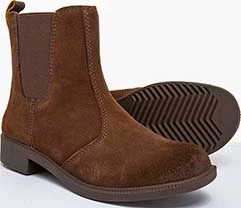
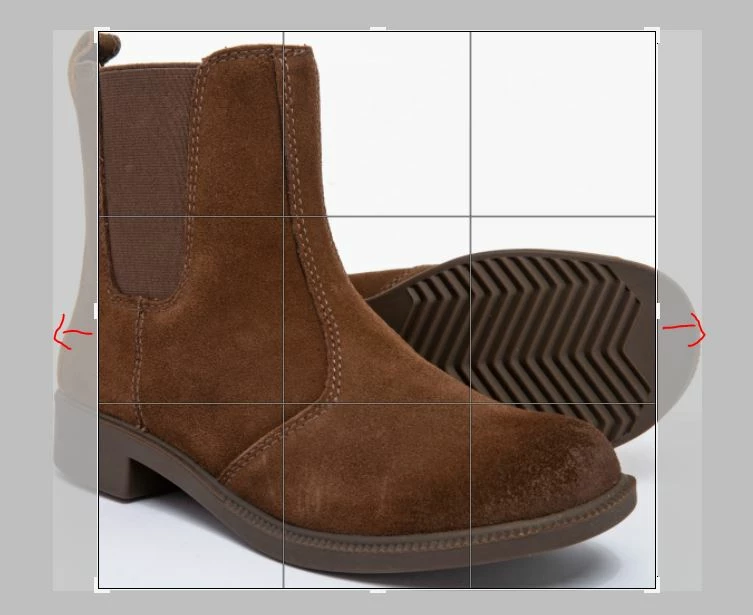
I wanted to crop the image in ratio 1:1 and wanted to extend the background from two sides only whether it is from the top an bottom or left and righe side. The thing is I wanted to crop the image tightly where it touches the longest side first without trimming the product. So I need to enlarge the cropping area manually. There are many images i have to work on, so it will take much time manually. Please advise how can I do this automatically which will help me to reduce the time.
This topic has been closed for replies.

1 reply

JJMack
Community Expert
Community Expert
March 1, 2019

Try Trimming the white background so the image's subject fills the canvas touches the four sized.  Then expand the canvas to have a 1:1 aspect ratio. Should be easy using Photoshop scripting.

Trim

Canvas Size.

JJMack
sourabhverma
Known Participant
March 4, 2019

Thank You JJMack .

But, I am not aware of programming. Can you please help me out with this?

JJMack
Community Expert
Community Expert
March 4, 2019