Copy link to clipboard
Copied
Copy link to clipboard
Copied
Hey @lovephotoshopCC
May I ask you to try some of the optimization steps listed here: https://adobe.ly/4hQ8Wo4
Specifically, make sure your Graphics Card Drivers are up-to-date.
^CM
Copy link to clipboard
Copied
as always graphic card driver updated...... its nvidia geforce rtx 3060 ti 👍
Copy link to clipboard
Copied
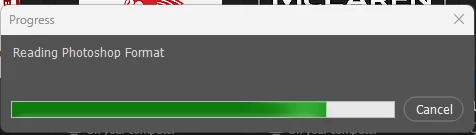
Also, note that PSD/PSB compression will slow down open/save times massively, sometimes 2x - 5x. This may not be very noticeable for small files, but for really big files (which is where you mostly need it), it makes a big difference.
Compression is disabled in Preferences > File Handling.
Opening from external storage or over a network will also be a lot slower.
Copy link to clipboard
Copied
ok and done for disabled "compression of PSD & PSB Files" see what happened...
Copy link to clipboard
Copied
I wanted to follow up to see if the steps provided earlier worked for you or if you need any further assistance. If the issue persists, please share the system info from Photoshop’s Help menu (Photoshop > Help > System Info) and copy-paste the full report here.
We’re here to help!
Regards,
Srishti
Get ready! An upgraded Adobe Community experience is coming in January.
Learn more