
Frage
Tool guides missing on screen in Blur Gallery
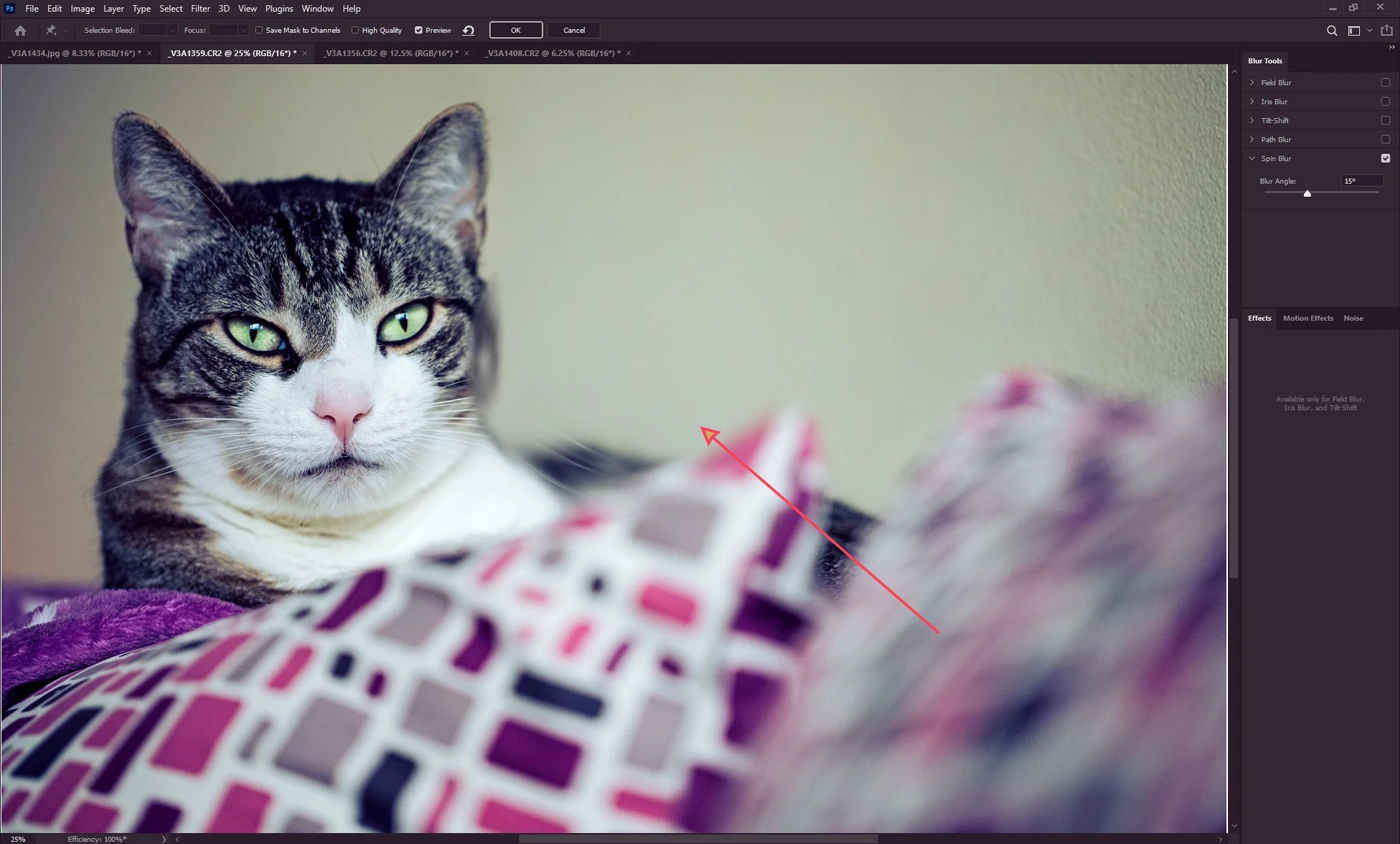
Not sure if you can see it on this screenshot, but it is what it is.
When you select Blue Gallery and then any of the Blur effects, normally you get tool guides on the screen to help you rotate, enlarge or add more/less blur. But here, as shown on the screenshot, I see nothing. It's just a swirl of blur on the center, without any guide.
Did I mistakenly hidden something or is it a bug? Latest PS on Win 10.
 AdChoices