Known Participant
January 12, 2019
Answered

tools automatically move (tool errors)
  • January 12, 2019
  • 2 replies
  • 1160 views

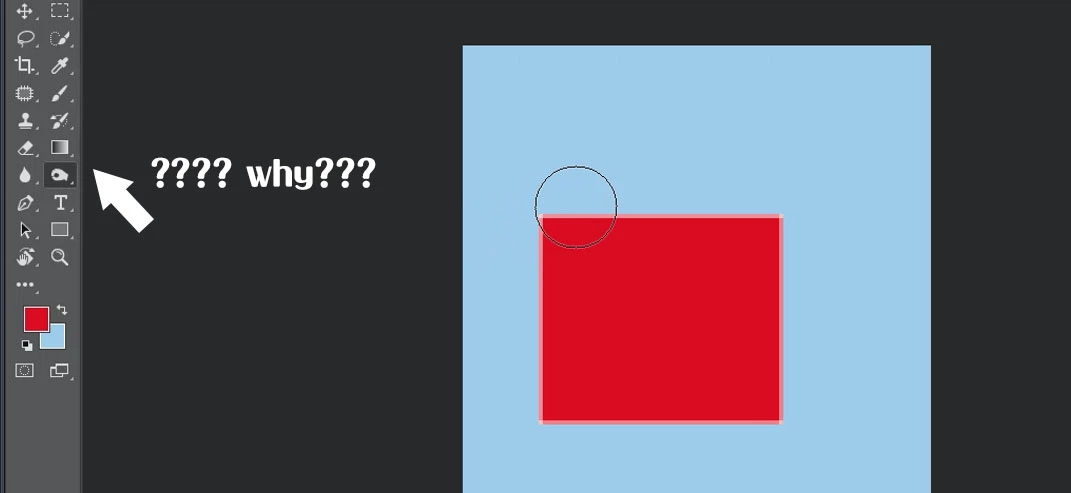
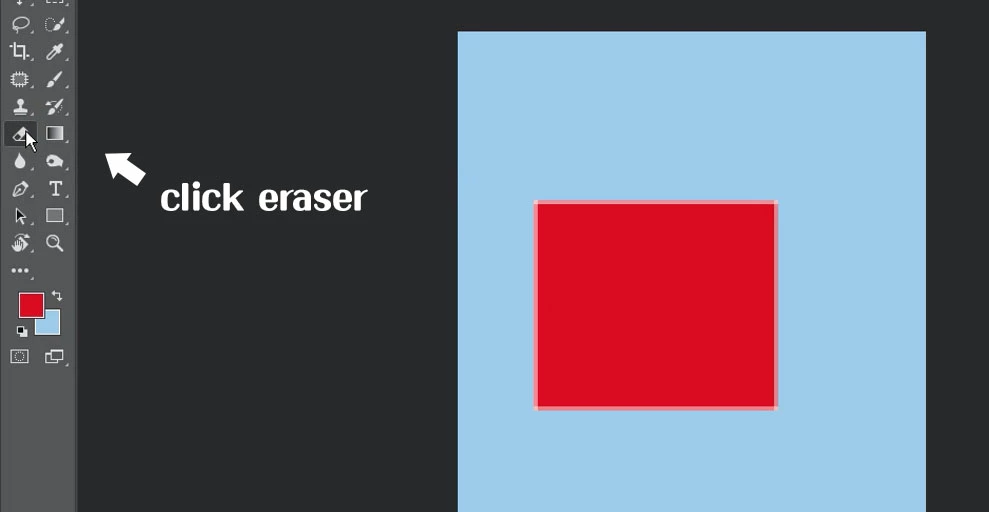
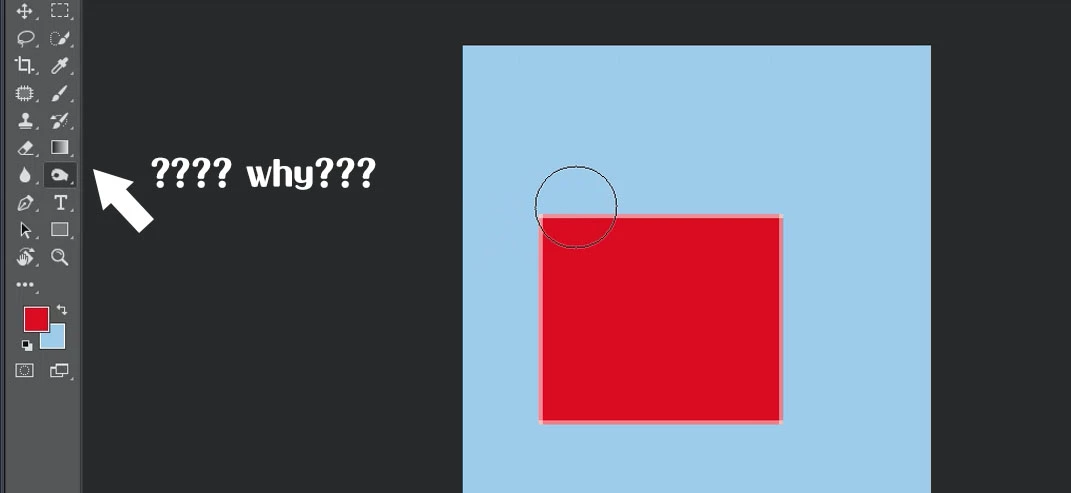
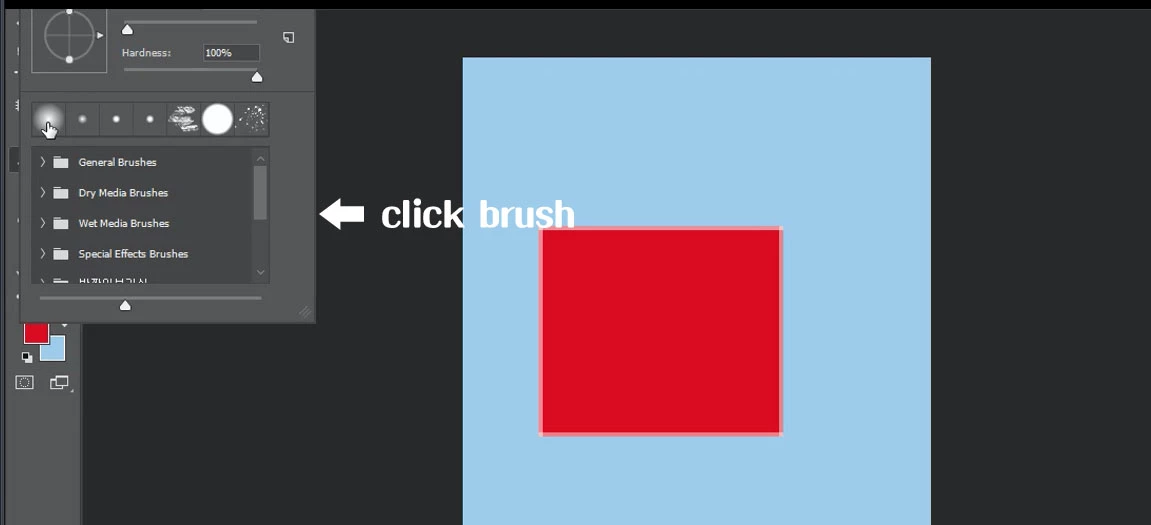
When i using a brush or an eraser, I want to choose something hard or soft.

when i press it,  it go away to burn tool or sharpen tool.

So I turned the computer off and on.

also i had remove the photoshop and put it on again. How can I prevent errors?

It's not a problem with caps lock. i had  turn it off and on..

i also try to solve this problem

Reset the preferences settings:

edit -> Preferences-> general

click “ reset preferences on quit” then restart photoshop

but still erros happen.

also pls anyone tell me the way of modify to this question.

    This topic has been closed for replies.

    2 replies

    c.pfaffenbichler
    Community Expert
    Community Expert
    January 12, 2019

    Please post a screenshot with the pertinent Panels (Brushes, Brush Settings, …).

    When you create a new brush is »Include Tool Settings« checked?

    Known Participant
    January 12, 2019

    c.pfaffenbichler
    Community Expert
    Community Expert
    January 13, 2019

    Once again: When you create a new brush is »Include Tool Settings« checked?

    Please check »Show Recent Brushes« and »Show Additional Preset Info« for your Brushes Panel and post another screenshot.

    Trevor.Dennis
    Community Expert
    Trevor.DennisCommunity ExpertCorrect answer
    Community Expert
    January 12, 2019
    Known Participant
    January 12, 2019

    i watched youtube and tried but didn't work. so I'm just so frustrated