

batilly84
Participating Frequently
May 17, 2022
Question

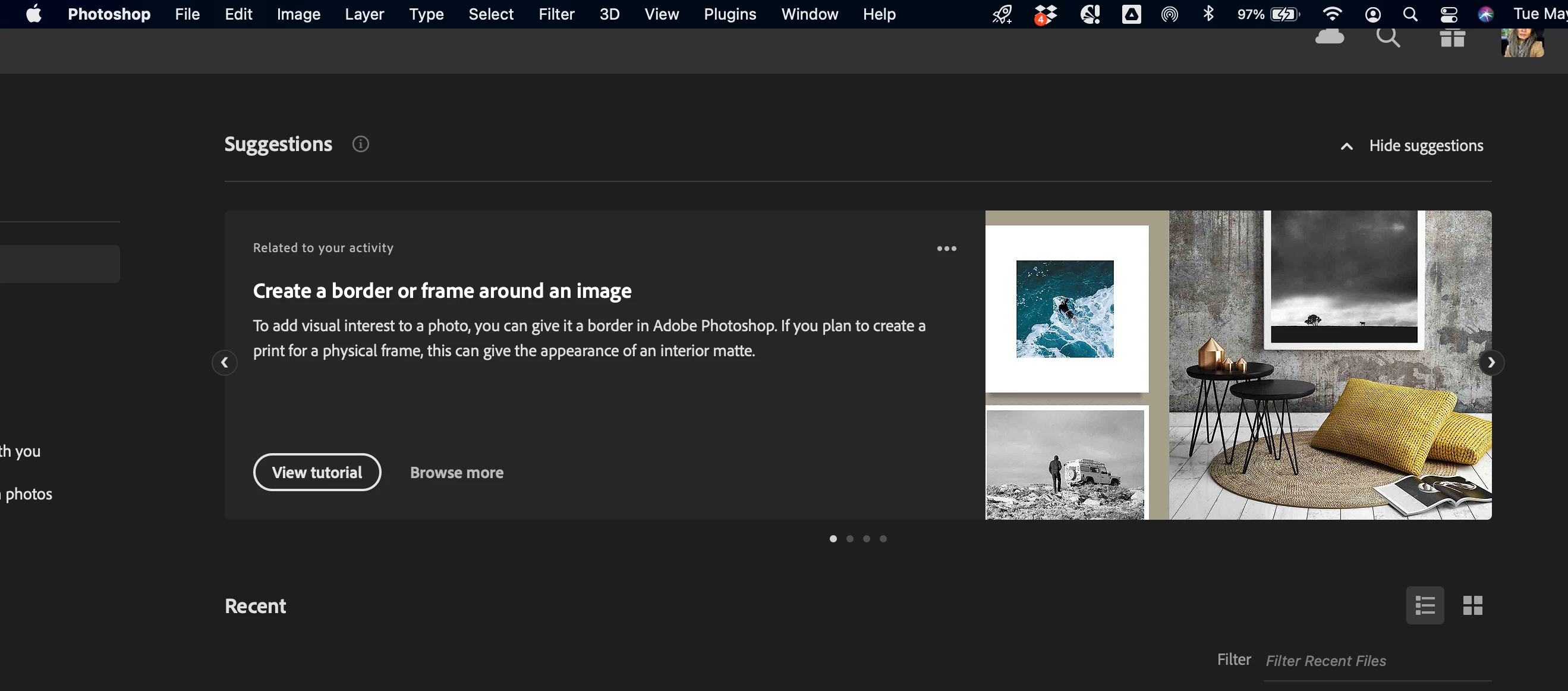
Top of Photoshop window is cut off

  • May 17, 2022
  • 1 reply
  • 361 views

This happens every time I move from Photoshop to a different program and come back to it. 

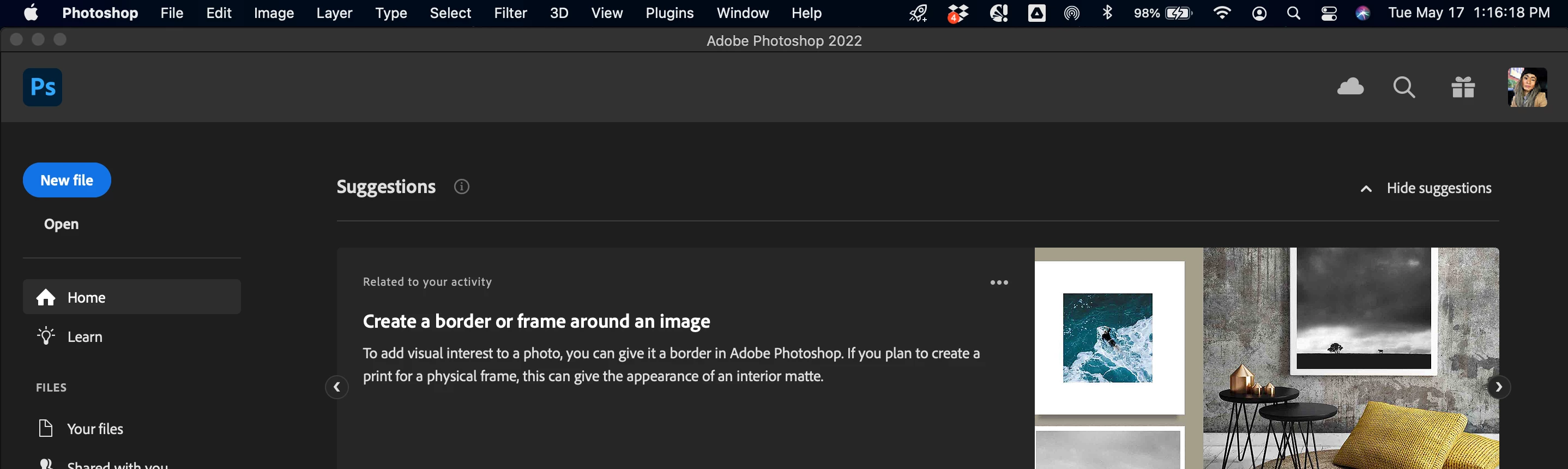
In order to *correct* the issue, I have to drag the lower corner of the window to make it *fit* on my Desktop frame. 

Before (see how it's cut off?)


After (see the buttons top left are visible)


Device:

MacOS Big Sur 11.2.3


Program:

Adobe Photoshop 23.2.1


TIA for your help!


This topic has been closed for replies.

1 reply

Legend
May 17, 2022

Looks like you might be using multiple monitors.


Can you post a screen shot of your arrangement settings from System Preferences:


batilly84
batilly84Author
Participating Frequently
May 17, 2022

Hello!

No, this is actually on my laptop, Retina 15-inch, Mid 2014 (Processor 2.2 GHz Quad-Core Intel Core i7).

So when I went to System Preferences > Display, it actually did not provide the option you have. Just "Display, Color, Night Shift."

🙂