
Participant
November 21, 2023
Question

Transferring from photoshop to animator

  • November 21, 2023
  • 2 replies
  • 227 views

I have a .psd file as seen below. For example, one of the layers is at 50% opacity (red arrow) so that layer 4 below is visible.
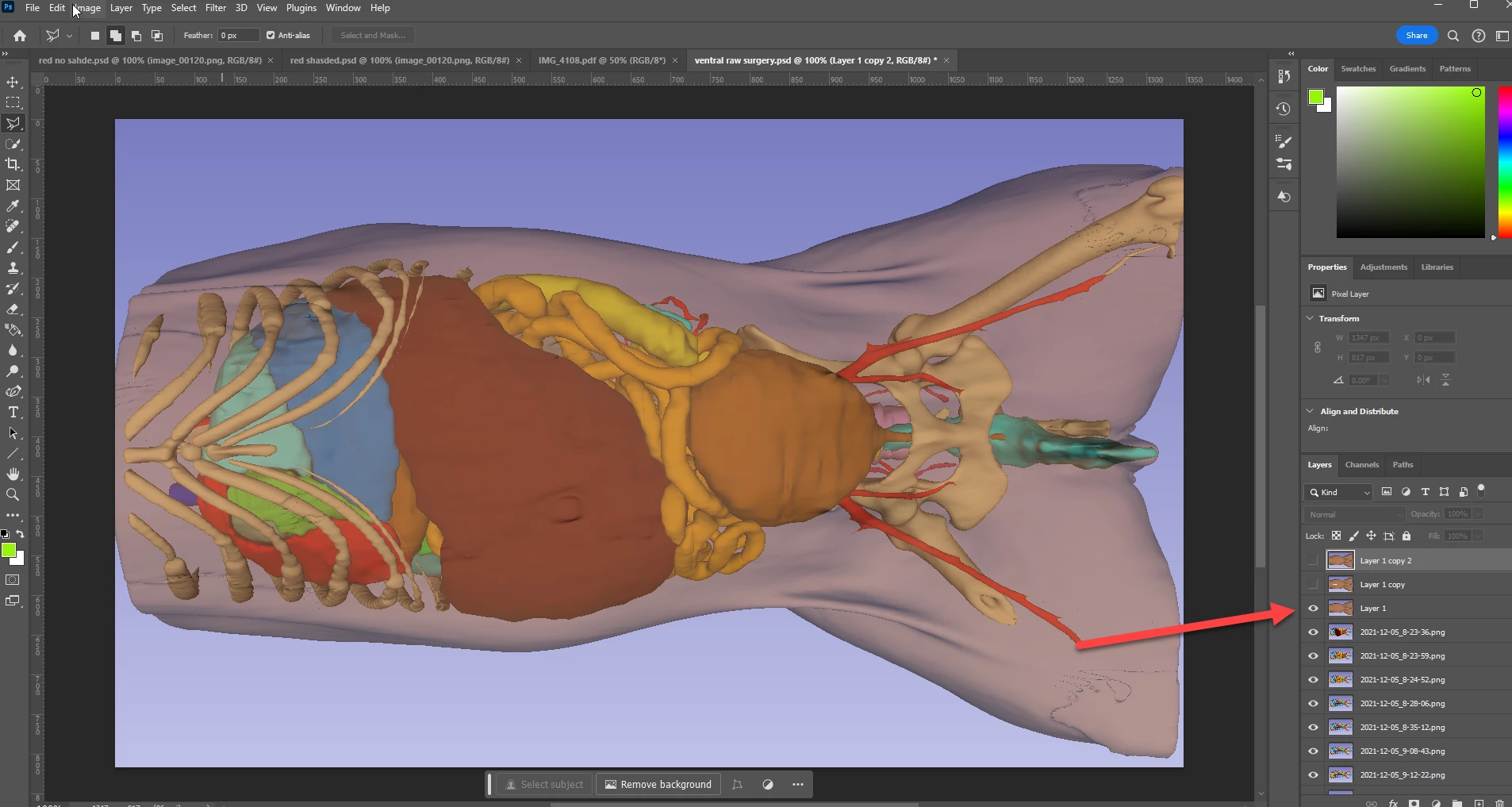
 

I have previously imported this .PSD file into animate (import to stage). I used the convert to keyframes.

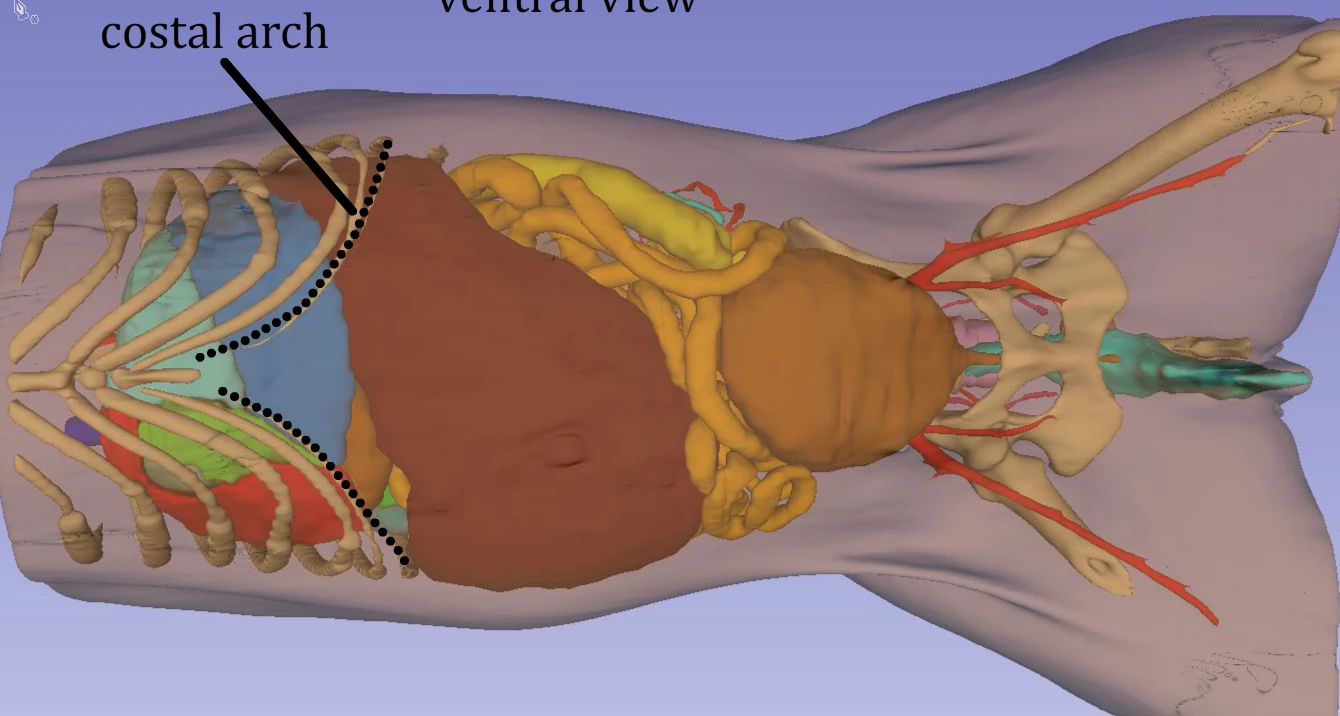
Up until this morning, it imports into Animate just as I wanted, with layer 3 as 50% transparent, and layer 4 below visible within the 3rd layer. :


Animate file:


This morning it imported differently 

It justs imports layer 3 "separately" as a 50% transparent image without seeing layer 4 below.
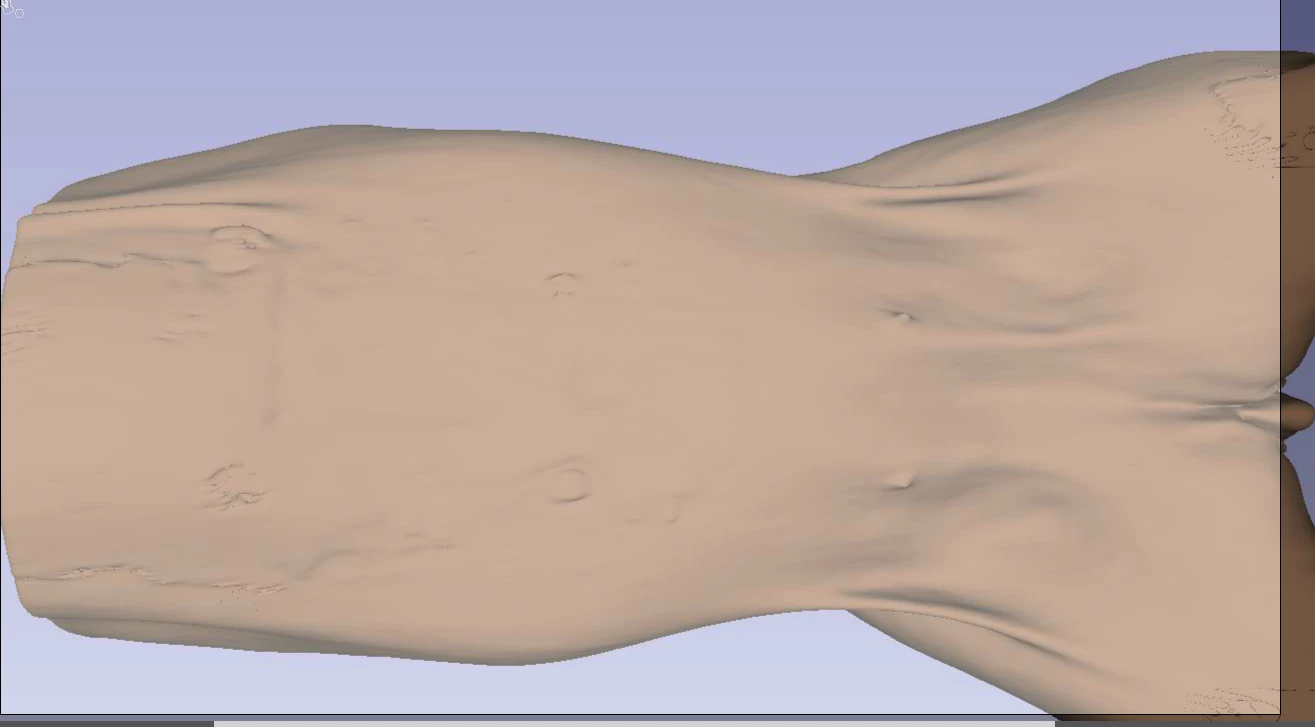
What changed? I have no idea any help would be appreciated

Thanks


This topic has been closed for replies.

2 replies

Myra Ferguson
Community Expert
Community Expert
November 21, 2023

If you'd like to preserve the transparency of a layer in Photoshop when you import it into Animate, select Bitmap image with editable layer styles (by default, it's set to Flattened bitmap image) .

Kevin Stohlmeyer
Community Expert
Community Expert
November 21, 2023

@Kevin17265391y1sa did recently update Photoshop or Animator?

Participant
November 21, 2023

I use a company account so I am not sure....

Kevin Stohlmeyer
Community Expert
Community Expert
November 21, 2023

@Kevin17265391y1sa contact your admin to see if there were any environment changes. It may just be a simple matter of setting back up preferences, etc. if they were updated.