
jackiel13120793
Participant
October 12, 2018
Answered

transform/distort video without losing video function?

  • October 12, 2018
  • 1 reply
  • 664 views

I want to put a video on a perspective iphone mockup (an iphone that is tilted)  but in order to transform > distort it to place it on the angled mockup, I have to rasterize it, which causes it to lose its video function and become just an image. Is there a way for me to do this and keep the video playing function???
    This topic has been closed for replies.
    Correct answer JJMack

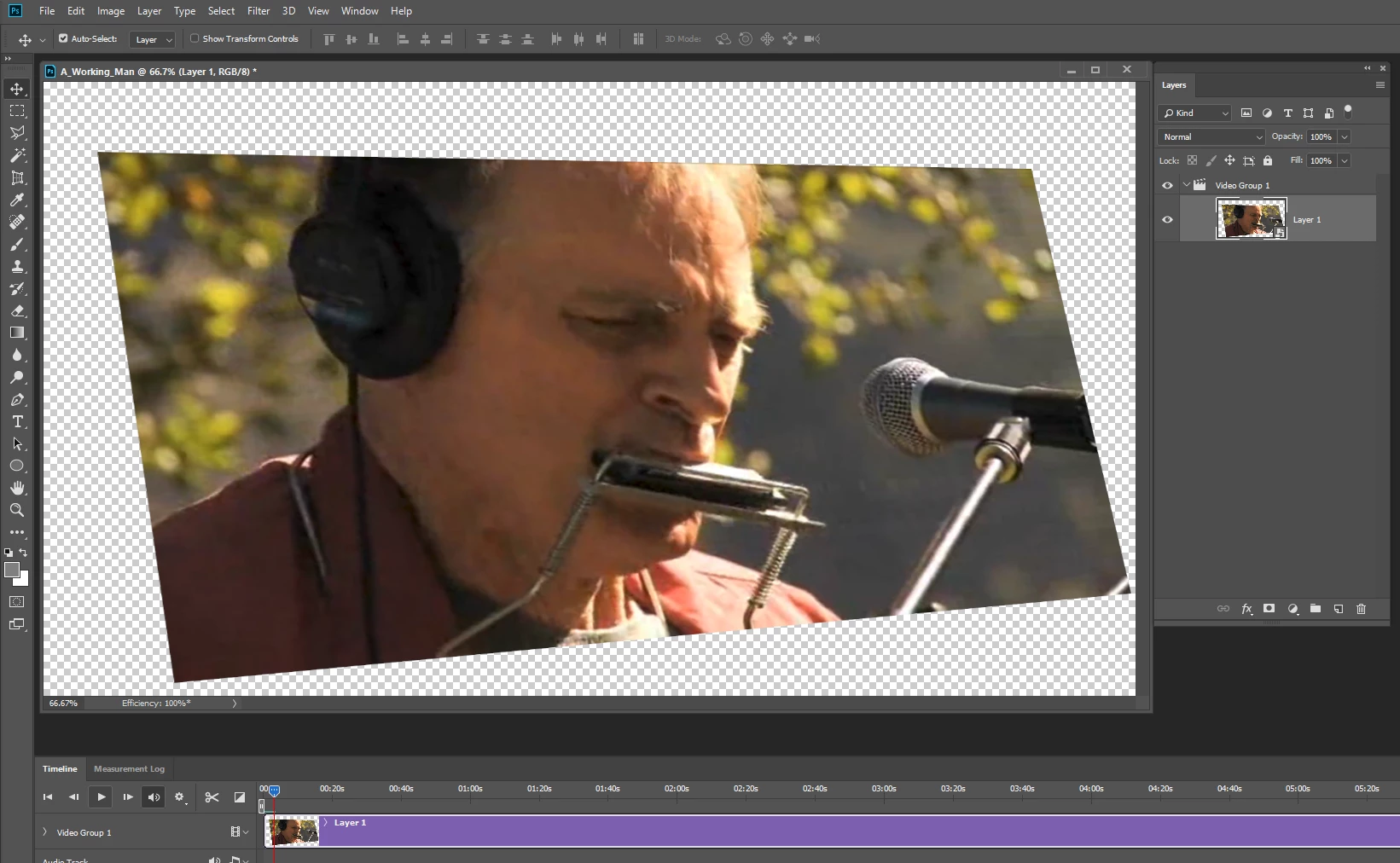
    Photoshop has basic video editing.  I do not edit video.  However if I wanted to do what you want to the first thing I would do is see if I can convert a video layer into a smart object layer to see it the video still plays.  If It does I would  try to use the smart object layer associated transform to distort the video to the shape you want.    I would expect that  the video frames will still be rectangle shape and the transparent areas may render black when you render out a video.

    Edit I just tried and that seems to work....

    1 reply

    JJMack
    Community Expert
    JJMackCommunity ExpertCorrect answer
    Community Expert
    October 12, 2018

    Photoshop has basic video editing.  I do not edit video.  However if I wanted to do what you want to the first thing I would do is see if I can convert a video layer into a smart object layer to see it the video still plays.  If It does I would  try to use the smart object layer associated transform to distort the video to the shape you want.    I would expect that  the video frames will still be rectangle shape and the transparent areas may render black when you render out a video.

    Edit I just tried and that seems to work....

    JJMack