bartonlew
Legend
March 4, 2019
Answered

transform>skew not working

  • March 4, 2019
  • 1 reply
  • 3144 views

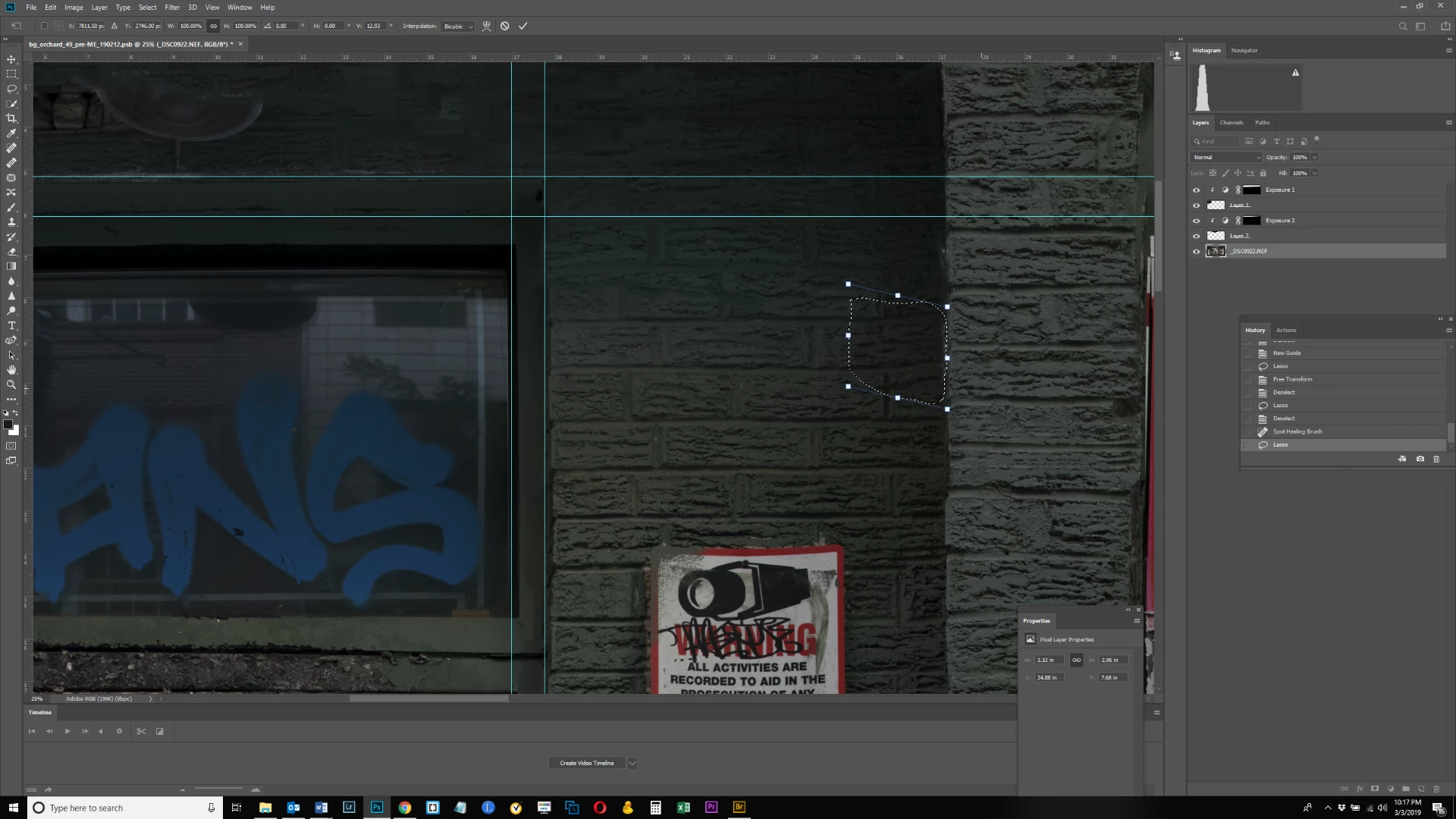
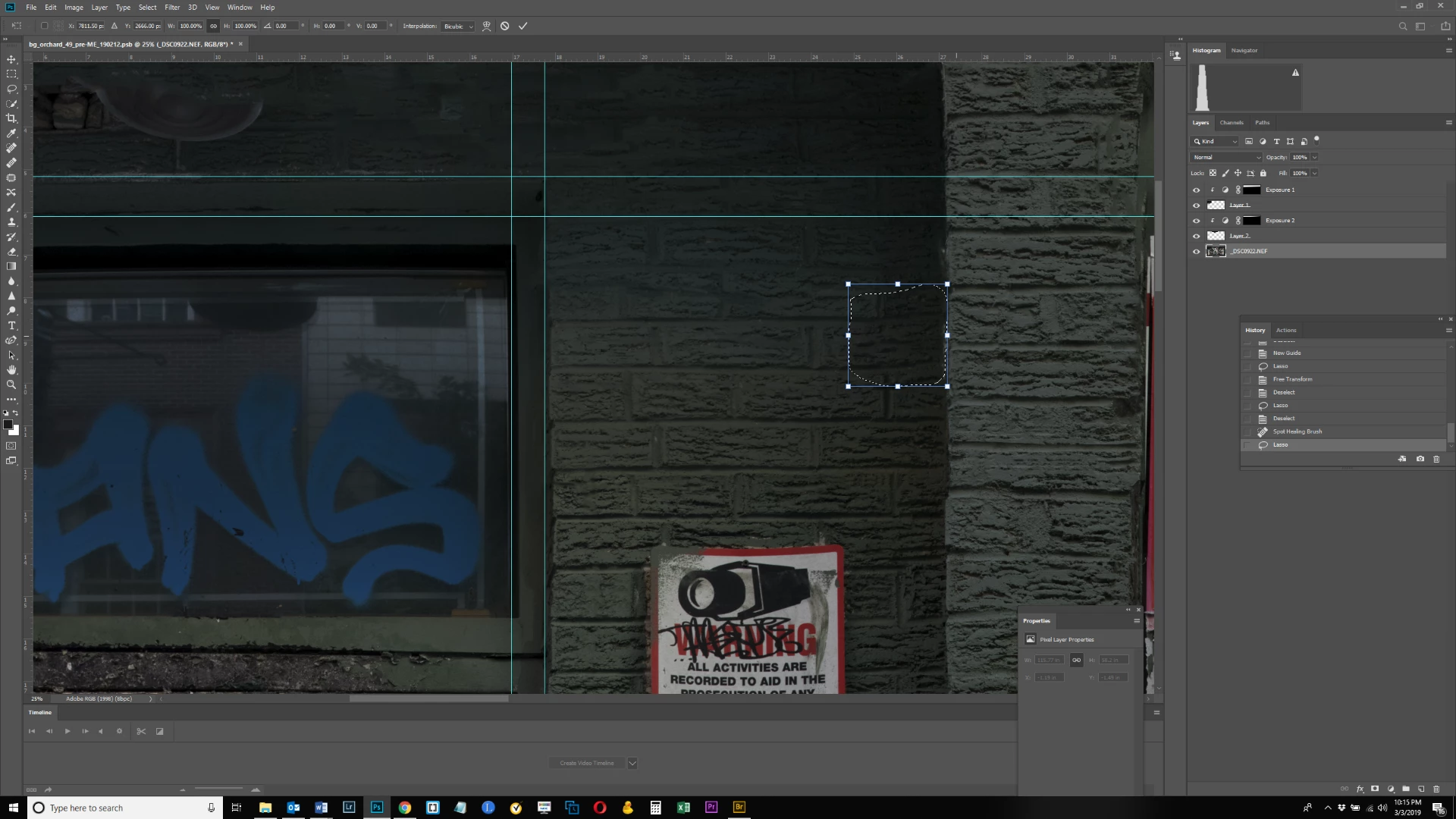
I'm trying to skew a selection, but as can be seen in the 2nd screen shot, the pixels aren't moving - only the box skews downwards.  Is that because I have other layers in the document?  I thought I had skewed selections before when I had more than one layer in a document.  Thanks.
This topic has been closed for replies.
Correct answer Michael Bullo

Select > Transform Selection

This will allow you to alter your selection only with no pixels changing.

Edit > Transform > Skew

This will allow you to skew the pixels within a selection in a selected layer.

1 reply

Michael Bullo
Community Expert
Michael BulloCommunity ExpertCorrect answer
Community Expert
March 4, 2019

Select > Transform Selection

This will allow you to alter your selection only with no pixels changing.

Edit > Transform > Skew

This will allow you to skew the pixels within a selection in a selected layer.

bartonlew
bartonlewAuthor
Legend
March 4, 2019

Thanks - I was on the wrong layer when trying to make this edit. 

Michael Bullo
Community Expert
Community Expert
March 4, 2019

I was just about to suggest you check that. Good to hear it's all ok.