Participant
August 13, 2023
Question

Transform .tiff image by pixel size, not percentage

  • August 13, 2023
  • 1 reply
  • 118 views

Hello,


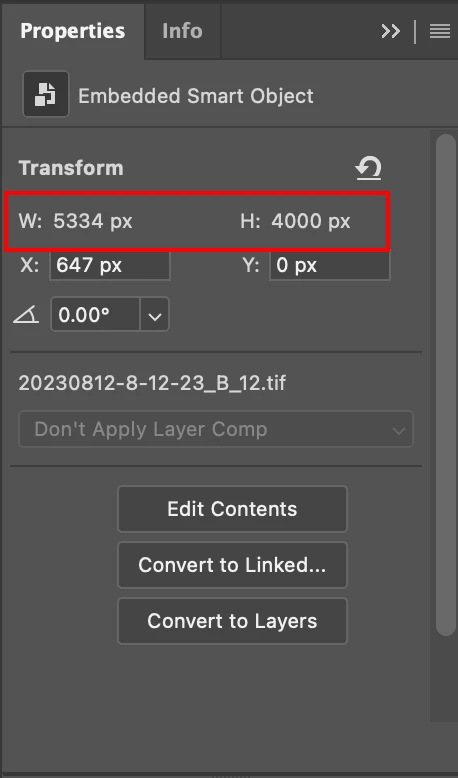
I'm importing .tiffs and resizing to a 1440 x 1800 template, but having to manually resize each photo. The top bar shows as a percentage and the  pixel area is grayed out in Properties. Is there a way I can enter the pixel size to resize the image? 

 

Thank you

This topic has been closed for replies.

1 reply

Stephen Marsh
Community Expert
Community Expert
August 13, 2023

In the transform options you can right click in the field and change from % to PX... Unfortunately this will rest the the default % setting the next time you exit and open Photoshop. Or you can manually type the unit of measure.