
morgano16558027
Participant
March 19, 2020
Answered

Transform with nearest neighbor not working correctly

  • March 19, 2020
  • 2 replies
  • 7905 views

Hello,


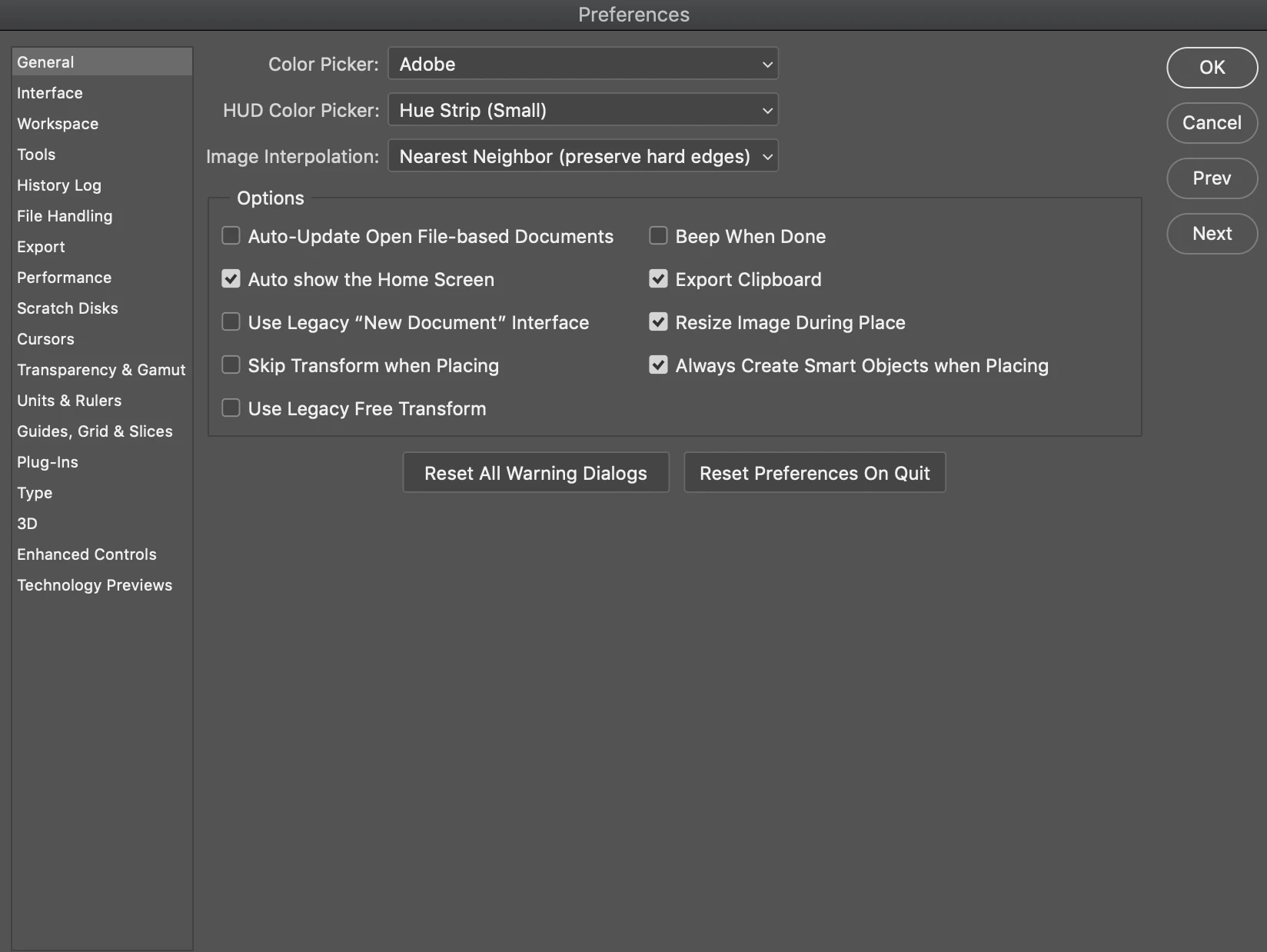
I have been using Photoshop for creating pixel art for about a year now. Recently I've updated Photoshop to 2020 and noticed a new issue.


To double the size of pixel art, I have always transformed it by 200% with the settings on Nearest Neighbor (both in preferences and in the Transform option bar). As long as the math is correct, it has always scaled cleanly. Since updating, nothing will scale cleanly. It looks clean in the preview (except for the bounding box) and then when I click the checkmark, it gets distorted.
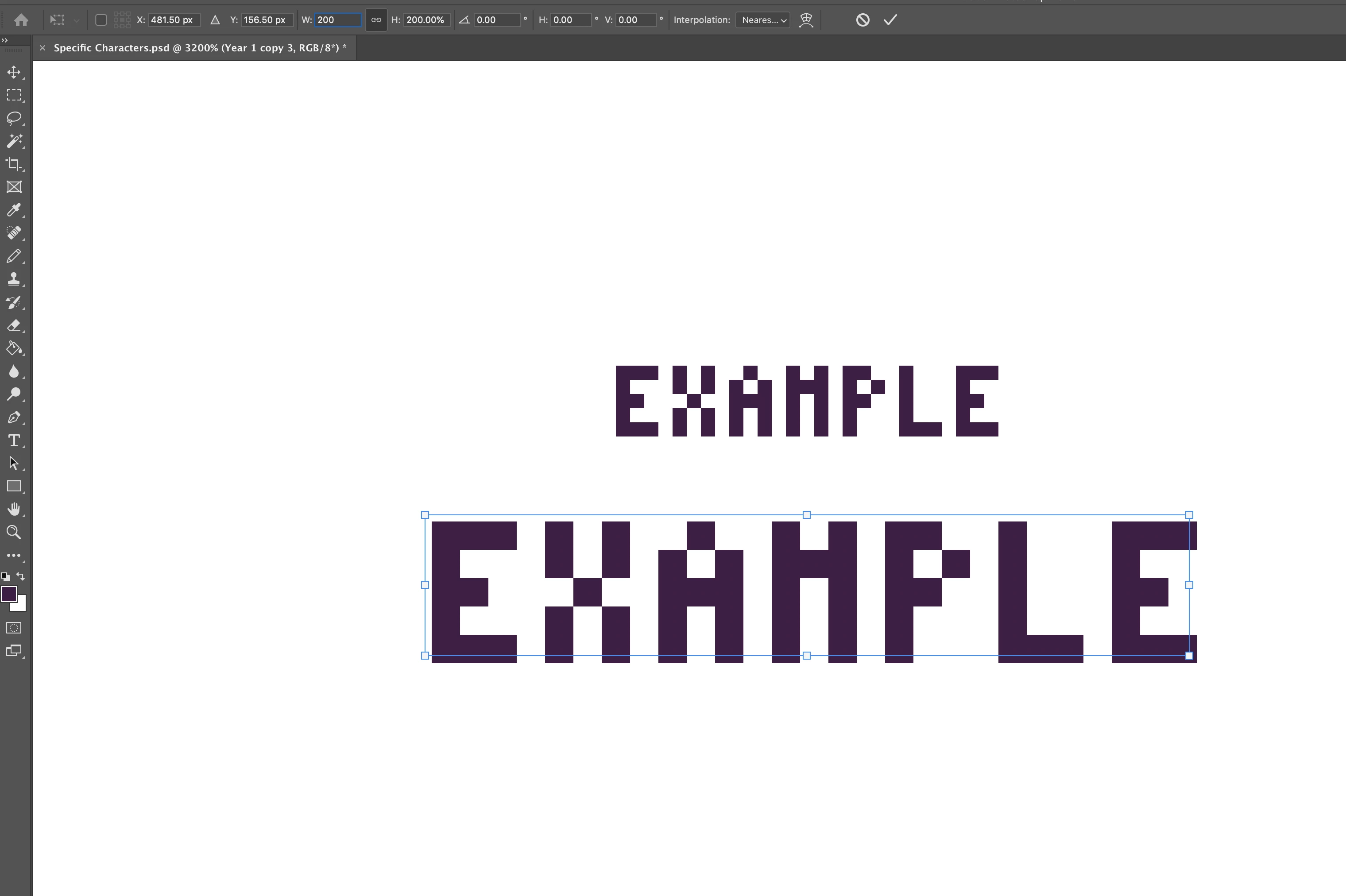
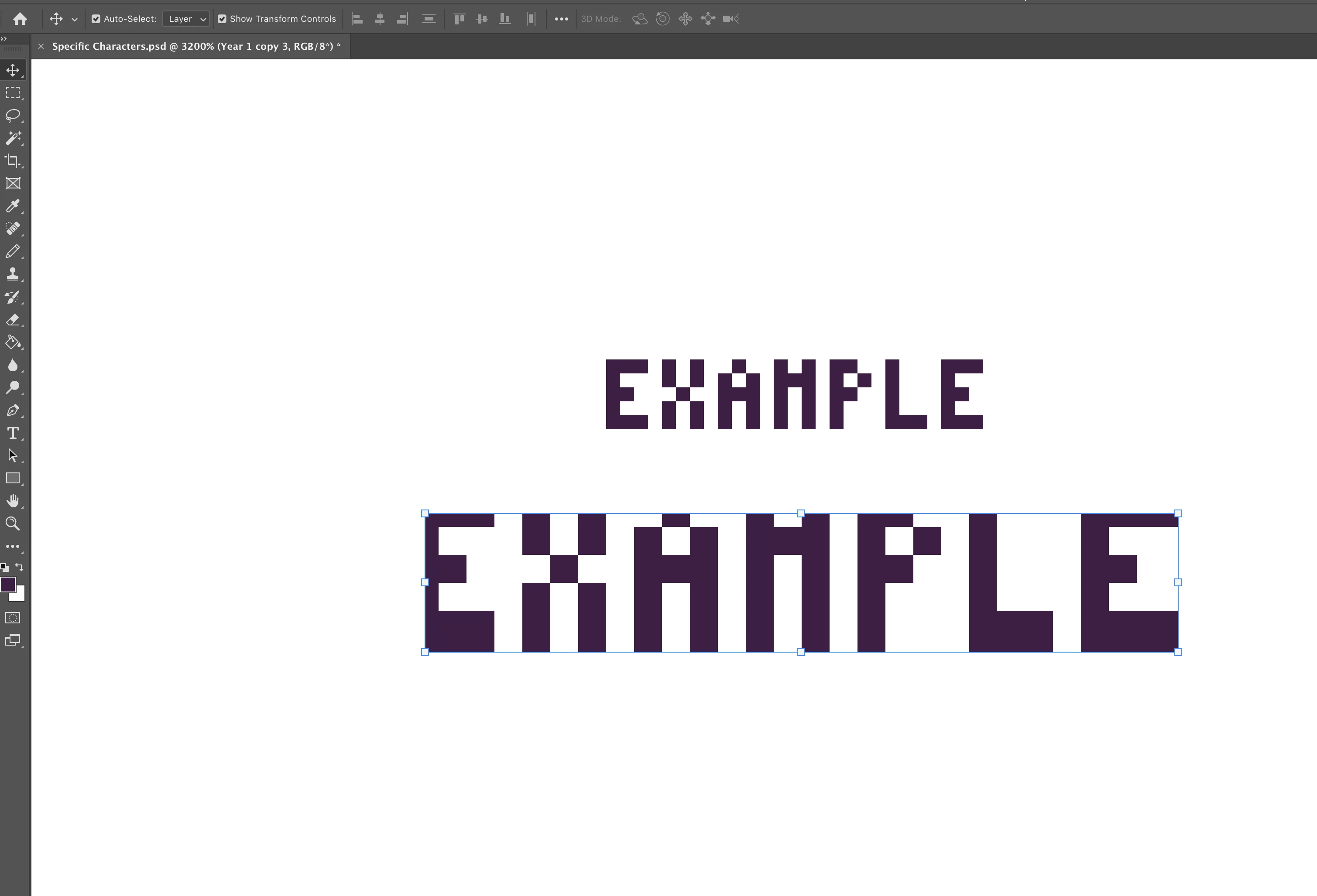


Oddly enough, if I try to free transform it and drag the corners to scale, it will scale cleanly around 198%.


Again, this did work properly before I updated. I have not changed any settings since then. Does anyone have any idea what could be causing this? Thanks in advance!


This topic has been closed for replies.
Correct answer Grant H

Hi,

okay, I see in the eg your px are 27 x 5, and I think thats where the problem lies with the transform you are using. (its trying to make it optically right and thats not what you want)

What you need to do (with such a small graphic) is times the px dimensions by 2. So, in the properties window under transform where you see W and a dimension add "*2" and press enter. it will double the pixels perfectly.

/G


another thing I noticed:

If you use the transform as you were and before you commit the change you drag the object somewhere else and then commit it works. So it is buggy... just use the way I have mentioned to be safe... here is a vid of what I am describing:


2 replies

Grant H
Community Expert
Community Expert
March 19, 2020

Hello,

I have tried with several failed attempts at replicating what you are experiencing. What operating system are you on? And secondly can you upload a file?

/G

morgano16558027
Participant
March 20, 2020

Hi, thanks for replying.


I am using Mac OS Mojave 10.14.4


Link to Example on Dropbox 


Thanks!

Grant H
Community Expert
Community Expert
March 20, 2020

Hi,

okay, I see in the eg your px are 27 x 5, and I think thats where the problem lies with the transform you are using. (its trying to make it optically right and thats not what you want)

What you need to do (with such a small graphic) is times the px dimensions by 2. So, in the properties window under transform where you see W and a dimension add "*2" and press enter. it will double the pixels perfectly.

/G


Sulaco
Inspiring
March 19, 2020

I have the same problem, not sure what is going on. Some sort of rounding error with the scaling percentages?