Answered
Transparency issue with outline
I'm having an issue where my text is becoming transparent when I increase the size of the outline.
Does anyone know why this is happening?
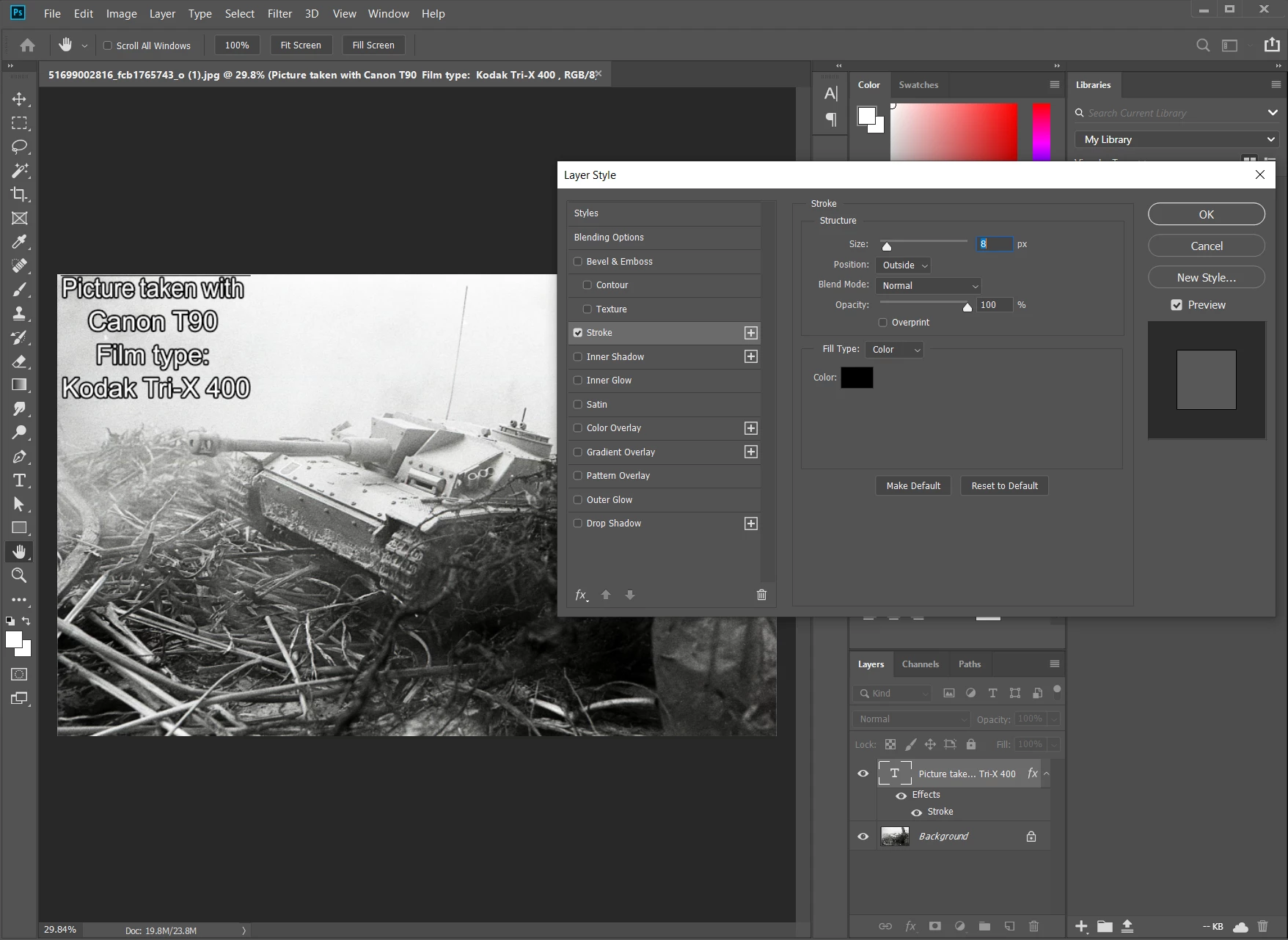
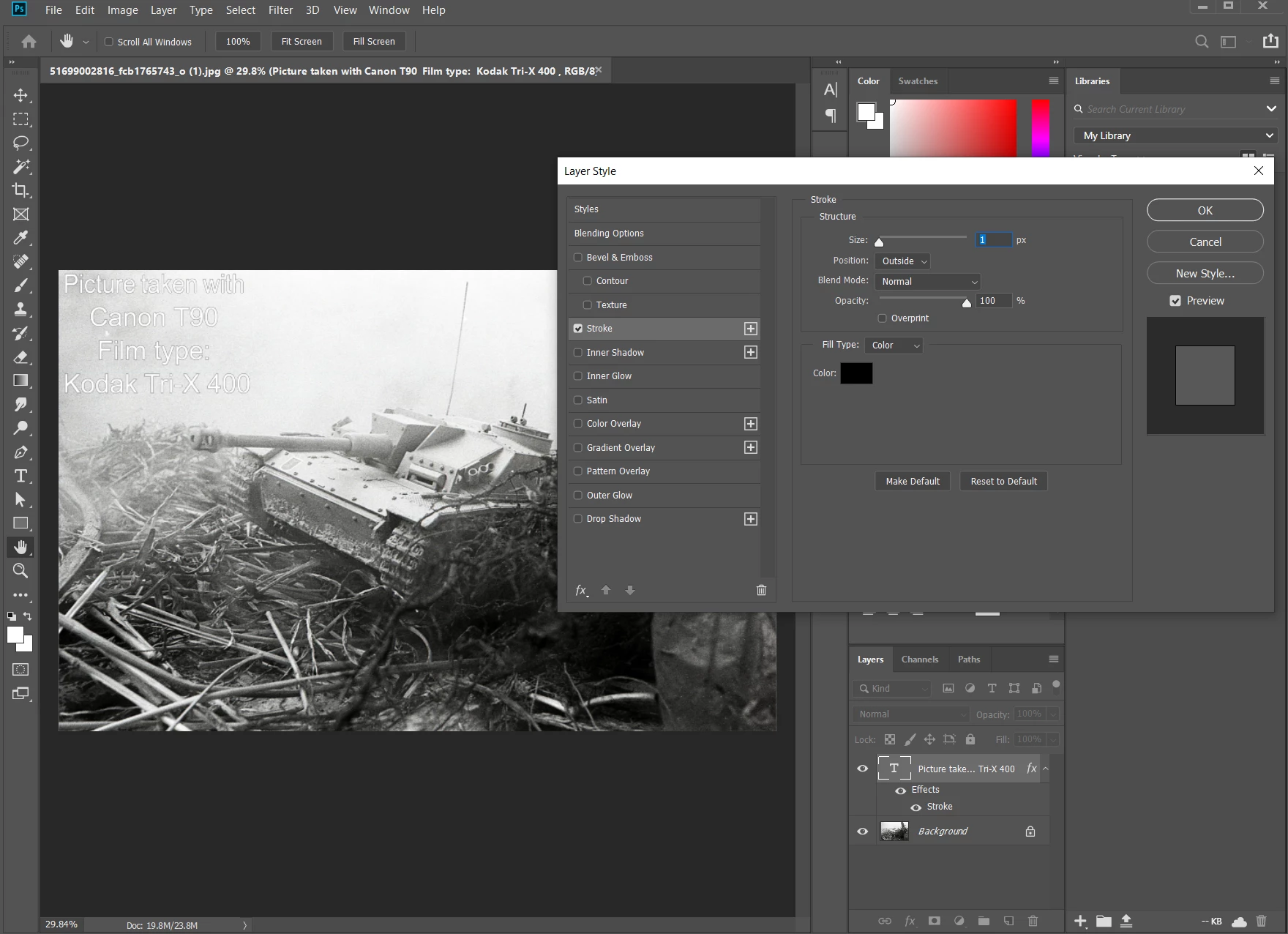

I'm having an issue where my text is becoming transparent when I increase the size of the outline.
Does anyone know why this is happening?
I don't see your text becoming transparent here. I DO see that the smaller stroke is less visible at this zoom level on this high rez image. you're zoomed to an awkward 29.84%, so rendering the single pixel stroke is not going to be optimal. Take a look at it at 100% zoom, and you should see your white text with a 1 pixel black stroke on it.
Already have an account? Login
Enter your E-mail address. We'll send you an e-mail with instructions to reset your password.
 AdChoices