Participant
March 30, 2018
Answered

Trouble with placing an image....

  • March 30, 2018
  • 2 replies
  • 323 views

So I open up my template and everything is all fine and dandy, but when I try to place an embedded image, it comes out REALLY REALLY and I mean REALLY small (so small, it is like the size of a tiny dot)! it comes out fine in the tutorial but when I do it by myself(not in a tutorial), it comes out so small!! I don't know how to fix this problem! I am horrible at using technology and I'm just a beginner, but I really want to learn how to use photoshop! Please, can anyone help me??

This topic has been closed for replies.
Correct answer melissapiccone

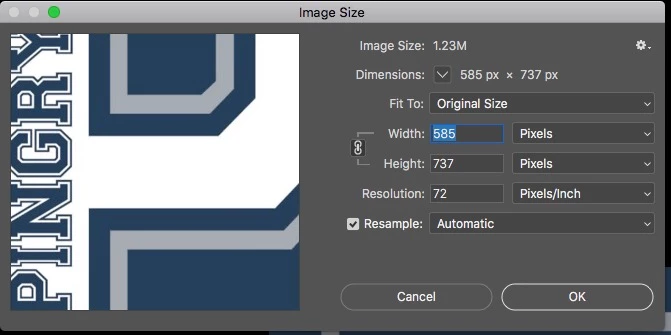
It sounds like you have created a large file in Photoshop and are placing a very small image. Go up to the image menu and choose image size. Look at your current document you are working on. Open the other image by itself in PS and do the same to see the size difference.

2 replies

josephlavine
Community Expert
Community Expert
March 30, 2018

What happens if you simply open the image from within Photoshop (File > Open)?  What does your Image Size show (Image > Image Size)?  It sounds as though you have a rather small image and placing it into a large canvas (as discussed above).

melissapiccone
Community Expert
melissapicconeCommunity ExpertCorrect answer
Community Expert
March 30, 2018

It sounds like you have created a large file in Photoshop and are placing a very small image. Go up to the image menu and choose image size. Look at your current document you are working on. Open the other image by itself in PS and do the same to see the size difference.

Melissa Piccone | Adobe Trainer | Online Courses Author | Fine Artist