
New Participant
September 23, 2024
Question

Troubles cancelling subscription

  • September 23, 2024
  • 3 replies
  • 297 views

Hello!

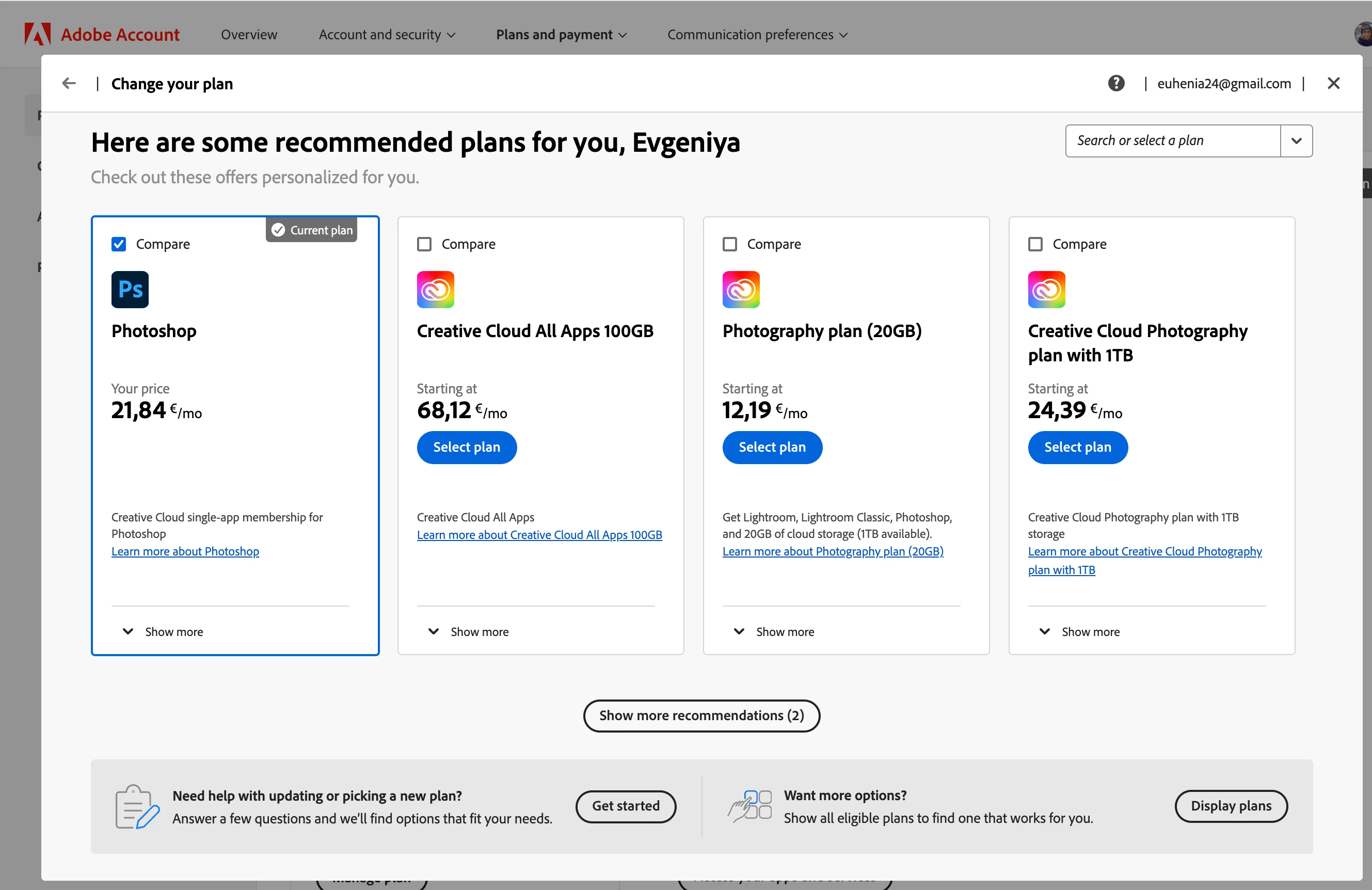
Does anyone know how to get out of this manipulative loop when trying to cancel subscription? Suddenly in the cancelation flow you can only compare plans. I found myself in it again when getting yet another bill for something I'm not currently using (nothing personal to Photoshop, I just don't need it). And now I recall that few months ago I also wanted to cancel subscription but it was not possible and I was too busy ot push this topic forward. To be honest, it's very annoying when closing a subscription is implemented with all their best attempts to keep you. Having such a blocking bug is considered by my mind as an attempt to trick it and extend payments (I'm sure I'm not the only one who got coughht and that it was something done pretty much intentionally).
This topic has been closed for replies.

3 replies

New Participant
October 15, 2024

Nice! Eventually they charged me!!! AGAIN! After all that mess.

Is here anyone from Adobe to take responsibility?

WHY CANCELLATION IS NOT WORKING AND I NEED TO SPEND MORE AND MORE TIME WHILE GETTING AUTOMATICALLY CHARGED FROM MY CARD????

New Participant
September 26, 2024

Yes, exactly.

1. Additional waste of time in order to cancel

2. An attempt of a human contact before I leave


And people are supposed to be stupid.


Nice conversion tricks.

Ged_Traynor
Community Expert
September 23, 2024

@evgeniyas44989466 you'll need to contact Adobe support about payment/cancellation issues

Type agent in the chatbot to speak to a real person
Chat support: https://helpx.adobe.com/contact.html?rghtup=autoOpen
You will need to be on a browser that allows pop-ups and cookies, or the icon won't show.
Twitter: @AdobeCare https://twitter.com/AdobeCare