
Participant
June 10, 2025
Answered

Trying to Batch Process Images With a Recorded Levels Adjustment

  • June 10, 2025
  • 6 replies
  • 536 views

Hi! I'm trying to apply the same Levels adjustment to a batch of images. I created a new Action, recorded my steps, brought up the Levels adjustments box and dragged both the left and right sliders in a bit.
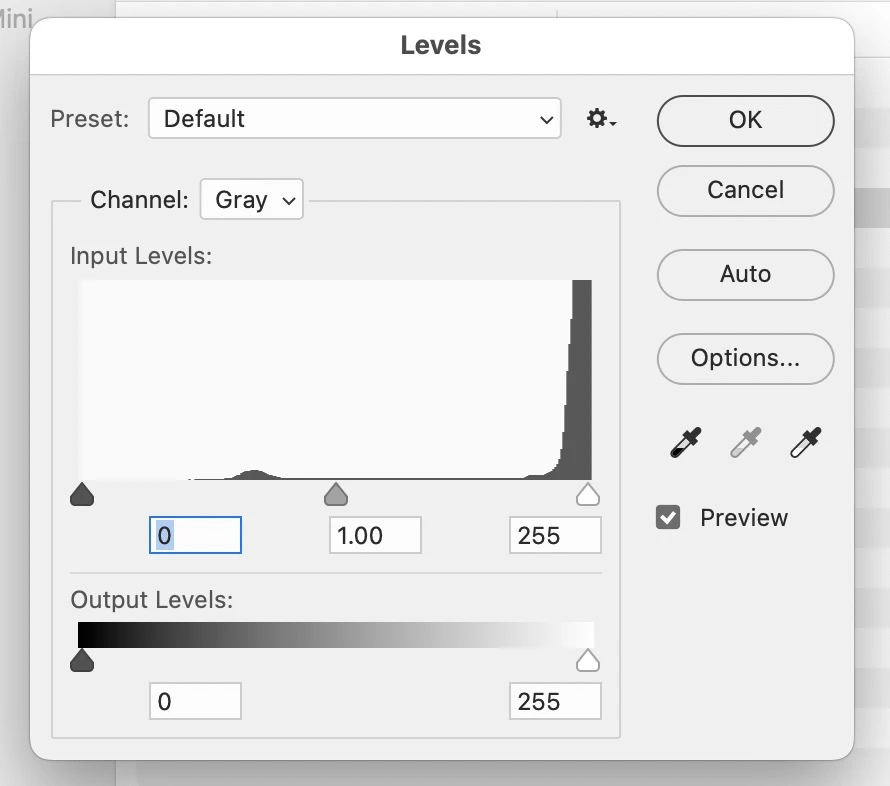
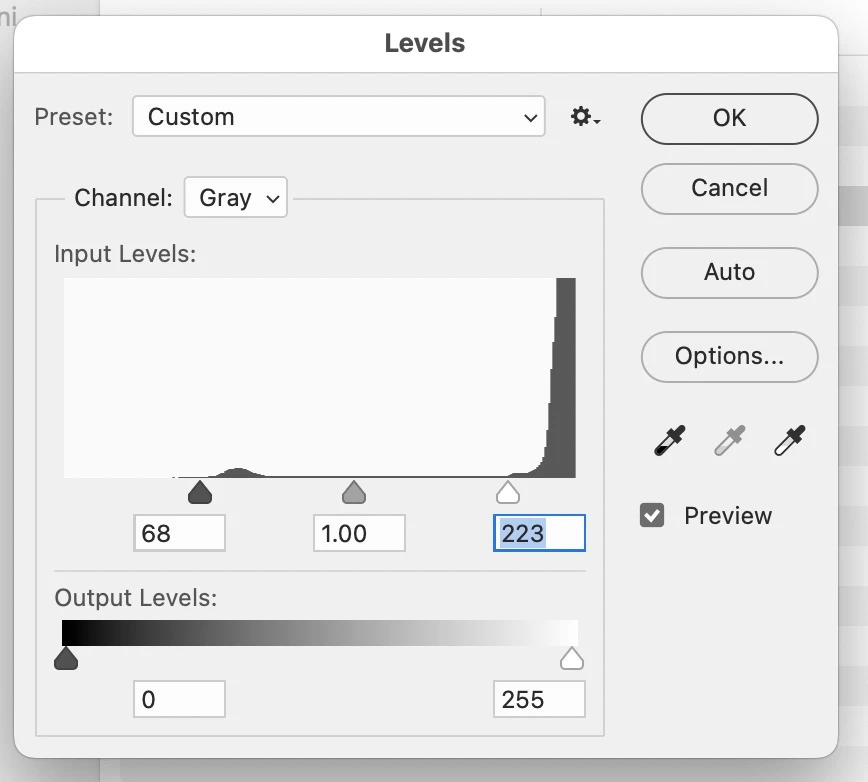

The changed numbers are even noted on the Action step (68, 223).
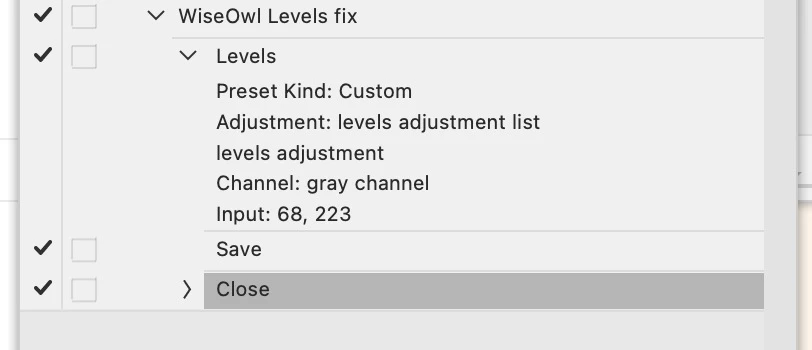
 

But when I repeat the action on another file, the Levels action is basically ignored, there is no change to the subsequent images. 

What might I be doing wrong?


Thanks!

Correct answer Jeff Arola

I can reproduce and it fact this has been reported before.


If one has an image in Greyscale Color Mode and records an Image>Adjustments>Levels action, then trying to run the recorded action has no effect on a Greyscale image.


The same also happens with a Image>Adjustments>Curves action as well.

6 replies

Stephen Marsh
Community Expert
Community Expert
June 11, 2025

Previously discussed here:


https://community.adobe.com/t5/photoshop-ecosystem-discussions/action-with-pre-defined-inputs/m-p/15302747


There's another topic thread which I can't find.


If you post this as a "bug" and not as a discussion, I'll add my vote!

Jeff Arola
Community Expert
Community Expert
June 11, 2025

If you do as Trevor Dennis suggests and save the intial Levels adjustment as a preset, then record your action using that preset, you shouldn't need to switch color modes.

Jeff Arola
Community Expert
Jeff ArolaCommunity ExpertCorrect answer
Community Expert
June 11, 2025

I can reproduce and it fact this has been reported before.


If one has an image in Greyscale Color Mode and records an Image>Adjustments>Levels action, then trying to run the recorded action has no effect on a Greyscale image.


The same also happens with a Image>Adjustments>Curves action as well.

CouvCosmoAuthor
Participant
June 11, 2025

Thanks Jeff! I never even considered the color mode of the image.... but of course why would I!  Man, that is super disappointing I must say – I get AI features but something so simple doesn't work. I guess I need to switch color modes from greyscale to RGB and back again, as part of building this action. Again, THANKS!

Conrad_C
Community Expert
Community Expert
June 11, 2025

It works for me too, and I didn’t have to save it as a preset.


But I didn’t include a Close step, and there is a Close step in your action so that might be something to look at.


What happens in your Close step? (The screen shot doesn‘t show the details.) Does it specify a save format and location? I’m just wondering if there is a chance that, for example, it might be set to close without saving, because if it did that would explain why there was no change.

Trevor.Dennis
Community Expert
Community Expert
June 10, 2025

You need to save your settings as a Preset, and select that Preset in your Action.

Legend
June 10, 2025

"ignored," meaning the 68,223 doesn't appear in Levels? or the histogram is unchanged in other files when the action is run?


Larry
CouvCosmoAuthor
Participant
June 10, 2025

Sorry, the histogram is unchanged when the action is run.

Legend
June 10, 2025

Thanks for clarifying. I'll try to reproduce. It may help me if you could post the .atn file here.

Ps>Presets>Actions>action.atn


--

I created an action, 'simulate autolevels' -- Levels, moved sliders, Saved As. When I ran it on another photo, it worked (histogram different after running).

Larry