Participant
March 15, 2021
Question

Trying To Copy and Paste
  • March 15, 2021
  • 2 replies
  • 180 views

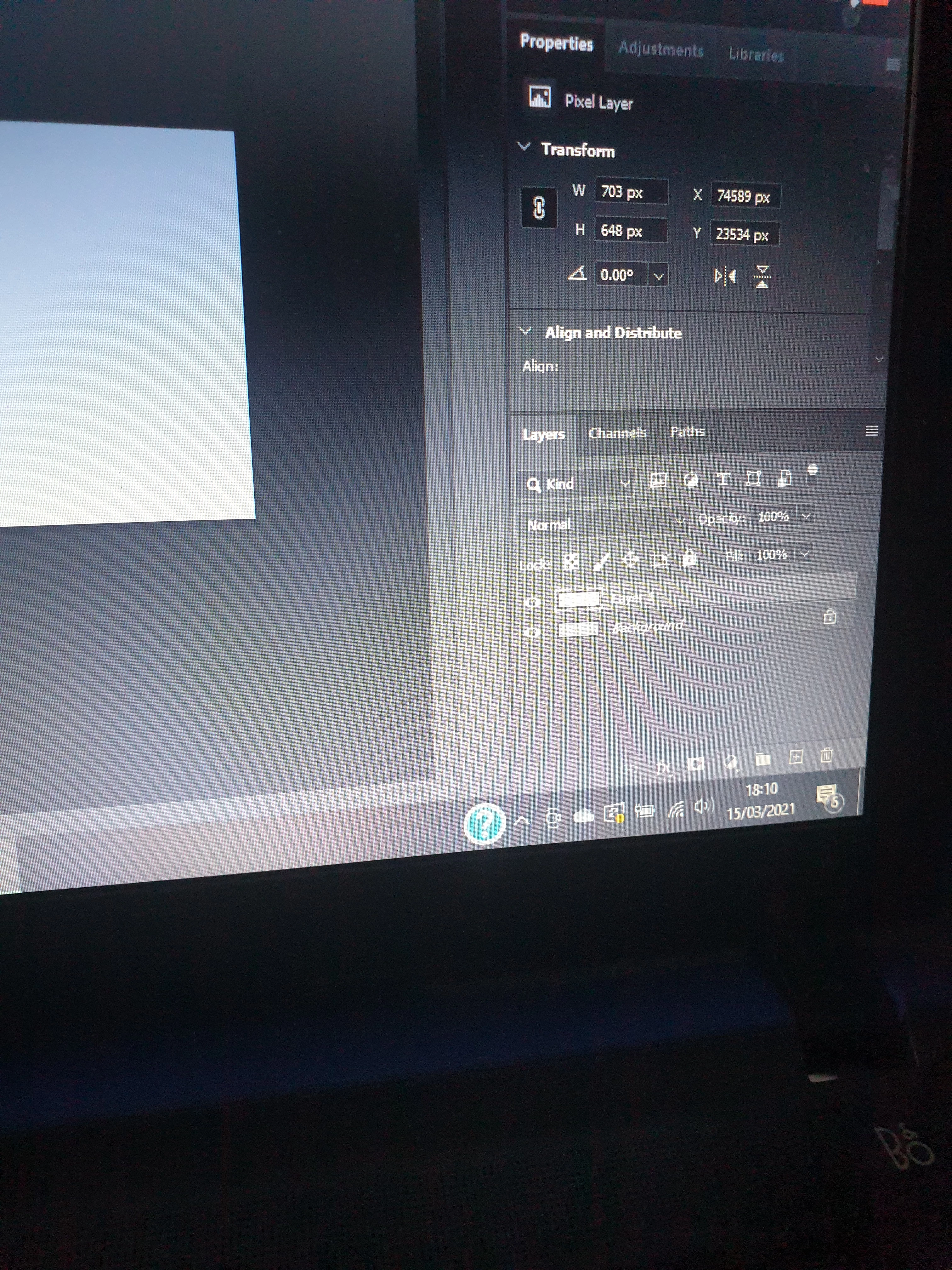
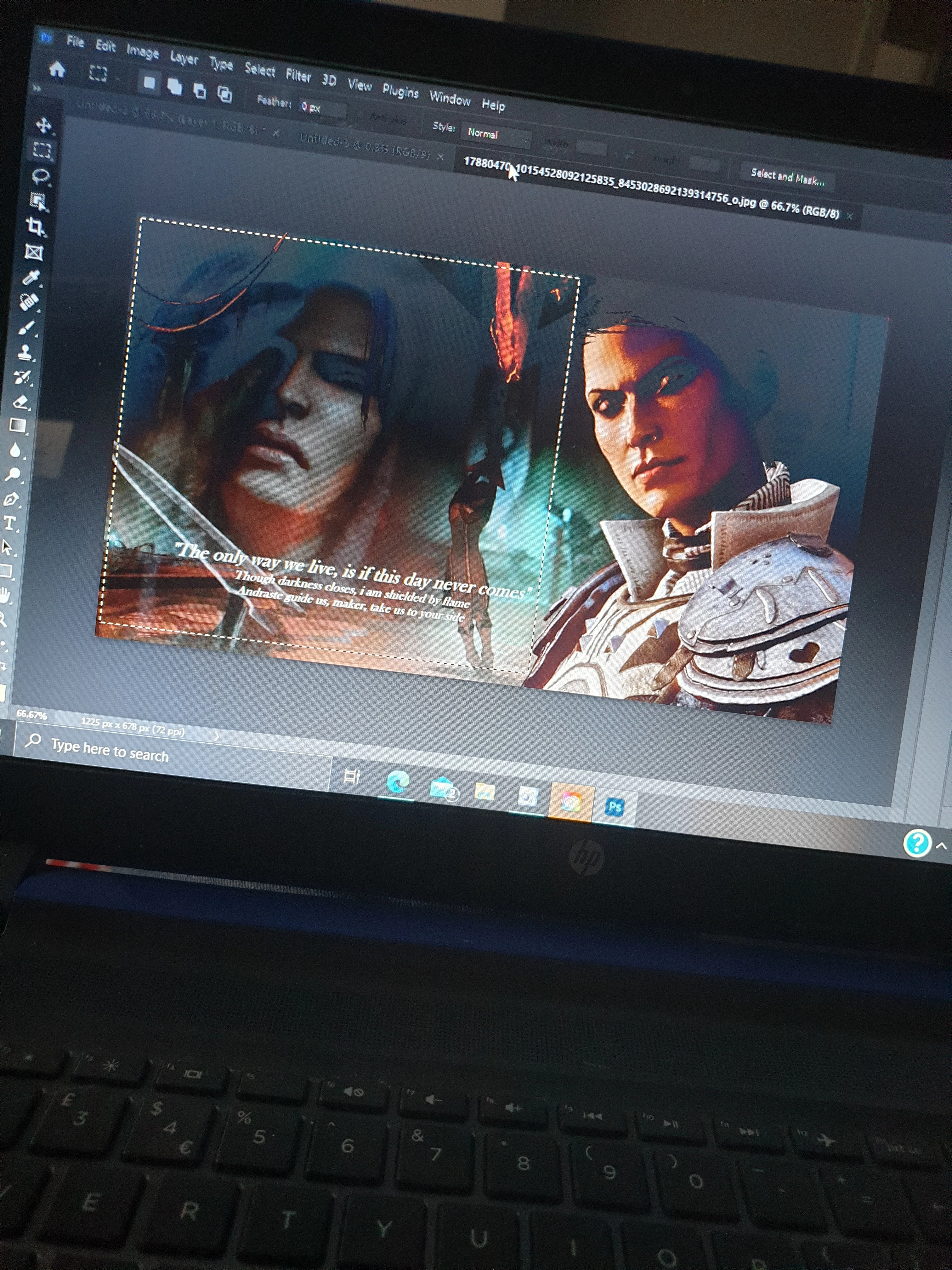
 when I copy the image and try to paste it here the 'layer 1' shows as a transparent form of the background. Any idea why? I'm new to this program. I have selected the part of the image I want to copy but it pastes as a transparent copy of the background. 

This topic has been closed for replies.

2 replies

marliton
Community Expert
Community Expert
March 15, 2021

Hi. Make sure to select the correct layer before copy it. Also, you can drag it to the second image using the Select tool.


Marlon Ceballos
JJMack
Community Expert
Community Expert
March 15, 2021

Learn how to use windows shortcuts to capture the desktop, or the active window, or ans area your desktop.  So you can paste useful images hers.  When you select an area  of a layer like your background.  Then do a Copy and a Past. The copy will copy the select area of the background to the clipboard and the Paste will add a layer the has the content of the keyboard and be located over the selected area.   If you do a second Paste the New layer content will be centered over the canvas. 

JJMack