
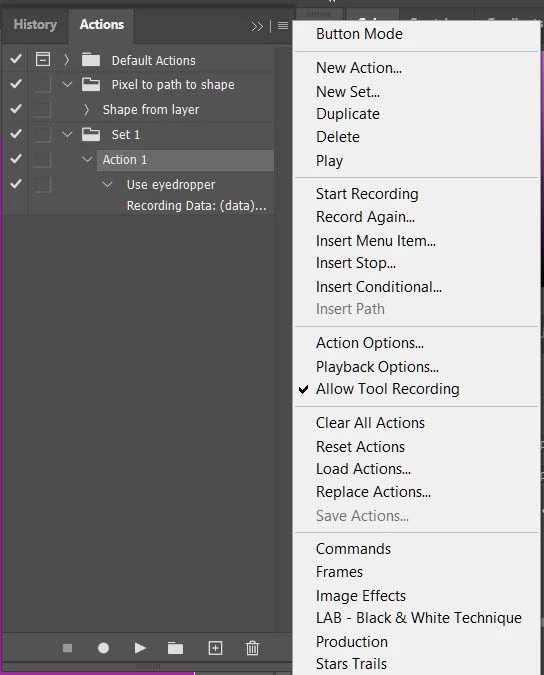
Trying to create an action that will fill shape with colour automatically sampled from layer below.
- May 5, 2022
- 3 replies
- 1326 views
Hello! I have an issue I'm hoping someone can help me with.
I've been using a very simple action for a few years which converts a selection into a vector shape.
In the screenshot you can see I have selected the bottom layer of this leaf group using the magic wand, then the action creates a shape in a new layer above from the selection.
I want to try and improve this in two ways ideally:
1. sample the colour of the intially selected layer (the layer I take the selection from is always a single-colour layer.) and use this as the colour of the new shape (at the moment the action is set to the orange as that what the forground colour when I first created the Action.)
2. Less of a proiority - have the action change the layer order when the shape has been created - so move the shape layer down so it becomes the layer that the others are clipped to. I do this manually at the moment but it would be great to know how to make an action that does this.
I hope this makes sense - maybe there's a much simpler way to do this - essentially I suppose I want to convert my hand drawn layer into a vector using an action, and keep the layer placment and colour.
thank you!

 AdChoices