
Answered
Turn off Grid in preferences - Photoshop
How do I turn off the grid? I'm hitting CTRL-H manually every time I open or start a new file. It's getting tedious!!!
Thanks!
Message was edited by: Sahil Chawla

How do I turn off the grid? I'm hitting CTRL-H manually every time I open or start a new file. It's getting tedious!!!
Thanks!
Message was edited by: Sahil Chawla
Hi there,
As you want to turn off grid, have you tried these options?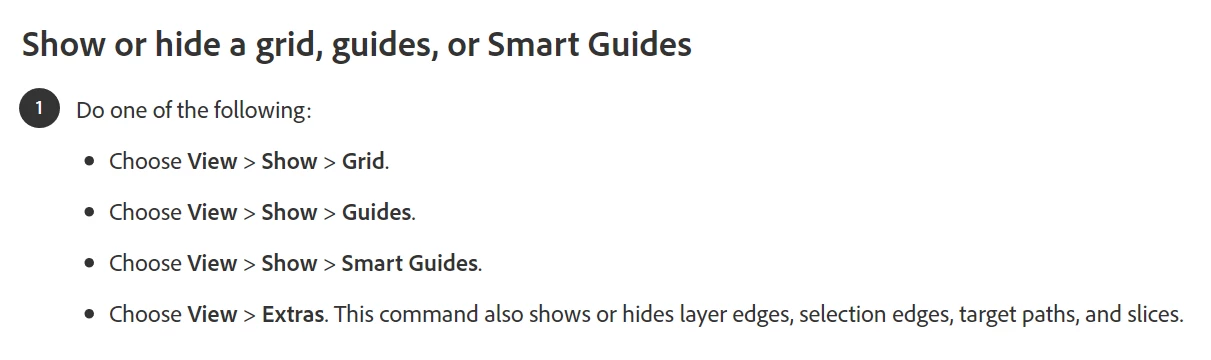
Please check this article for more info: https://helpx.adobe.com/in/photoshop/using/grid-guides.html
Using grids and guides in Photoshop
Regards,
Sahil
Already have an account? Login
Enter your E-mail address. We'll send you an e-mail with instructions to reset your password.
 AdChoices