
Question
Tween Animations
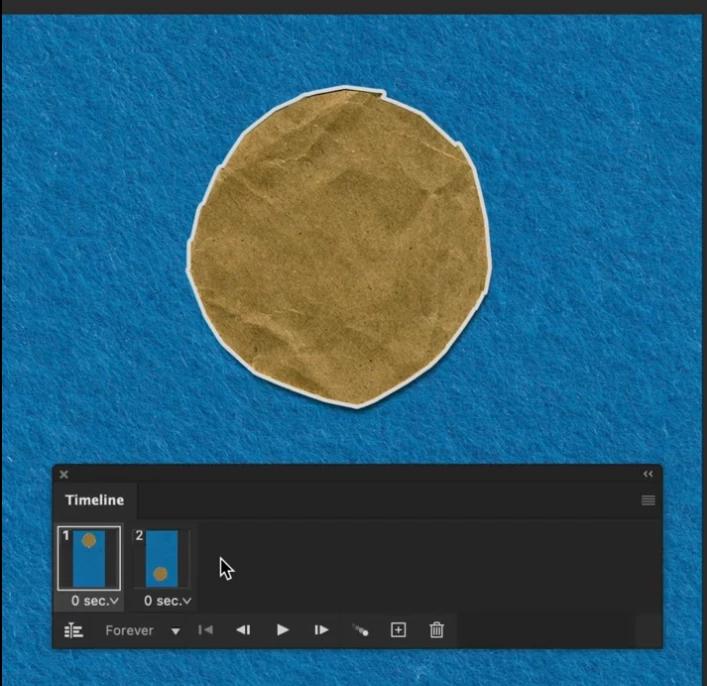
In this tutorial two layer have been brought side by side for animation [time 0.14]. How can it be done? Because I have two separate layers in the layer panel. Only one layer comes in the Timeline.

In this tutorial two layer have been brought side by side for animation [time 0.14]. How can it be done? Because I have two separate layers in the layer panel. Only one layer comes in the Timeline.
Already have an account? Login
Enter your E-mail address. We'll send you an e-mail with instructions to reset your password.
 AdChoices