riegens
Inspiring
April 23, 2020
Question

Ugly pictures when exporting picture for web

  • April 23, 2020
  • 1 reply
  • 812 views

We have a strange problem. My colleague and I are both exporting tif-pictures for web and saving in jpg-format.

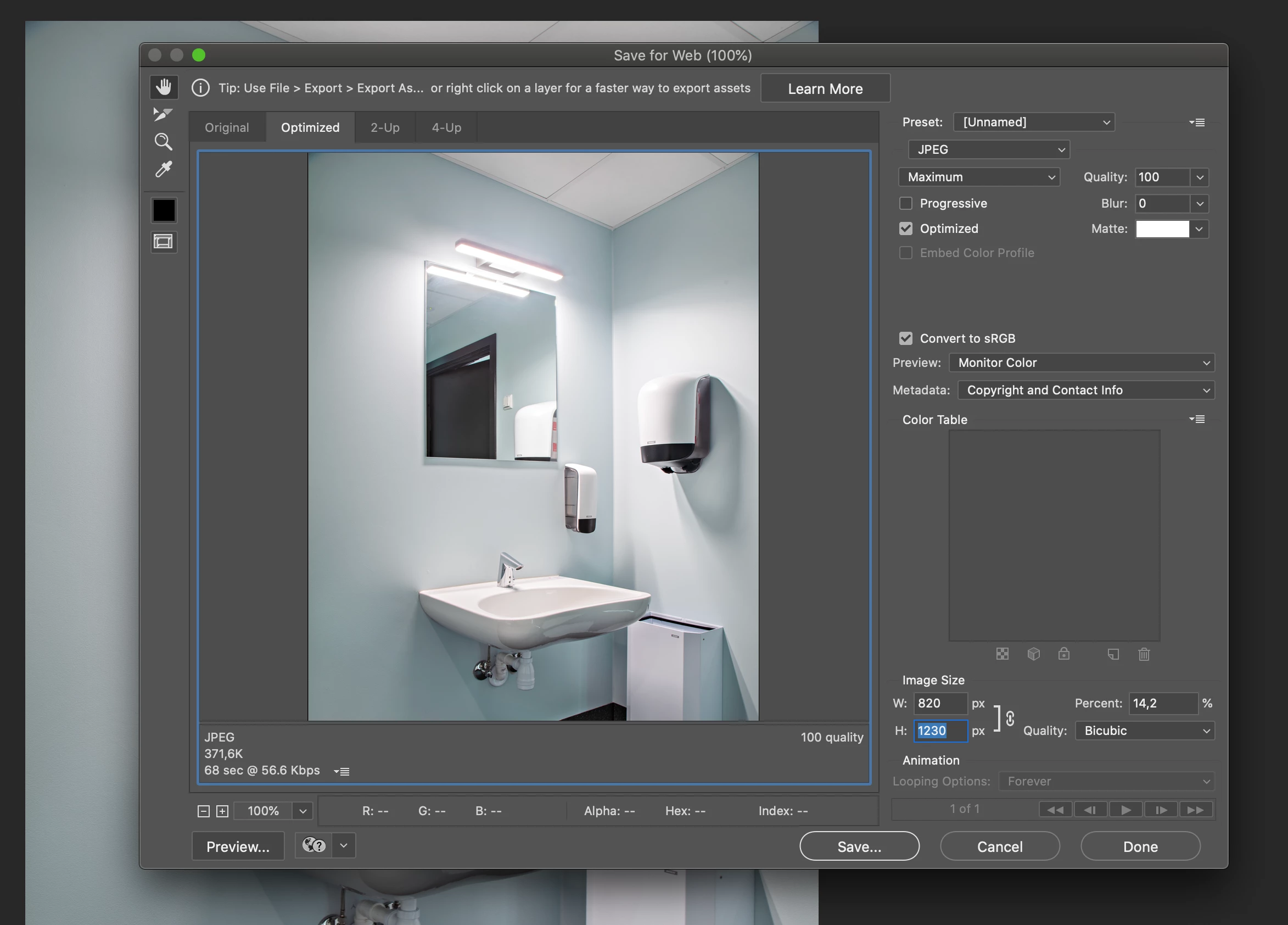
We have the same settings in the export window. Sometimes her pictures look really ugly, and even though I have tried to make mine look as ugly as hers to find the error, my pictures are fine and smooth.

I have attached one of her pictures as well as a pictures of our settings. It is clear to see the error in the ceiling, where the colours are not smooth.

The only difference is, I am working on a Mac and she i working on PC.

Any ideas?

This topic has been closed for replies.

1 reply

c.pfaffenbichler
Community Expert
Community Expert
April 23, 2020

Please post the images on the Forum directly. 

riegens
riegensAuthor
Inspiring
April 23, 2020

D Fosse
Community Expert
Community Expert
April 23, 2020

Thanks for your time. Maybe it has solved itself. We made the pictures again today and the pictures are all fine. What happended I dont know - maybe a ghost in the computer? But thanks again for you time.


It's important to be aware that color banding is a by-product of the jpeg compression algorithm. The lower the quality setting, the worse it gets. Part of the jpeg specification is that the color component is compressed much more aggressively than the lightness component, because it's normally less visible. The result is excessive banding in smooth gradients.


Jpeg wasn't invented to maintain image quality, but to reduce file size substantially. And it does that very effectively, but there's no free lunch. A size reduction down to 2-5% of original size has a steep price.