
UI on 4k Monitors (Win10)
I have an HP laptop with a built in 4k screen, I also have a secondary monitor that is also 4k.
Both screens are set to the same resolution, same scaling, everything in Windows.
Here's my problem:
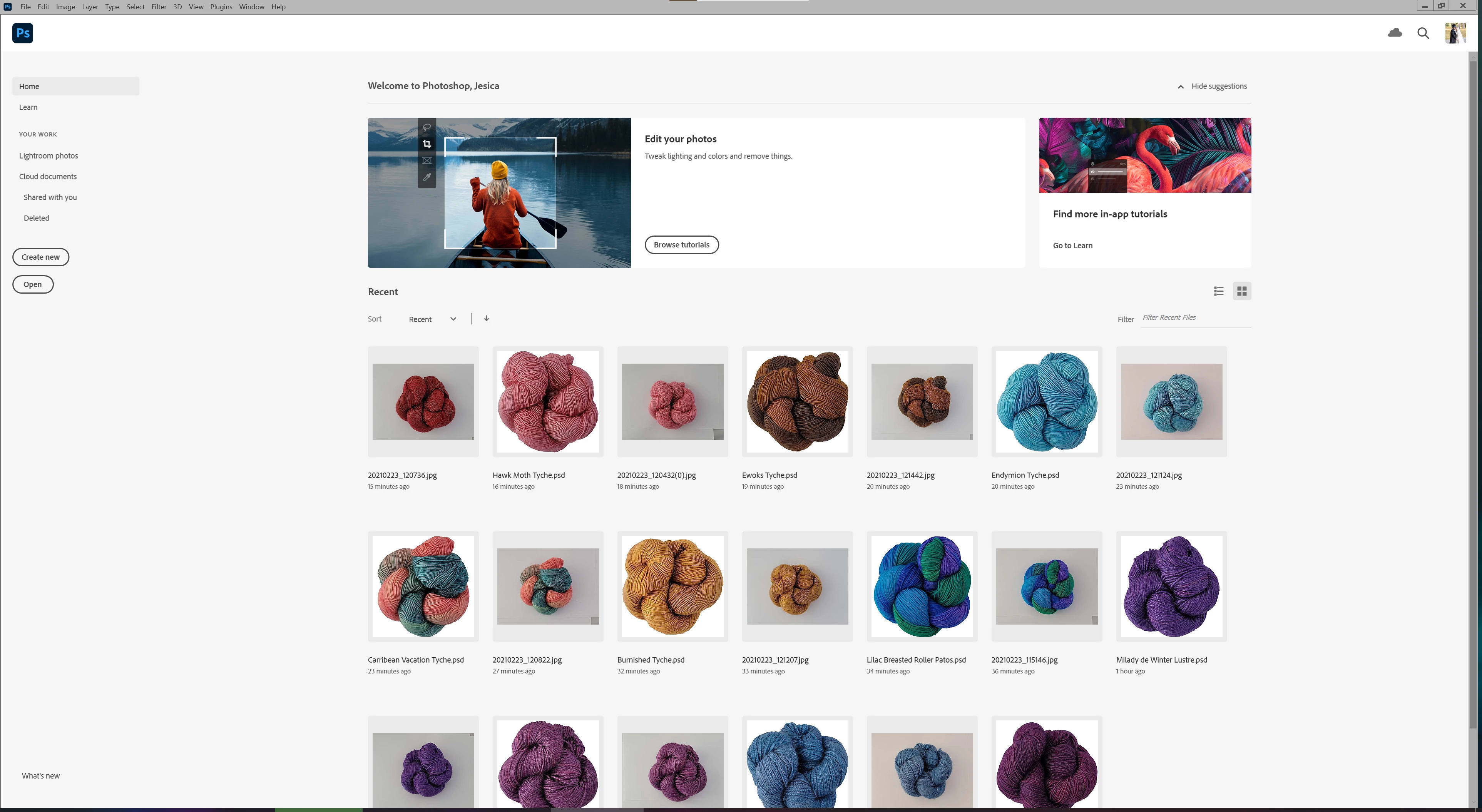
The Photoshop interface is tiny. On both of my screens.
Screen 1 fullscreened:
And fullscreened on screen 2:
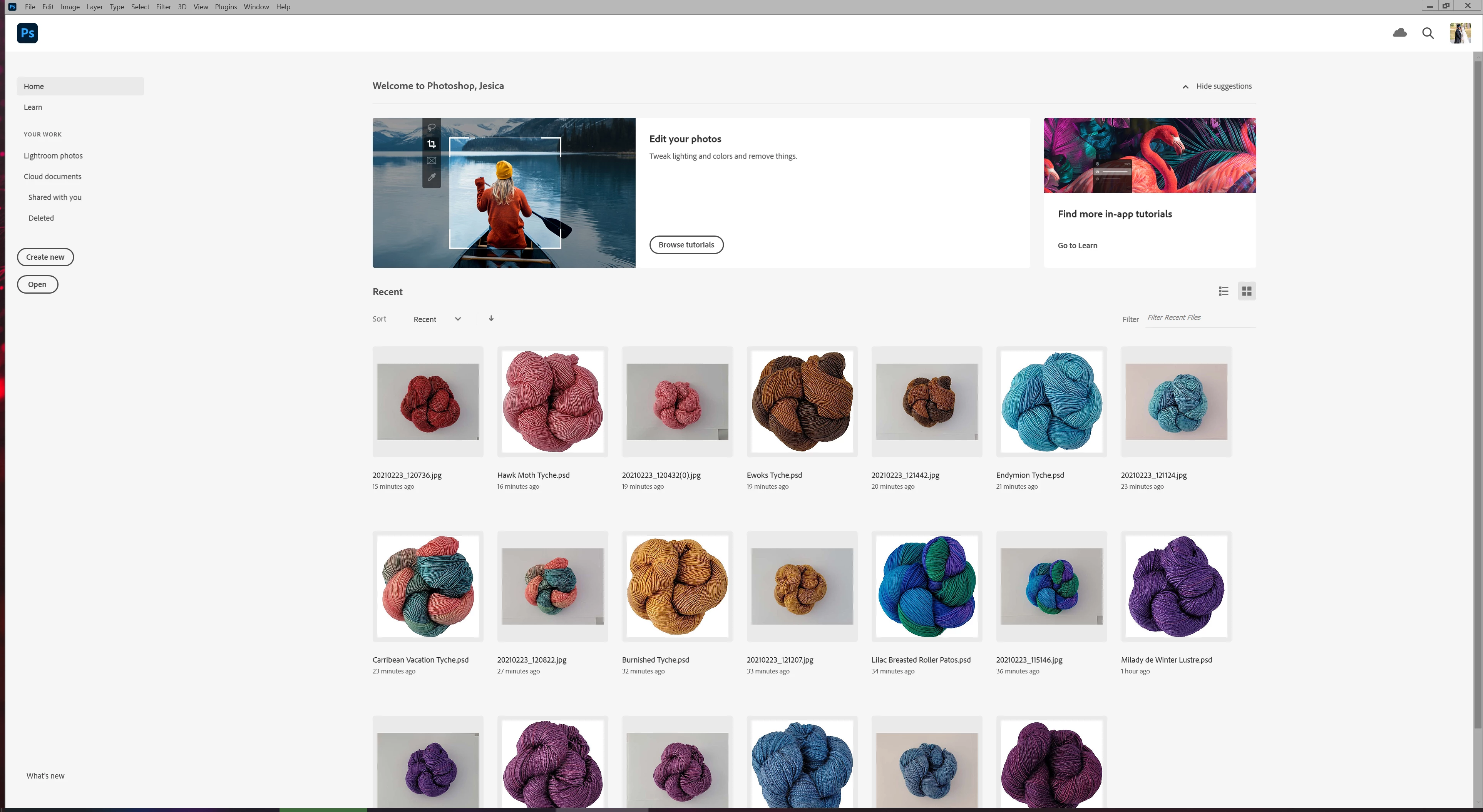
Yes, they look exactly the same. That's because my screens have the same settings and same resolutions.
My issues it that I cannot make the words in the menu bar larger! I have the UI font size set to the largest I can and it's still absolutely miniscule!
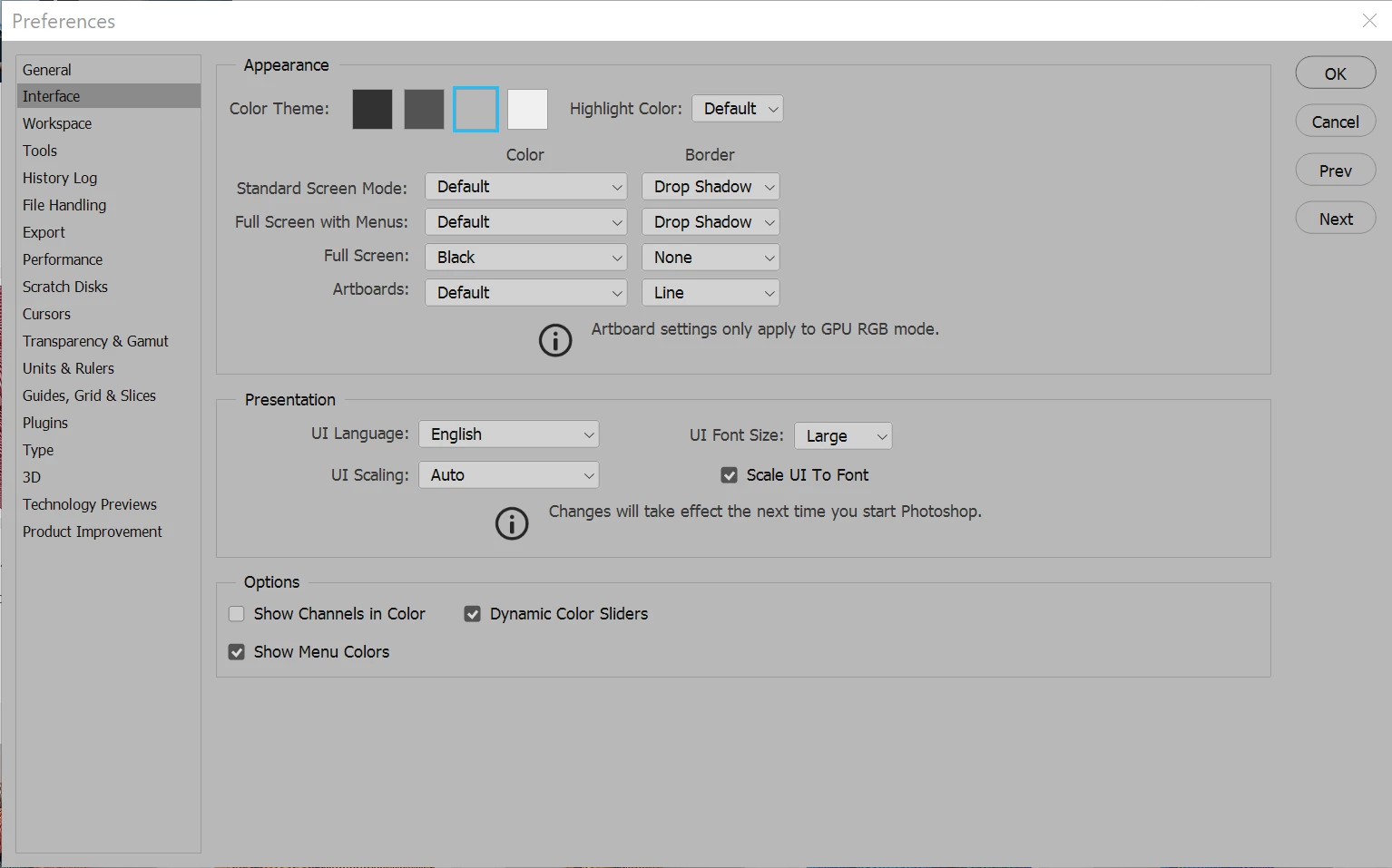
I've restarted the program multiple times. I've restarted my computer multiple times... and nothing.
Is there ANY way to make the menu fonts larger? I'm struggling to read them when I'm sitting a reasonable distance from my computer at my desk. I'd really rather not have to strain my eyes to do my work!
So is there any way to make the itnerface larger? This is ridiculous!
 AdChoices