
Inspiring
August 5, 2020
Question

UI prefs not stored

  • August 5, 2020
  • 1 reply
  • 174 views

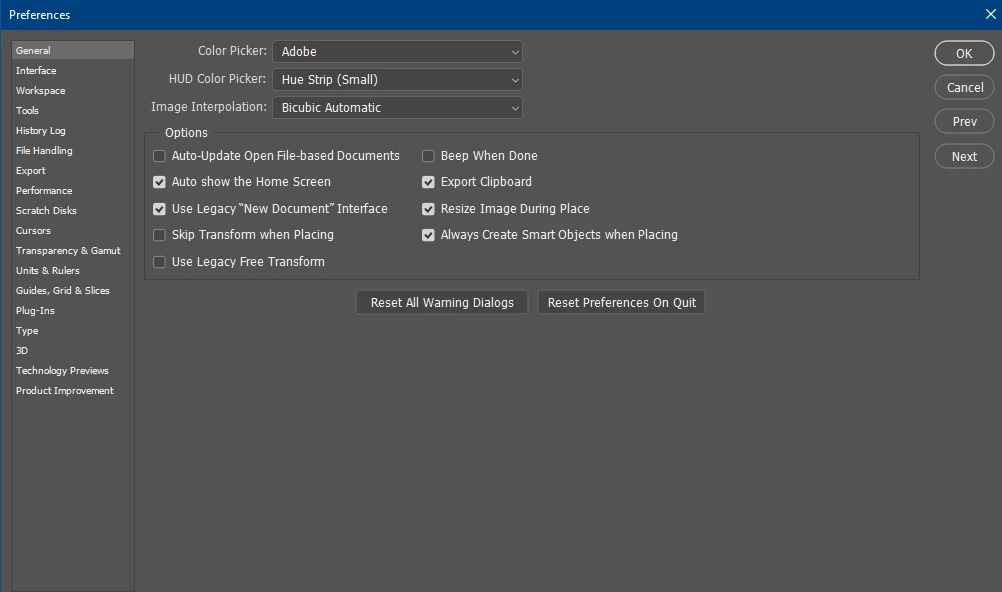
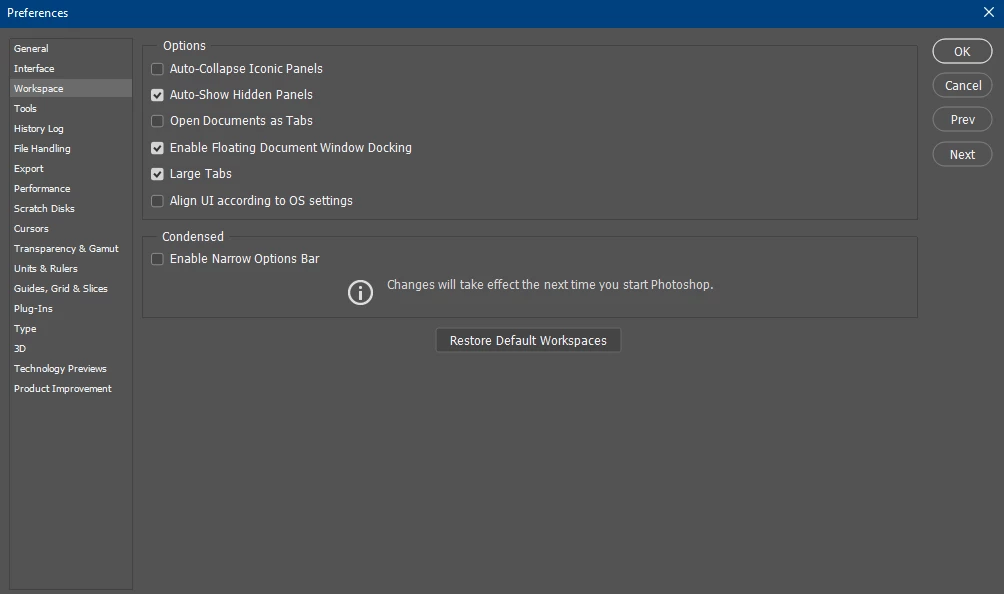
When I tick Use Legacy "New Document" Interface it doesn't get stored, so next I open PS this option is deselected. The same thing happens with Open Documents as Tabs, except this time its the other way around. It's selected as default and when I deselect this option it goes back to selected when I close and open PS. When I delete the PS prefs file it deletes ALL my assets like swatches, custom shapes, brushes, patterns AND libraries. Needles to say I don't wanna repeat that destructive action. All this started when I upgraded to V21.2.1
 

This topic has been closed for replies.

1 reply

c.pfaffenbichler
Community Expert
Community Expert
August 5, 2020

»When I delete the PS prefs file it deletes ALL my assets like swatches, custom shapes, brushes, patterns AND libraries.«

Just one of the reasons one should save and back-up one’s presets from time to time. 

Did you ever save you custom brushes aas an abr-file for example? 


As for your preferences not soring correctly there might be permissions issues. 

https://helpx.adobe.com/photoshop/kb/basic-trouble-shooting-steps.html