Known Participant
March 6, 2020
Answered

Unable to create symmetry with vector objects

  • March 6, 2020
  • 2 replies
  • 1146 views

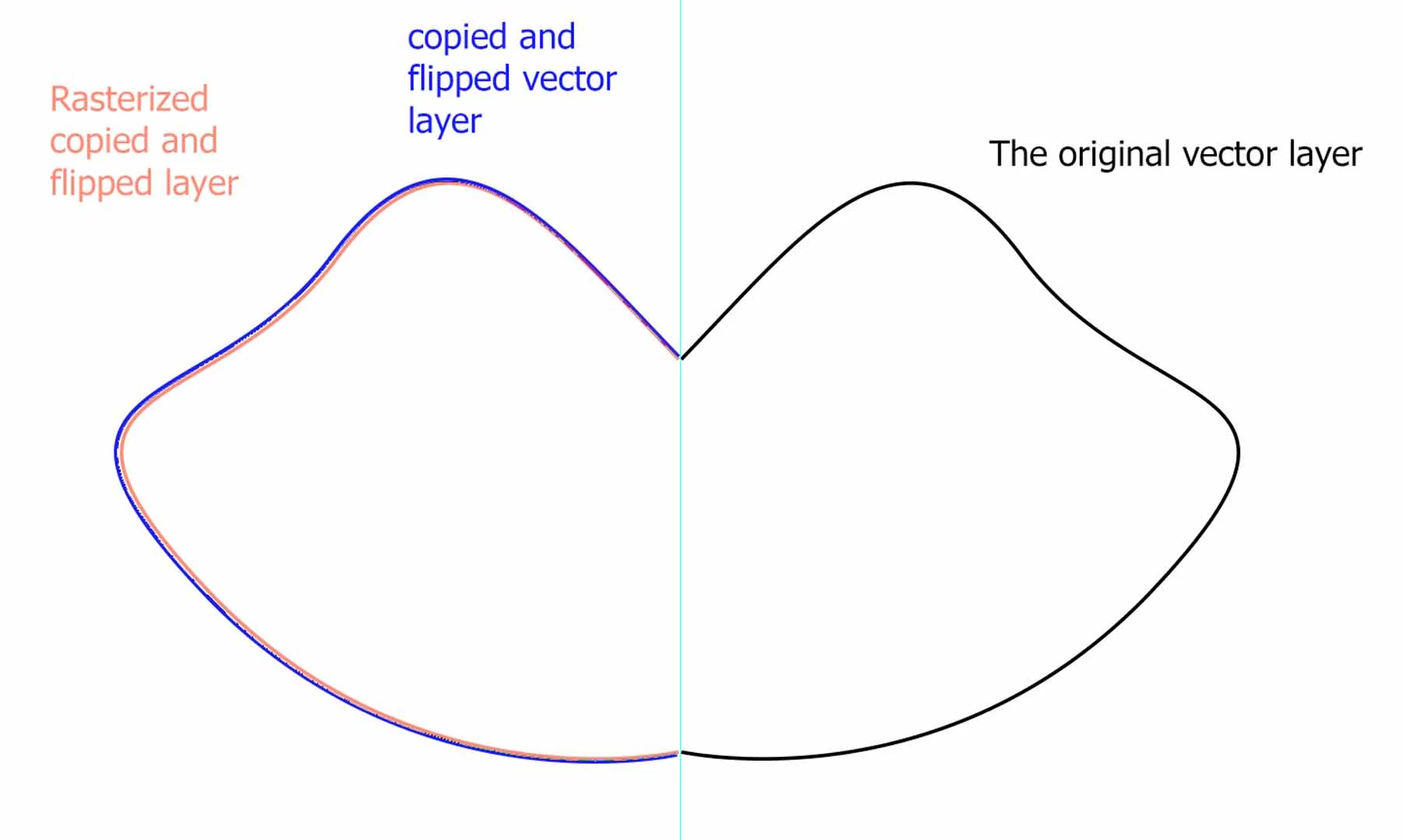
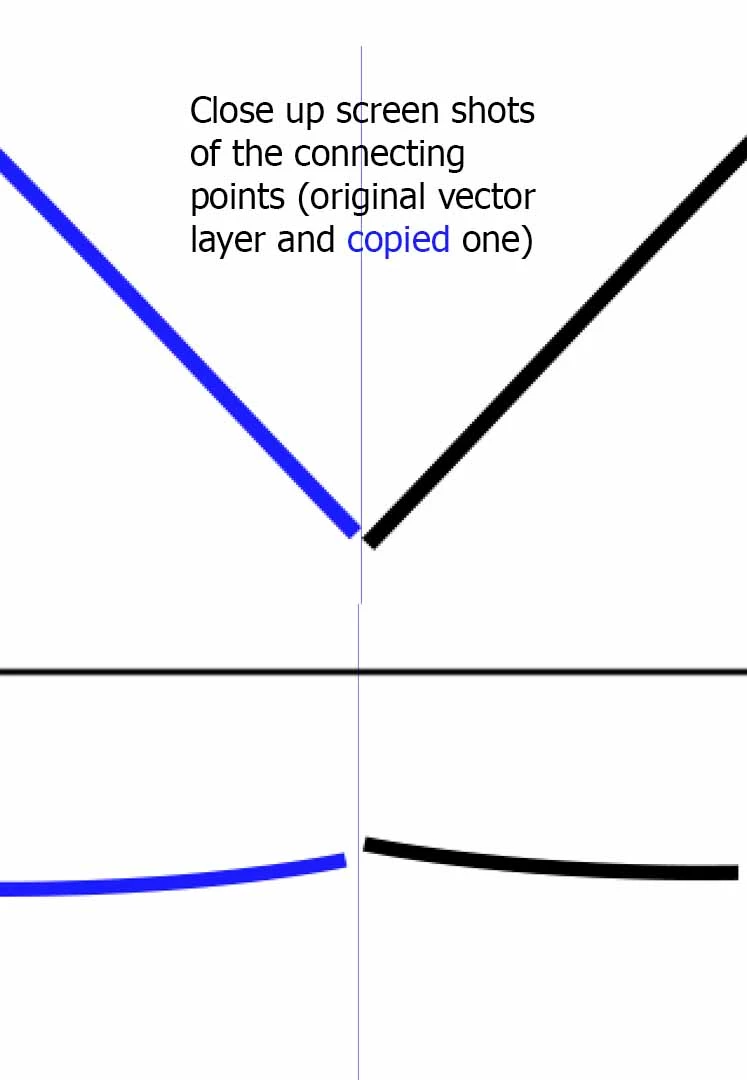
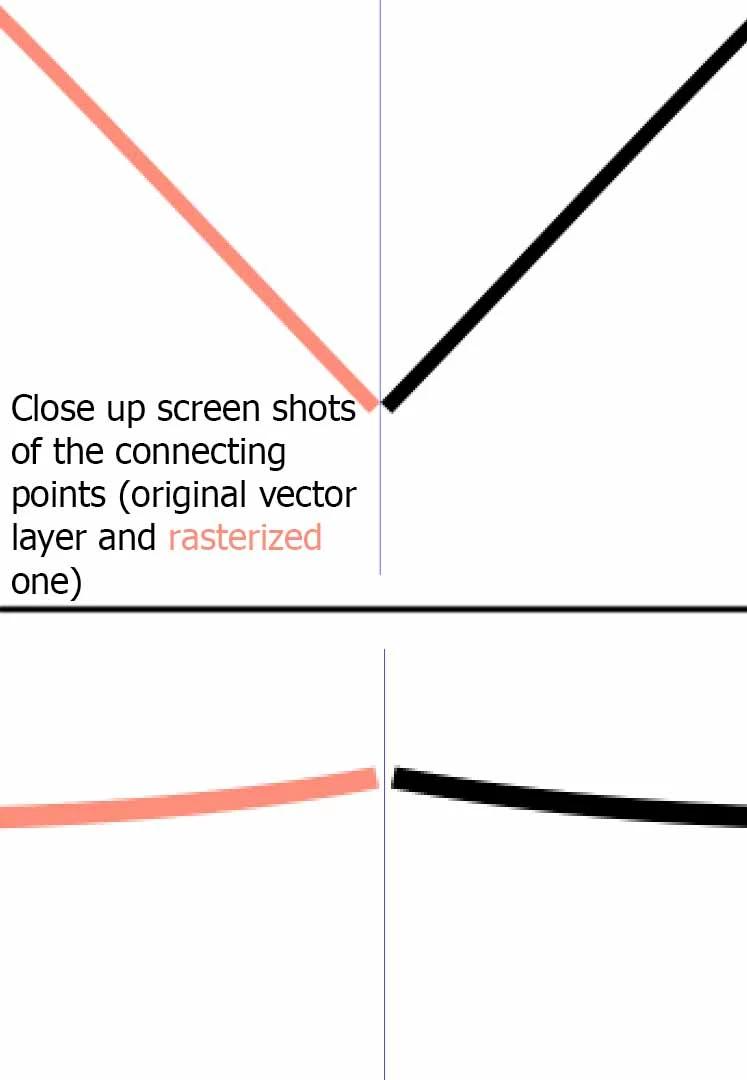
When I use a pen tool and try to copy and flip a vector object to create symmetry it does not come out accurately. The copied half is alway out of proportion, whereas when I rasterize the layer prior to flipping, it maintains the proportions perfectly. Is there a way to create an accurate symmetry with a vector copy? I'm using Ps CS6
This topic has been closed for replies.
Correct answer Jeff Arola

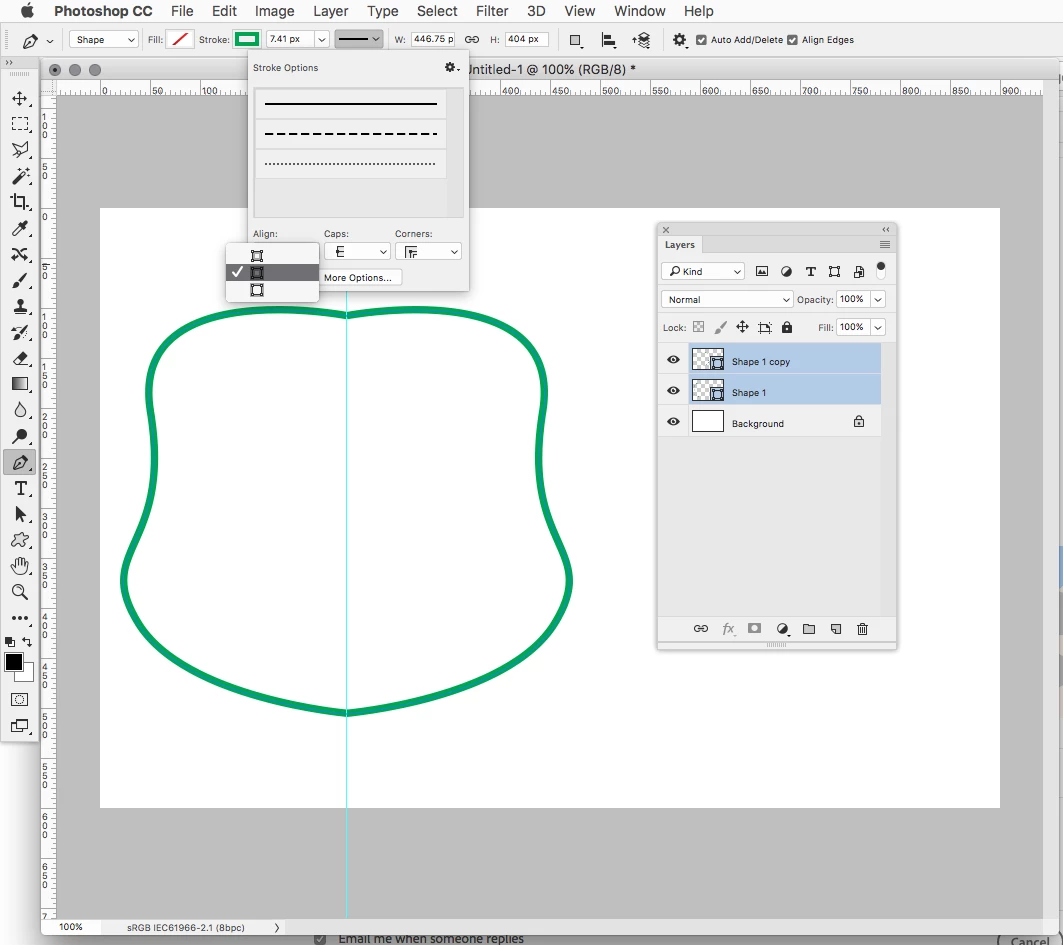
Looks to me like it's the placement of the Stroke.


In other words, when you flip the path, the side the stroke is on also flips like in a mirror causing misalignment.


In your Tool Options set the for both at Center or set one to to Outside and one to Inside.

(Alignment for the Stroke)


2 replies

Jeff Arola
Community Expert
Jeff ArolaCommunity ExpertCorrect answer
Community Expert
March 6, 2020

Looks to me like it's the placement of the Stroke.


In other words, when you flip the path, the side the stroke is on also flips like in a mirror causing misalignment.


In your Tool Options set the for both at Center or set one to to Outside and one to Inside.

(Alignment for the Stroke)


Anna IsmaAuthor
Known Participant
March 6, 2020

Omg, it really is placement of the stroke. Thank you so much!

c.pfaffenbichler
Community Expert
Community Expert
March 6, 2020

I cannot reproduce the issue. 

How exactly do you flip the Layer? 


Why not use Smart Objects, that way later edits would automatically affect both halves. 

Anna IsmaAuthor
Known Participant
March 6, 2020

The shortcut I used to copy the layer is ctrl+J

Smart objects are great but they don't really  fit my purpose 

Leslie Moak Murray
Community Expert
Community Expert
March 6, 2020

Try hitting "Define cutom shape," then delete path, then do it as a custom shape. Then if you duplicate that custom shape layer and flip it horizontally, it will be identical. (I have no idea why this is happening when it's just the path)