
Participant
August 13, 2025
Answered

unable to edit layers panel in photoshop

  • August 13, 2025
  • 1 reply
  • 271 views

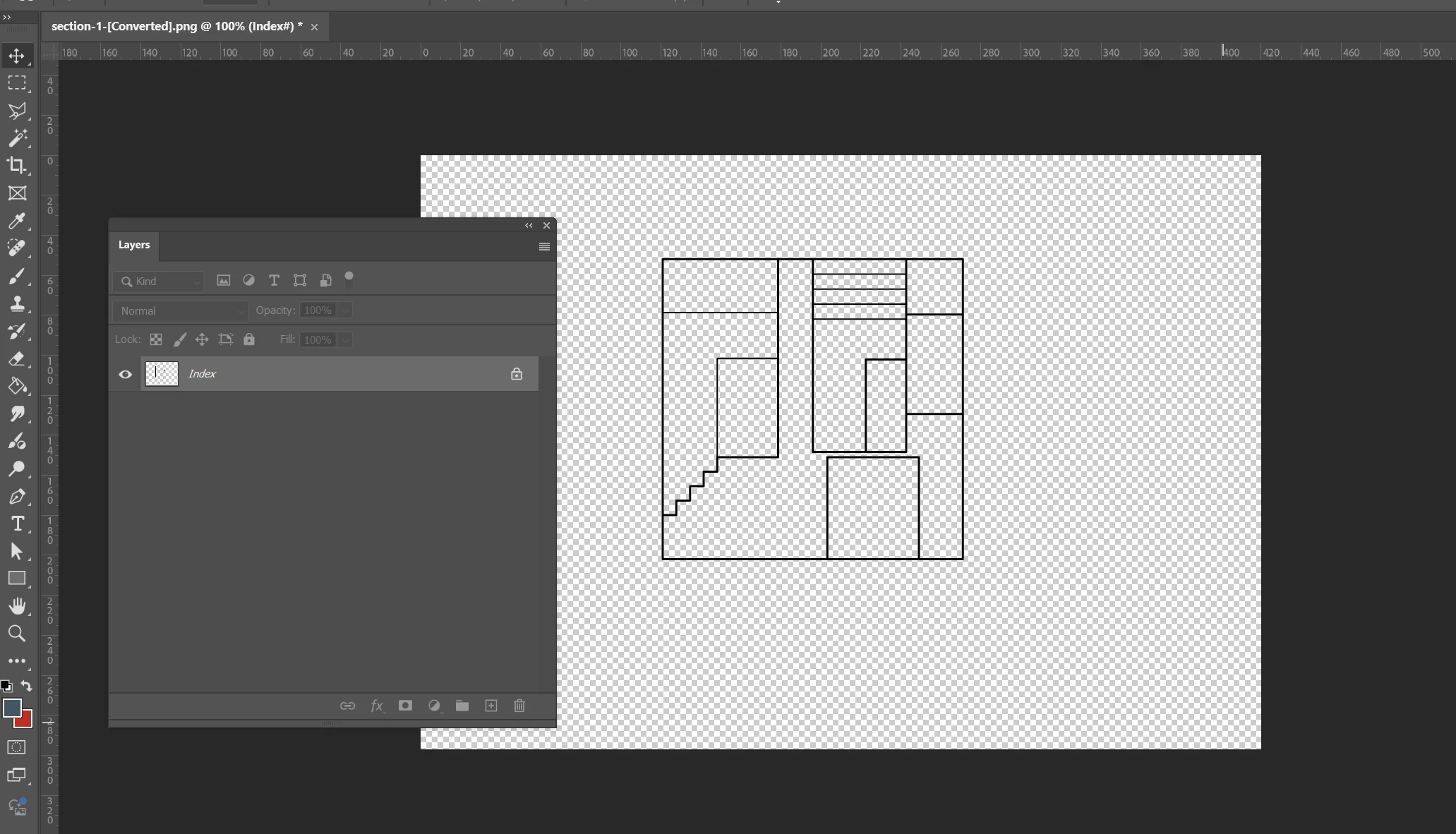
I have a drawing in illustrator that I want to keep in the exact same dimensions in photoshop. (eg 16mm in ai is 16mm in ps). So I exported from illustrator as a save as web and opened the file in photoshop, but found that I'm unable to edit in the layers panel. Can't even add a new layer. Is there a fix or alternative way to do this?
Correct answer M-H

PNG is a rastor graphic format and doesnt support layers - literally the opposite of illustrator.

To edit illustrator layers you need to export it in a format which supports it e.g psd. Its available in "Export As..." and you might need to release your clipping paths/objects before you export.

"Save for web" its not really an option for any further editing, can you guess what is it for?:P

1 reply

Ged_Traynor
Community Expert
Community Expert
August 13, 2025

@Charlotte39002488wbaq why don't you export it as a PSD from Illustrator, also the reason why you can't add layers is because it's an Index layer, go to Image > Mode and change it to RGB Colour

Alternatively, you can just unlock the Index layer

Participant
August 13, 2025

But save as web doesn't have photoshop format as an option, and i dont know whether if i export as photoshop format the dimensions will be the same. Also, i already tried clicking the lock multiple times before posting in this forum. It cannot toggle between locked and unlocked.

M-HCorrect answer
Inspiring
August 13, 2025

PNG is a rastor graphic format and doesnt support layers - literally the opposite of illustrator.

To edit illustrator layers you need to export it in a format which supports it e.g psd. Its available in "Export As..." and you might need to release your clipping paths/objects before you export.

"Save for web" its not really an option for any further editing, can you guess what is it for?:P