
New Participant
February 16, 2021
Question

Unable to Move or Resize a Layer

  • February 16, 2021
  • 2 replies
  • 2118 views

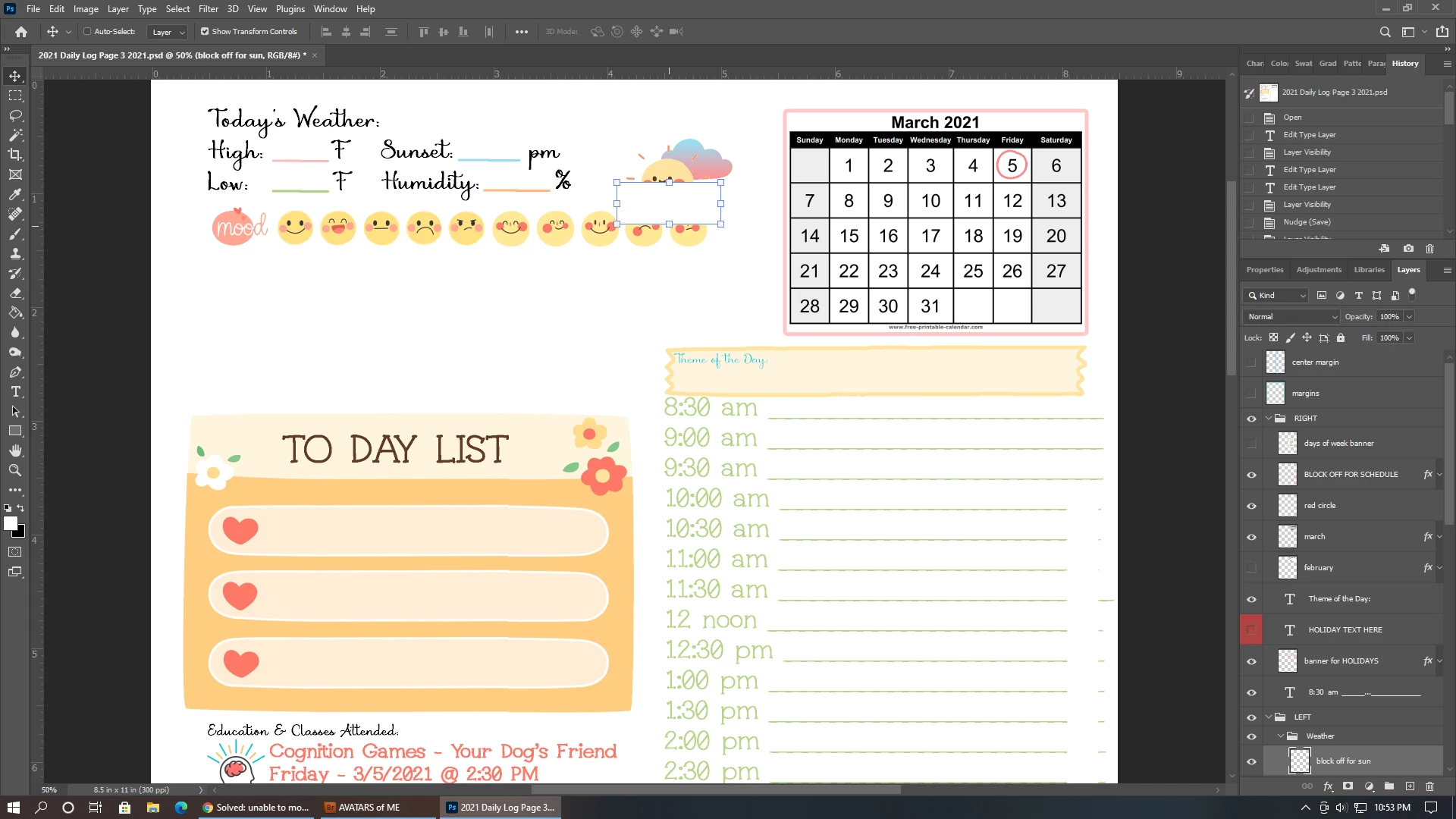
I am having trouble moving and resizing layers in Photoshop CC. The layer is selected in the layers panel. The Move Tool is also selected. I can see the transform controls. The cursor changes to a double headed arrow when I hover over the center transform boxes on the layer bounding box. BUT, when I go to resize the layer, the Move Tool auto deselects and the layer neither moves nor resizes. It's like the mouse can't "grab" the layer.
This topic has been closed for replies.

2 replies

Bojan Živković11378569
Community Expert
February 16, 2021

Try wit @JJMack sugestion and if it still does not work try reseting preferences https://helpx.adobe.com/photoshop/using/preferences.html what is general advice for all things weird in Photoshop.

JJMack
Community Expert
February 16, 2021

Can you move that small layer using the Arrow keys to nudge that layer.  I had that had problem in PS 2021 version 22 the I could not move layer with my mouse but could nudge them. Resetting photoshop tools did not solve the issue.  I had to restart Photoshop to get the move tool working again.  The are some issues in PS 2021 that effect tools and Photoshop performances that require  you to restart Photoshop to resolve the problems.

JJMack