Known Participant
March 7, 2024
Answered

Unable to remove item with photoshop generative ai.

  • March 7, 2024
  • 3 replies
  • 2886 views

I am having trouble REMOVING ITEMS. Generative ai wants to redraw them.

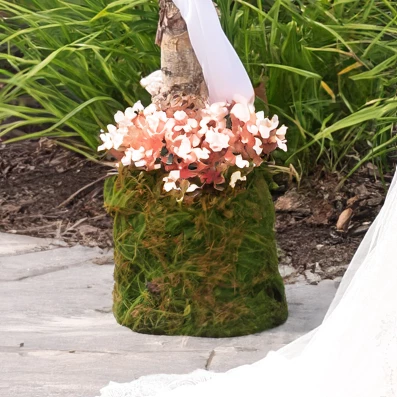
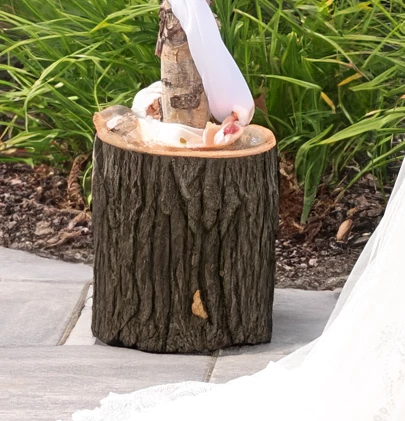
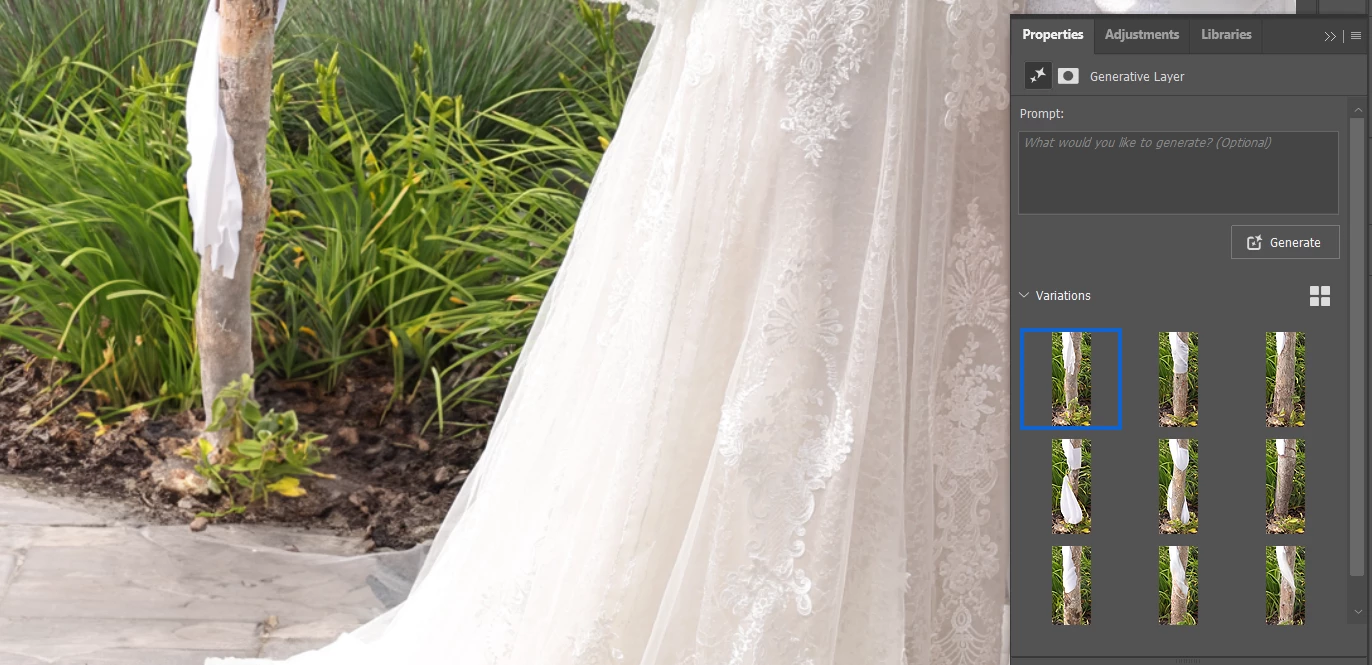
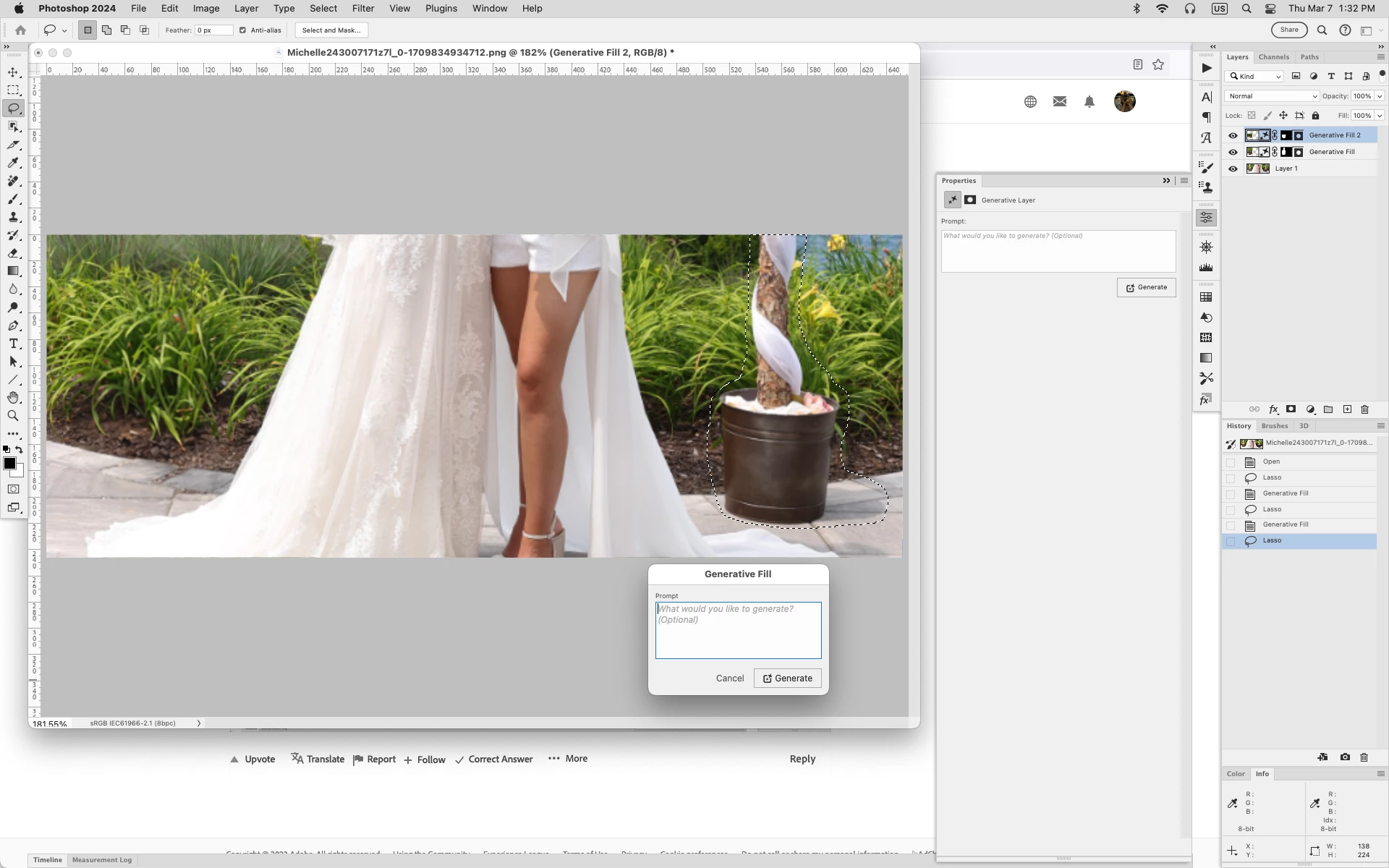
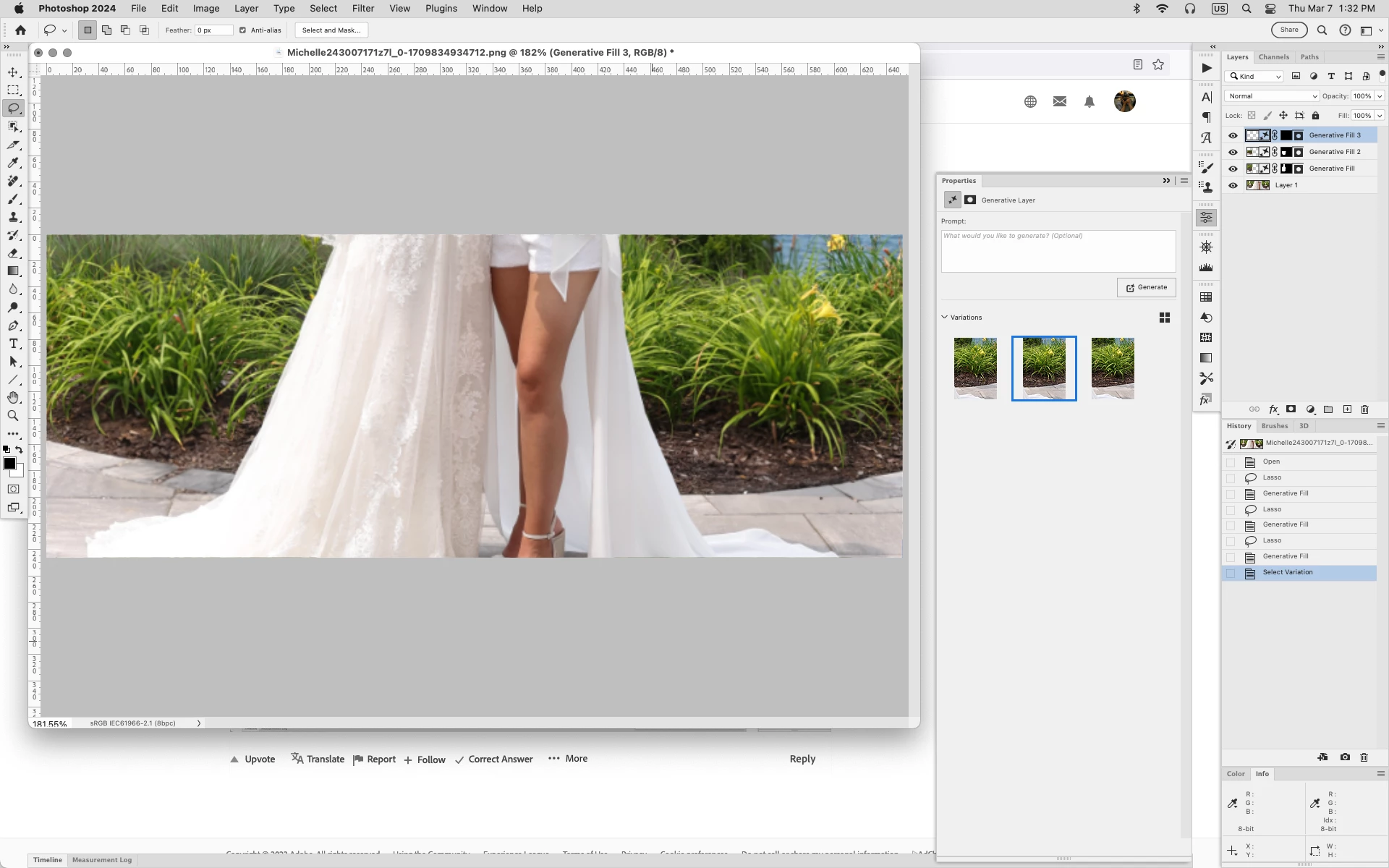
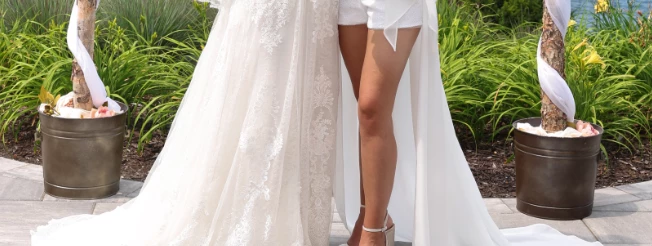
I want to remove the bucket in this picture and replace it with the background: plants and sidewalk. No matter what prompt I use it ONLY REDRAWS it in some weird way. I finally go it to draw the sidewalk and then I couldn't get it to place a plant in selected area in front of the pole. I selected the pole area and it kept redrawning the pole.

I also used the trick of not putting in a prompt. Everytime I see an advertisement for Gererative ai, they circle the area and say remove--- Wha la!! it's done. Why am I having so much trouble. 


This topic has been closed for replies.
Correct answer Jeff Arola

I had success just using the Lasso Tool , drawing around the obect, then using Generative Fill leaving the Prompt blank.


3 replies

Jeff Arola
Community Expert
Community Expert
March 7, 2024

Actually after trying Generative Fill multiple times on your provided image and not really getting good results, i ended up using the Remove Tool for the below results.


Known Participant
March 7, 2024

Hi Michelle243007171z7l,
I did give it a go with your image it work 50% of the time. It works better with lasso tool and : edit/generative fill, instead of using generative menu bar. No idea why. Also work better if Sample all layers is uncheck... Why ? no idea...

Sometimes result was fine when I wrote " remove" as a prompt. Usually we are not supposed to write any prompt to remove a object, but lately many things wrong with photoshop.

Windows 11 Pro / NVIDIA RTX 4080 / Intel i9-13900kf / RAM 64g

benoit Kapture foto
Jeff Arola
Community Expert
Jeff ArolaCommunity ExpertCorrect answer
Community Expert
March 7, 2024

I had success just using the Lasso Tool , drawing around the obect, then using Generative Fill leaving the Prompt blank.


Known Participant
March 7, 2024

That is exactly what I want. I did the exact same thing and got the outcome I posted.

Did you circle the whole post? I circled the bucket and a little bit of the post.

Do you think there is something wrong with my Photoshop?

Known Participant
March 7, 2024

Might be why mine turned out so well was i was only doing a small section.


Looking at your most recent screenshot i can see why your having trouble as there much more to it.


Could you post the whole photo? 

You can block out the model's face if you wish.