Participant
May 15, 2024
Question

Unable to see files in photoshop

  • May 15, 2024
  • 1 reply
  • 215 views

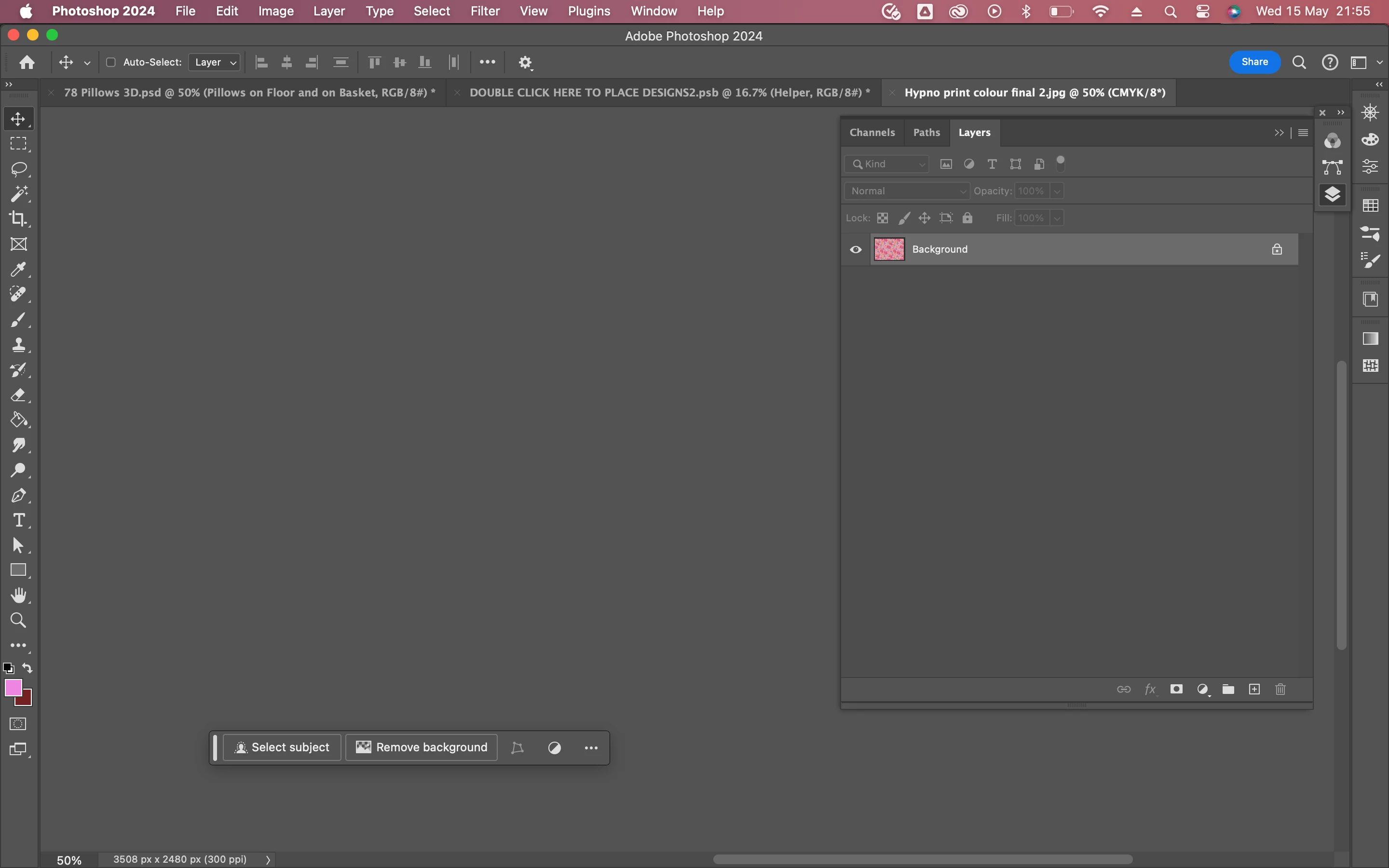
I'm currently unable to see files that i'm trying to open in photoshop. the files them selves open with no issue but I can't see any of my work just an empty background. I know these files work and have had no issues in the past so this must be a bug in the system. 
This topic has been closed for replies.

1 reply

Kevin Stohlmeyer
Community Expert
Community Expert
May 16, 2024

What happens if you cmd+0 (zero) or drag the tab off the application frame?

Participant
May 17, 2024

Hello, unfortunately, i can't see any differences when trying the above. I can see certain works today but the application is stuck. I'm unable to hide/unhide and make any changes to them.

Kevin Stohlmeyer
Community Expert
Community Expert
May 17, 2024

@Aisha25364806tkpt Try going to Settings/Performance and turning off the "Use Graphics Processor" - restart PS. Any difference? If yes, that means something may be wrong with your GPU.