

BrianM91
Participant
February 11, 2024
Question

Undocked panels won't hide automatically while on home screen

  • February 11, 2024
  • 2 replies
  • 223 views

Is there a setting to disable or change this? 


In older versions of Photoshop, the floating panels are automatically closed; it appears when you open a document. Newer versions doesn't do it anymore.
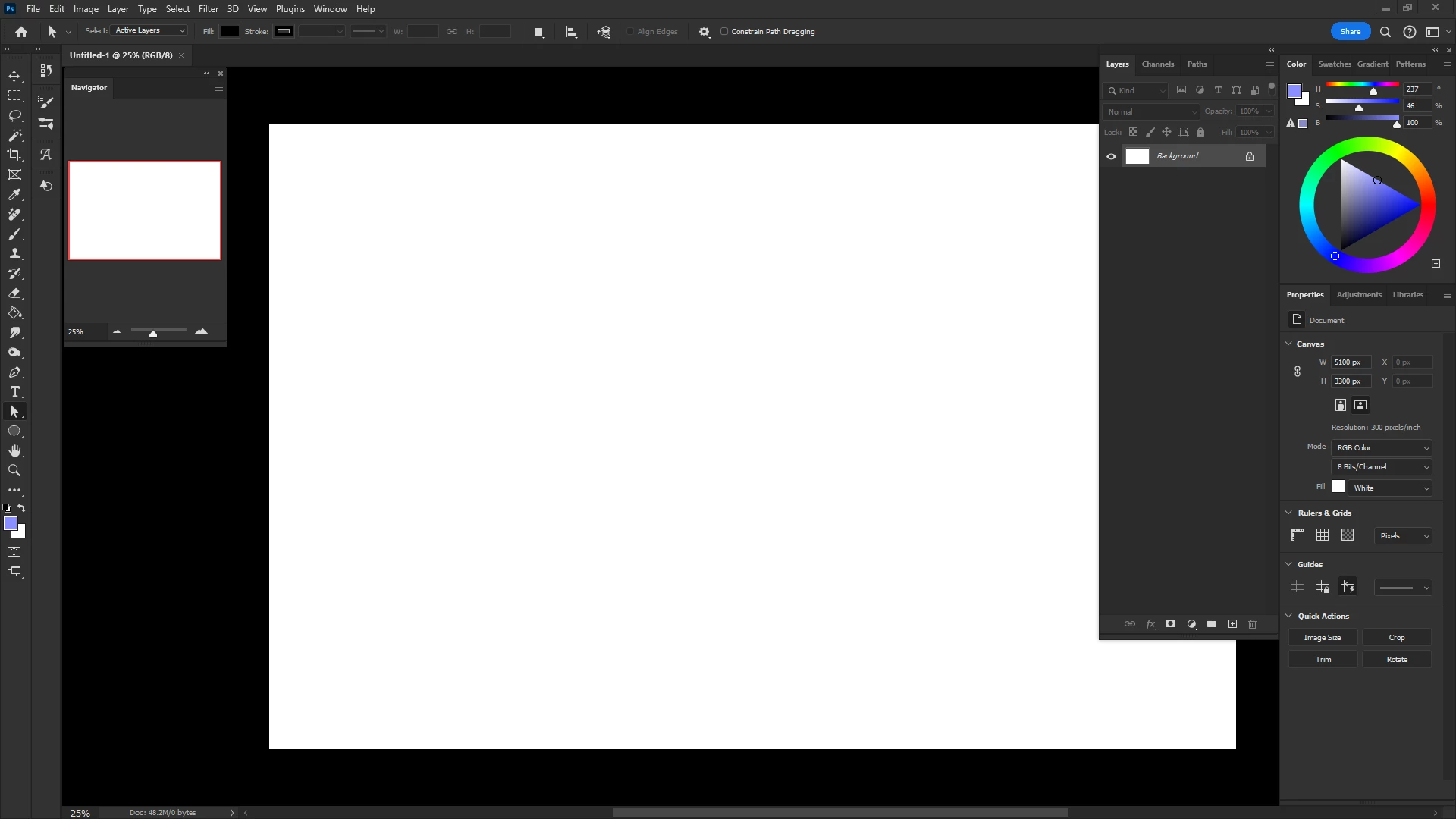
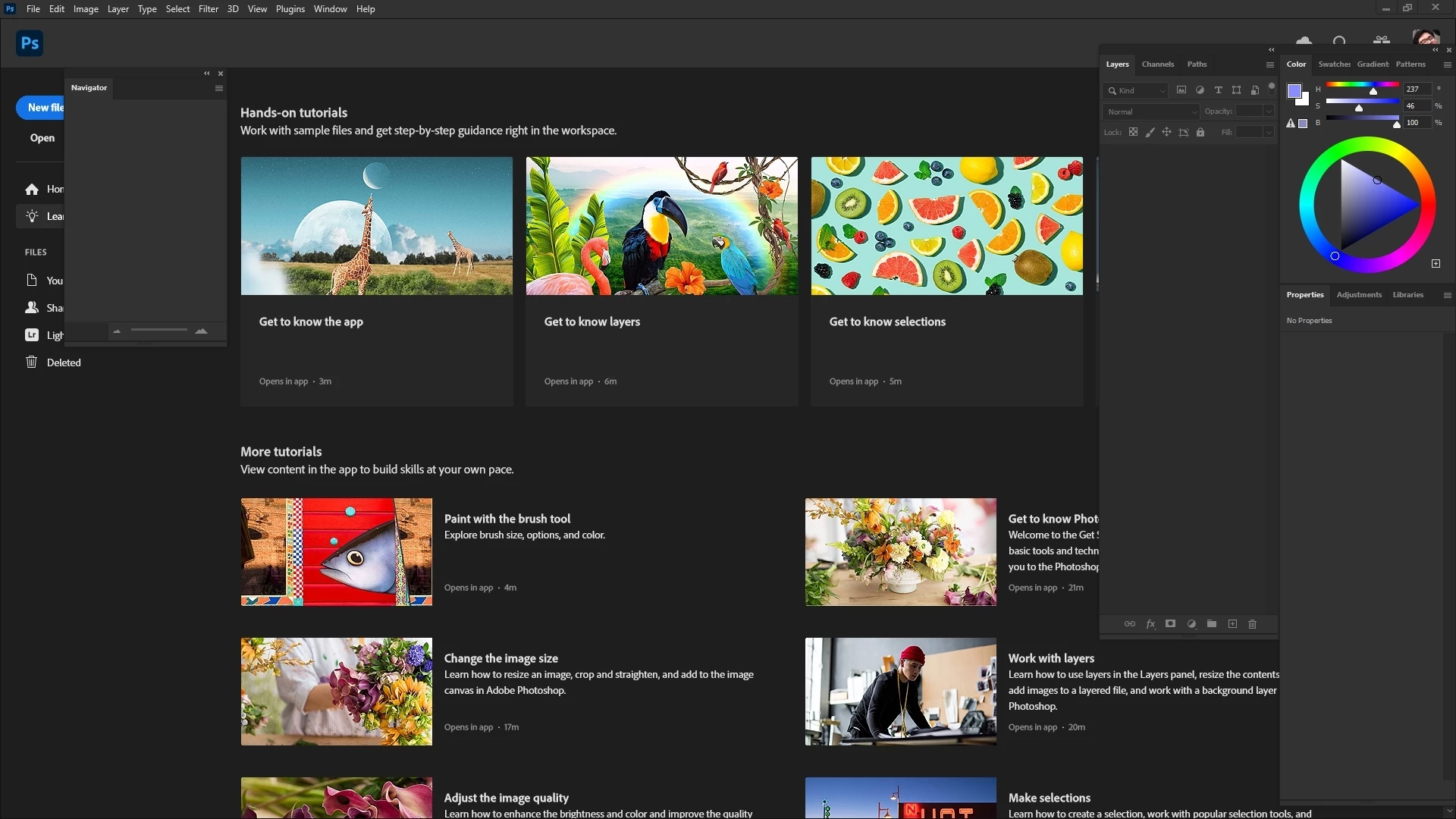


Please help, thank you. 

This topic has been closed for replies.

2 replies

Mike_Gondek10189183
Community Expert
Community Expert
February 11, 2024

Record an action that closes the navigator (using insert menu item), and assign a key command to that.


If this bothers you I  would not have any undocked panels, and save your workspace.


Sorry do not have anything better on this one.


jane-e
Community Expert
Community Expert
February 11, 2024
quote

In older versions of Photoshop, the floating panels are automatically closed; it appears when you open a document. Newer versions doesn't do it anymore.

By @BrianM91


I don't remember a version of Photoshop that had a Home Screen where the floating panels didn't behave this way. My workaround is to close the floating panels, then reset my saved workspace the next time I use Photoshop.


AFAIK, there is not a way to turn off the floating panels automatically when files are closed.


Jane

BrianM91
BrianM91Author
Participant
February 12, 2024

I remember the CC versions had it close/minimize automatically when you close the documents. It's only when they transitioned to the later version that the feature was gone. 


I guess maybe I'm just confusing it with when they didn't had homescreens during that time. That could be a possibility.