Inspiring
December 14, 2021
Answered

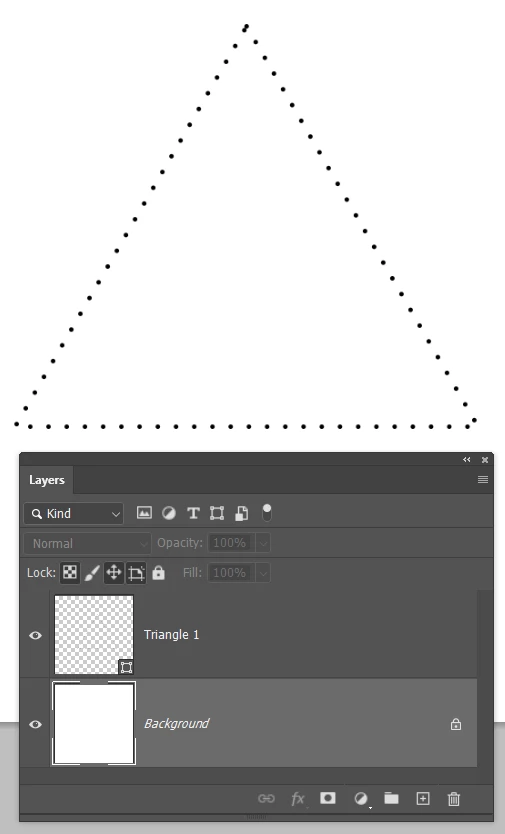
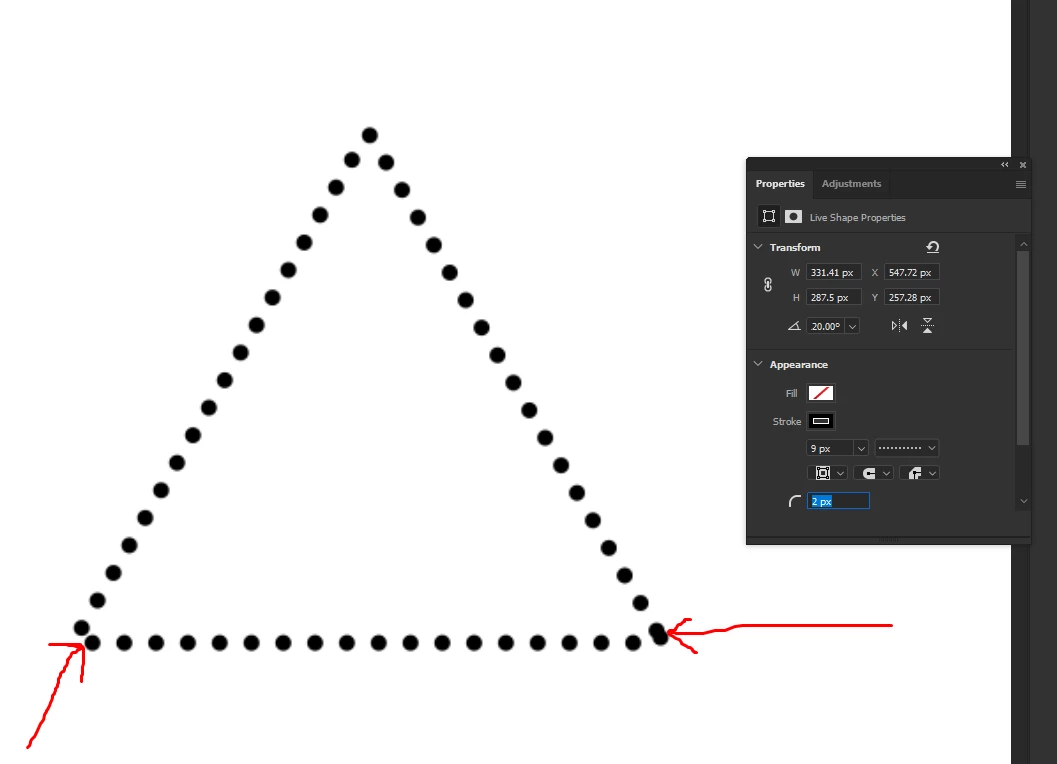
Uneven dots created using the properties panel

  • December 14, 2021
  • 2 replies
  • 827 views

Hi forum.


Im trying to figure out how to get nice even symmetrical dots going around a triangle shape, but I cannot figure out in the properties section how to do this. If you notice in the corners the dots seems jammed and not spaced out correctly.


This topic has been closed for replies.
Correct answer Trevor.Dennis

If you don't have Illustrator you still have options, albeit most definitely on the clunky side compared to Illustrator.

If the size of your dots is not crucial, then you can fine tune their placement by adjusting their size.  

e.g. Whereas with Stroke set to 5 pixes the distribution is a mess...
 

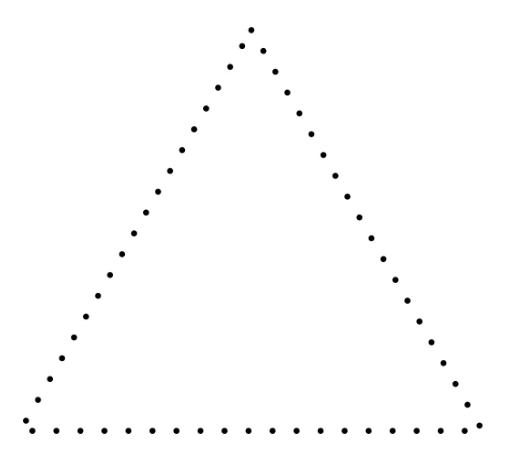
...6.6 pixels is a little better.  Like I said, decidedly clunky and light years short of what Illustrator can do.
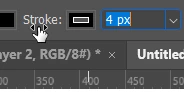
You can make life a little easier by adjusting the stroke value by hovering over the the word Stroke: and dragging left to decrease, and right to increase.  Doing this while holding down the Ctrl (Cmd) key adjust just the integer value, which is not much help, but dragging while holding down the Alt (Opt) key gives you control down to one hundredths so very fine control.
Another approach is not to refine your triangle purely to vectors, and to stroke a path with the brush tool.

Set the Shape option Path in the Options bar, and create your triangle.

Select the brush preset you want top stroke the path with, and give a spacing that leaves about the right gap 

Then create a new layer and select it.

Right click the path and choose Stroke path and make sure that Brush is selected. Note: you only need to do this for the first attempt.  For future strokes just click on the icon I have highlighted in green.
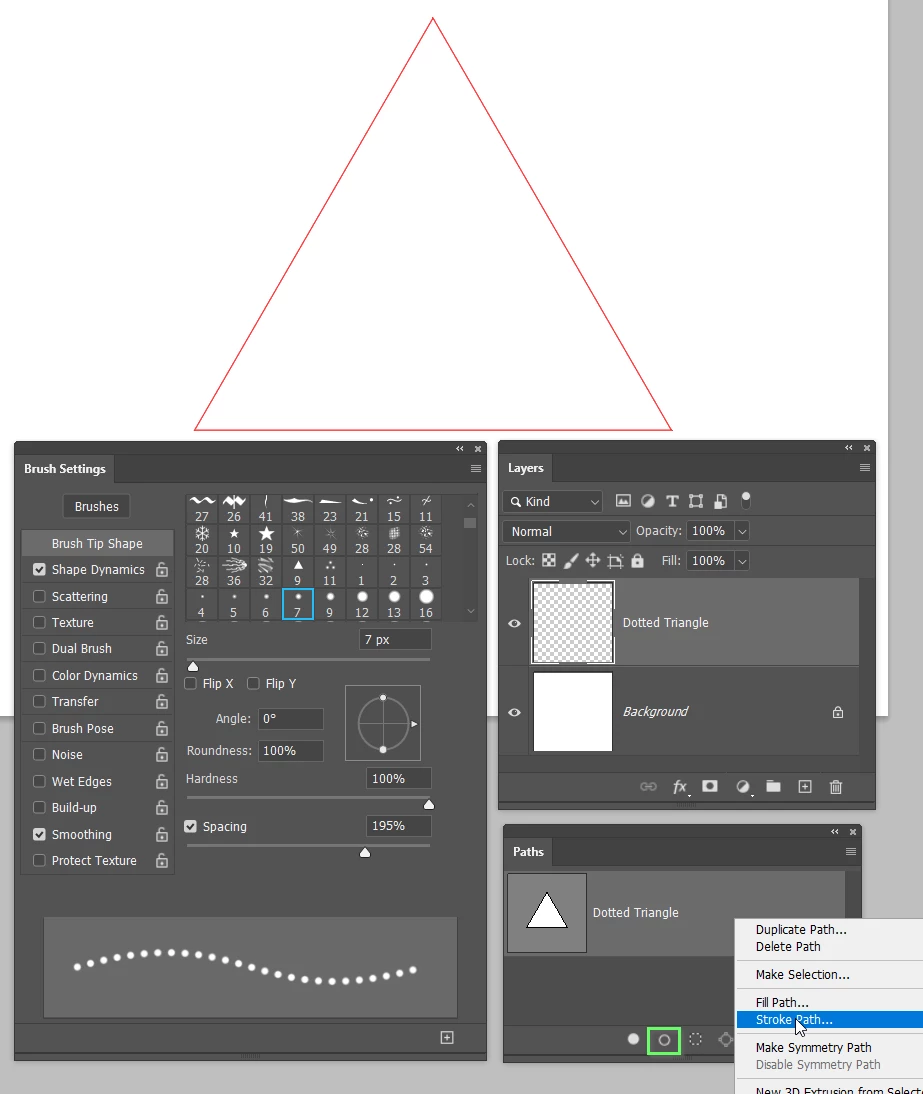
You then adjust brush spacing to give best result, and undo unwanted results with Ctrl Z
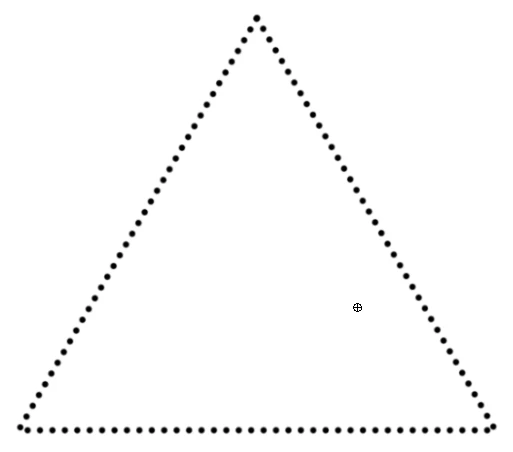
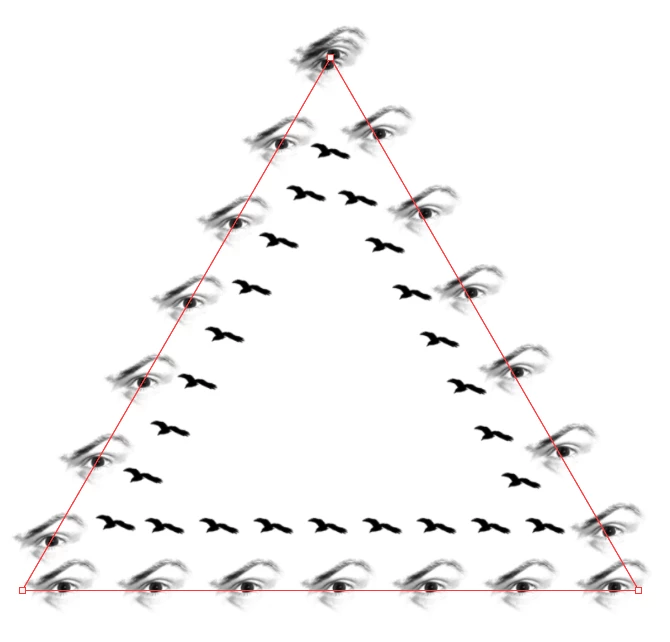
This approach does have one advantage. You use any preset you like.



2 replies

Trevor.Dennis
Community Expert
Trevor.DennisCommunity ExpertCorrect answer
Community Expert
December 14, 2021

If you don't have Illustrator you still have options, albeit most definitely on the clunky side compared to Illustrator.

If the size of your dots is not crucial, then you can fine tune their placement by adjusting their size.  

e.g. Whereas with Stroke set to 5 pixes the distribution is a mess...


...6.6 pixels is a little better.  Like I said, decidedly clunky and light years short of what Illustrator can do.

You can make life a little easier by adjusting the stroke value by hovering over the the word Stroke: and dragging left to decrease, and right to increase.  Doing this while holding down the Ctrl (Cmd) key adjust just the integer value, which is not much help, but dragging while holding down the Alt (Opt) key gives you control down to one hundredths so very fine control.

Another approach is not to refine your triangle purely to vectors, and to stroke a path with the brush tool.

Set the Shape option Path in the Options bar, and create your triangle.

Select the brush preset you want top stroke the path with, and give a spacing that leaves about the right gap 

Then create a new layer and select it.

Right click the path and choose Stroke path and make sure that Brush is selected. Note: you only need to do this for the first attempt.  For future strokes just click on the icon I have highlighted in green.

You then adjust brush spacing to give best result, and undo unwanted results with Ctrl Z

This approach does have one advantage. You use any preset you like.


c.pfaffenbichler
Community Expert
Community Expert
December 14, 2021

You might expect too much vector capabilities from Photoshop. 

You may want to do such thing (like dotted strokes with corner points always aligning with a dot) in Illustrator with a Dashed Line. 


Edit: 

Inspiring
December 14, 2021

I believe you're right, I was just seeing the 2021 version of PS and the instructor was demonstrating the live shapes in PS, so I thought I'd give it a try. But Illustrator is king when it comes to shape design.


Kind regards.