Answered
Unsupported file type
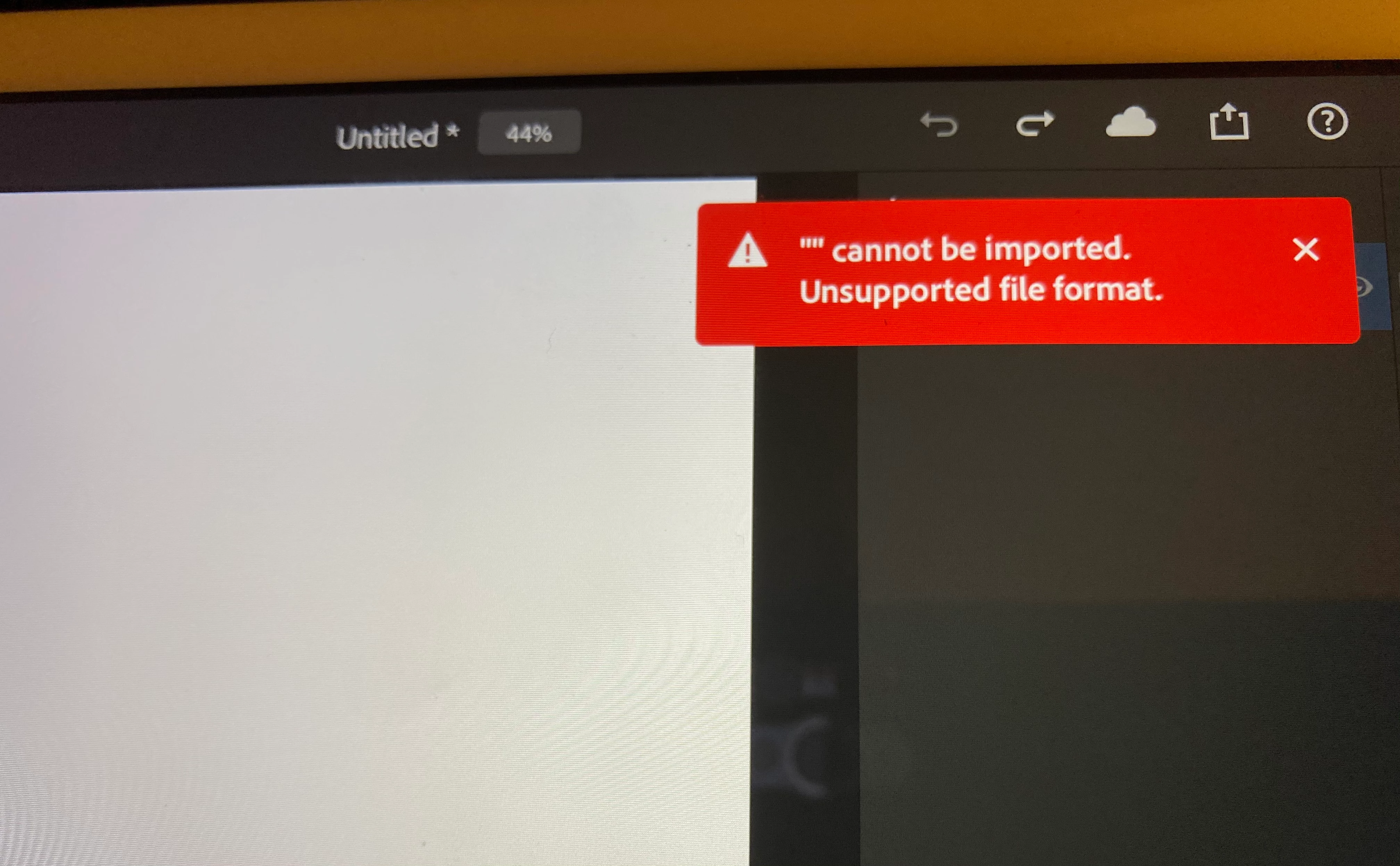
Good morning! I get this message when trying to open any image on my iPad (5th gen) from my camera roll. This was never a problem until this morning . Any ideas?

Good morning! I get this message when trying to open any image on my iPad (5th gen) from my camera roll. This was never a problem until this morning . Any ideas?
Hi all,
We're happy to announce the release of Photoshop on the iPad 2.0.2 which includes the fix for this issue.
To see what all fixed in the release refer to https://helpx.adobe.com/photoshop/kb/fixed-issues.html#photoshop-ipad-fixed-issues
Let us know if the update resolves the problem for those affected and share your feedback with us.
Thanks,
Mohit
Already have an account? Login
Enter your E-mail address. We'll send you an e-mail with instructions to reset your password.
 AdChoices