
Participant
December 21, 2022
Question

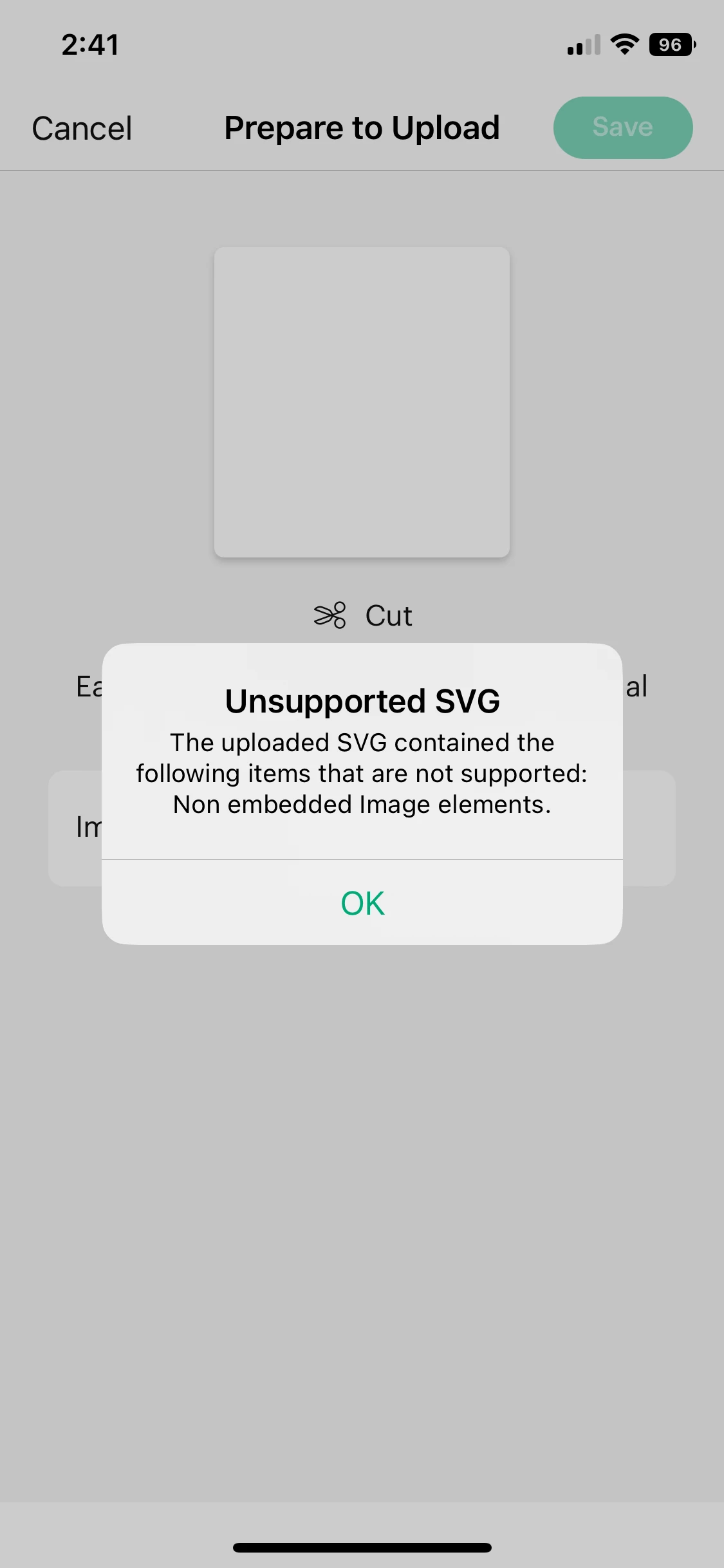
unsupported SVG "non embedded image elements" in Cricut Design Space

  • December 21, 2022
  • 2 replies
  • 6086 views

When I try to open svg files I product by photoshop in "Cricut Design Space" I get this error message "unsupported SVG "non embedded image elements" I try everything but I cant solve this problem . is there anybody help me .What can I do about this problem.
This topic has been closed for replies.

2 replies

Nancy OShea
Community Expert
Community Expert
May 11, 2023

SVG is a math-vased vector graphic file.  Create or edit SVG code a code editor like Dreamweaver or a vector graphics app like Illustrator.

Photoshop is for creating & editing pixel-based raster images.


Nancy O'Shea— Product User & Community Expert
Kevin Stohlmeyer
Community Expert
Community Expert
December 21, 2022

This was discussed heavily here:

https://community.adobe.com/t5/photoshop-ecosystem-discussions/svg-file-issues/td-p/11470812

A couple of additional notes - On the Cricut forum, users recommended flattening the image before saving as an SVG. It has to do with keeping your text editable in the original PS file before saving.


Participant
December 21, 2022

I read the article but I still couldn't find or understand the solution 😔

Kevin Stohlmeyer
Community Expert
Community Expert
December 21, 2022

Do you have text in your file?