

Update to macOS Monterey broke third-party plug-in Mister Retro Permanent Press 2
Hello,
I've recently updated my Macbook Pro to macOS Monterey in order to update my adobe products. In doing so, the Mister Retro Permanent Press 2 plug-in no longer works both in Photoshop 2022 and CC 2018--the version in which is was previously working.
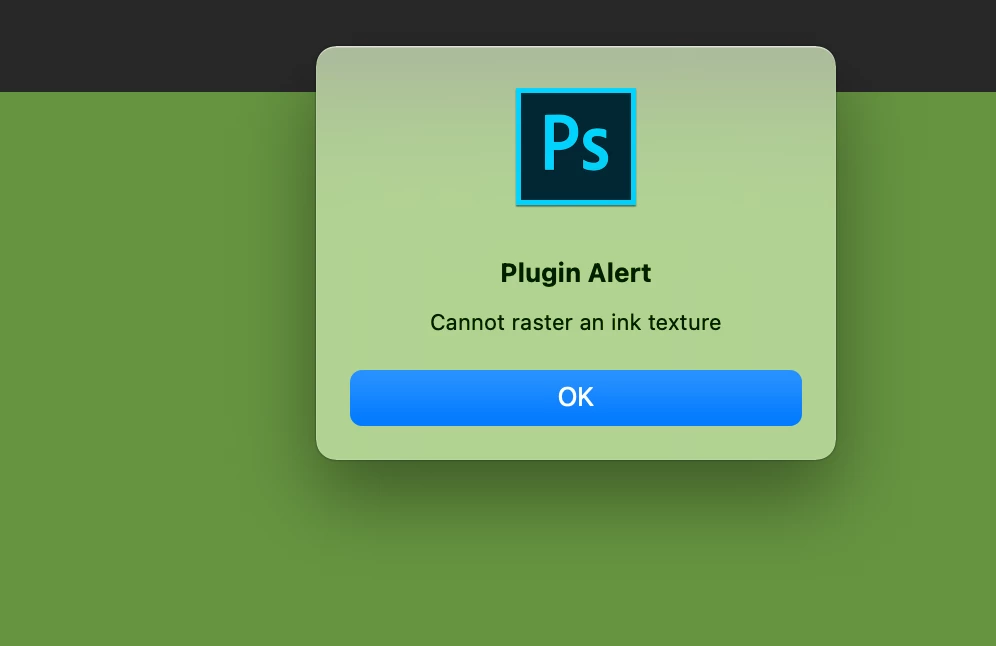
When trying to initialize the plug-in, we are met with an error dialogue pop-up:
Clicking "OK" yields two more separate error dialogues:
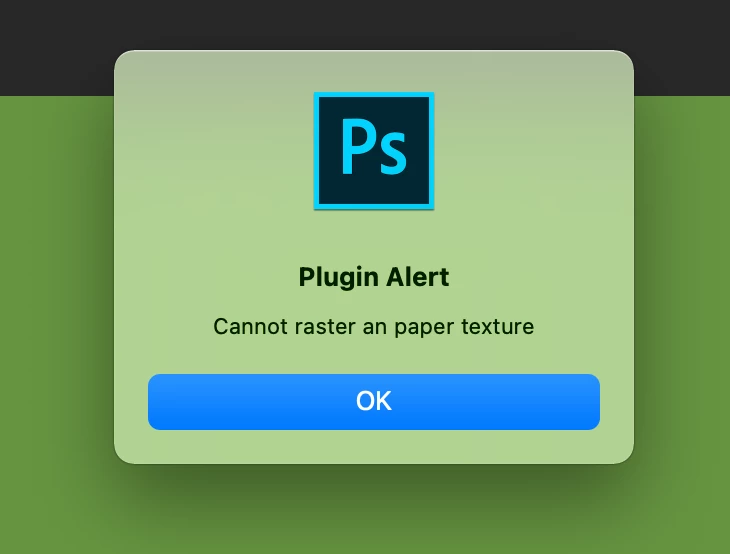
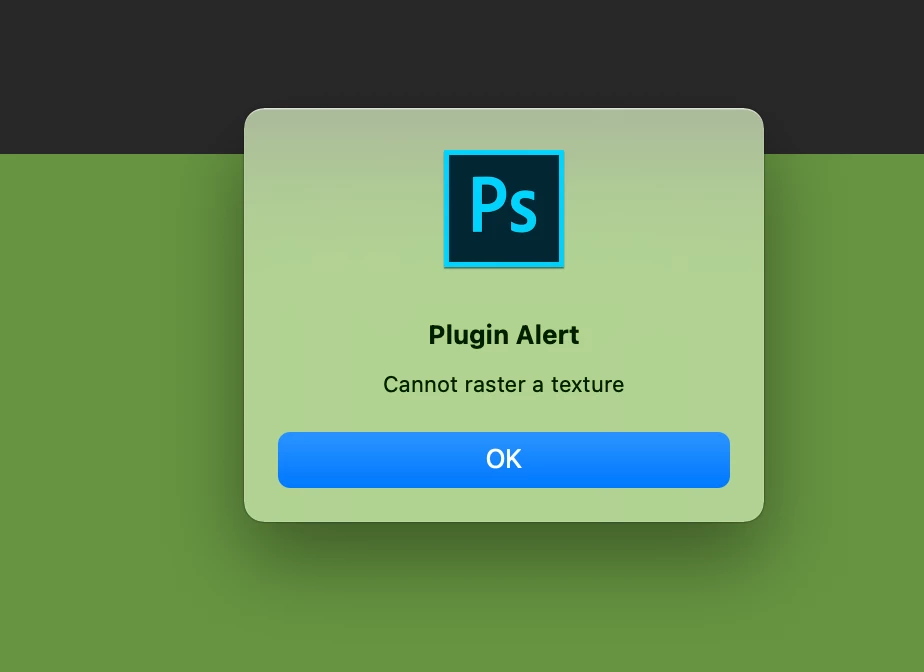
At this point one of two things happen: either the program becomes caught in a loop in which it reproduces the "Cannot raster a texture" dialogue box until the app is forced to quit, or it boots up:
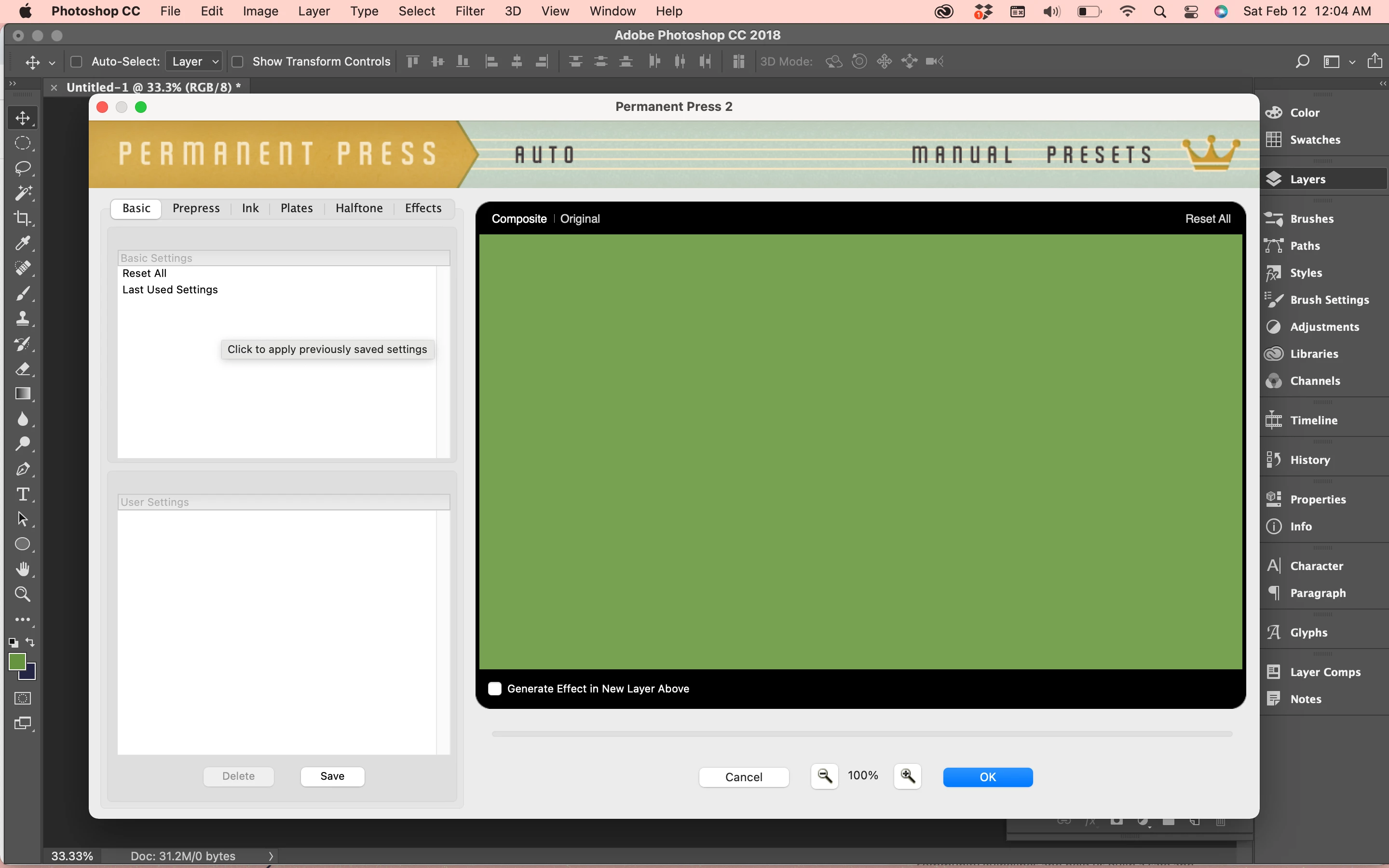
All presets are missing. Attempting to use the plug-in despite that yields the same set of error messages:
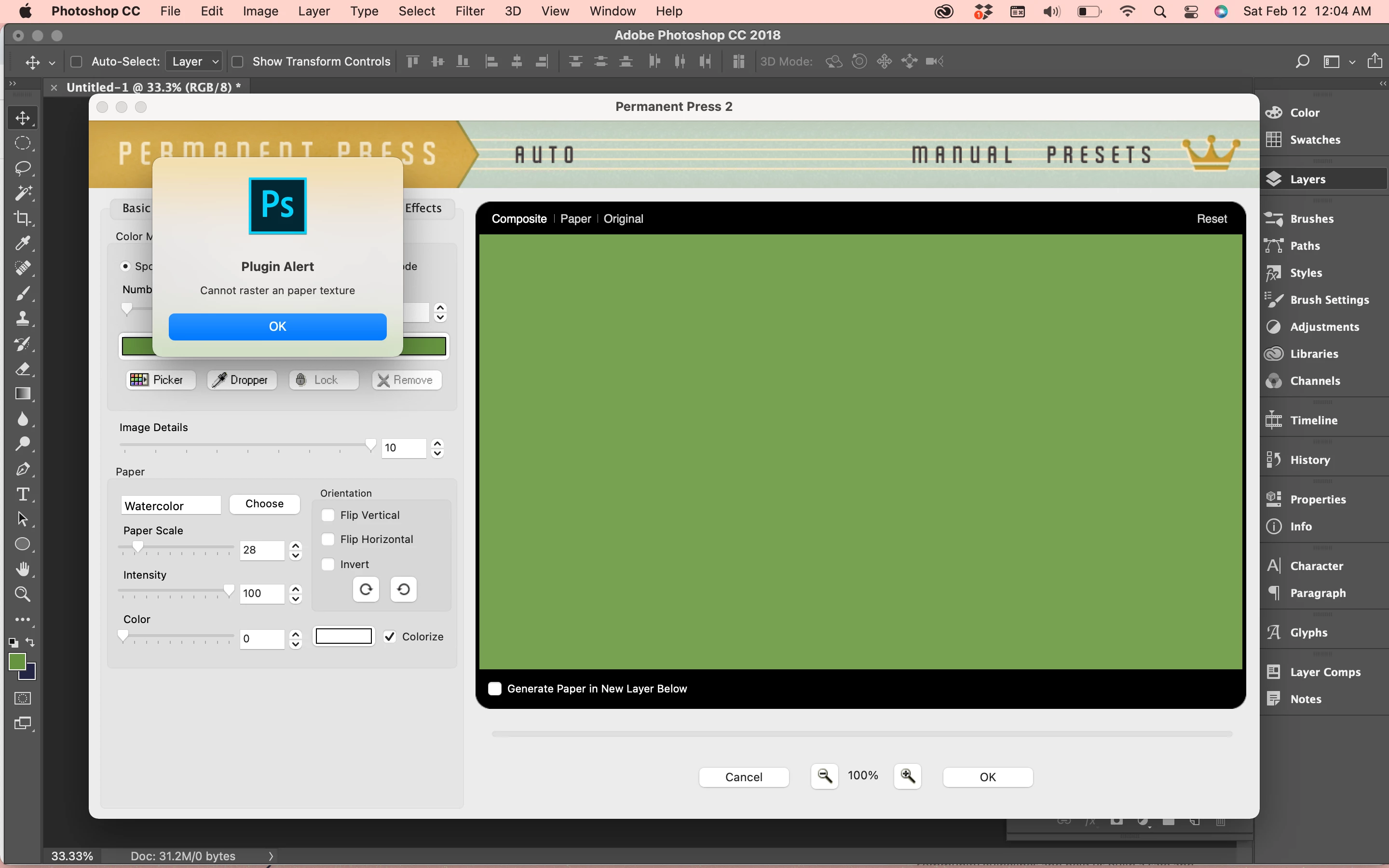
So, in sum, updating to macOS Monterey has broken the third-party plug-in Mister Retro Permanent Press 2, even when trying to use it in Photoshop CC 2018--the version in which it was working before the os update. Trying to use it either puts us in an endless error loop, or the plug-in opens but is non-functional i.e. all presets are missing (despite still being on the disk) and pressing any button/tab produces the same errors as launching the plug-in does.
Searching for solutions hasn't turned up much, and I'm currently waiting on a reply from Mister Retro via e-mail. If anyone has any ideas as to what may be happening and/or how to fix it, it will be greatly appreciated. Please let me know if you need any more relevent information.
Thank you!
 AdChoices