Participant
September 26, 2023
Question

Updated to 2024 and now can't open any of my files

  • September 26, 2023
  • 12 replies
  • 13963 views

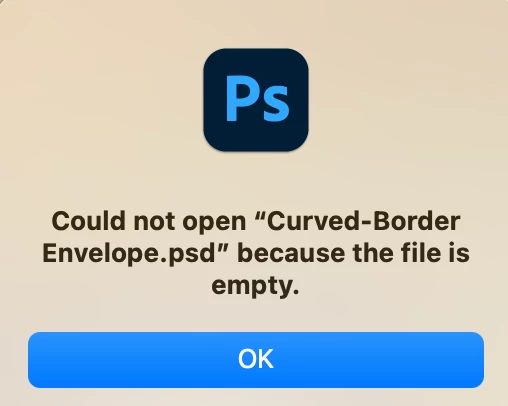
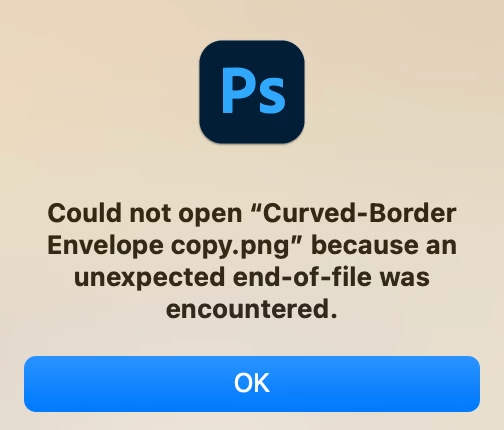
Please help. I just updated to 2024. I believe I had 2020 before. Now I'm not able to open any of my files. I keep getting these errors.
 

This topic has been closed for replies.

12 replies

Participating Frequently
April 3, 2024

Chatted with Adobe yesterday..


They reported that those basic image file types will not be openable in Photoshop elements. They suggested that I buy illustrator if I wanted to open those files.


I told them instead that I would be using the open source utility Gimp, and if I can find an open source alternative to Premiere I'll start using that too. In this way I can avoid giving them a nickel ever again.

Participating Frequently
March 18, 2024

As an FYI, for SVG files at least:

  • MSFT Paint: works
  • GIMP: Works

Tested on both Win10 and Win11. Adobe fails on both.

Participating Frequently
March 11, 2024

I have doubts that Adobe tracks community complaints.


Anyone have a bug reporting link?

Participant
March 11, 2024

I updated to 2024 a while ago,  seemed ok so I deleted the 2023 version.  Now I cannot open a single file with Photoshop, no matter how I try. HEIC files, JPGs, PNGs - nothing will open.

BTW - the first symptom of problems was when I tried to open a couple of files as once and Photoshop mangled them all together.  

The Creative Cloud costs a lot of money to run for us independents, this is very very unacceptable!


Participating Frequently
March 10, 2024

Still broken with a new install in March.


No update available.


Criminal lapse on Adbobe's part.

Participant
January 5, 2024

Thanks Kristin, your procedure totally worked for me, and indeed, no idea why 🙂

Worked for Photoshop and Illustrator

  1. Cleared my preferences by holding Shift + Ctrl+Alt while Illustrator opened.
  2. 2023 would not even open. Crashed while trying to open.
  3. Shutdown, and then started my computer. Same result.
  4. Uninstalled 2023.
  5. Shutdown, and then started my compter.
  6. Installed 2024.
  7. Restarted my computer. Now 2024 is working for me.
Participant
November 3, 2023

I did the following and now 2024 (Windows) is working for me. I'm not sure what the fix was though:

  1. Uninstalled 2024.
  2. Installed 2023.
  3. Cleared my preferences by holding Shift + Ctrl+Alt while Illustrator opened.
  4. 2023 would not even open. Crashed while trying to open.
  5. Shutdown, and then started my computer. Same result.
  6. Uninstalled 2023.
  7. Shutdown, and then started my compter.
  8. Installed 2024.
  9. Restarted my computer. Now 2024 is working for me.
Participant
November 2, 2023

Same issue. Updated to Illustrator 2024 and it crashes everytime I try to open a file. 

Linda Eskin
Participant
October 15, 2023

Similar issue here. Auto-updated to Photoshop 2024 on Windows 10. All local files - nothing in Creative Cloud. 2024 version launches, but won't open any existing files, or even create a new file. I don't have time to deal with this right now, so downloaded the next-oldest version and that's doing the job. Took Michelle's/mglush's advice and turned off Auto-Updates. 

Not an ideal solution, but I'm back in business.

Inspiring
May 28, 2024

Just  anote I don't have a fix either BUT I can get it to open the psd file if I open photoshop then search for said file and open it that way. BUT to just find the file on my desktop and click open  nothing!!


Samantha Fury Creating Characters you can love!
mglush
Community Expert
Community Expert
September 29, 2023

Hi!

Do you still have your version of 2020 installed? Can you open your files back in 2020?

What Mac OS are you running?

Do you have any other version of Photoshop that you could open your images in?


I know this is after the fact, but one thing I recommend is to turn OFF Auto Update. This is a production nightmare. And when you install a new version of Photoshop, make sure to select the option that installs a new version and leaves the old version in tact.

Michelle