josh.hues
Participant
August 23, 2023
Question

Use script to batch change all smart object layers to a new pattern

  • August 23, 2023
  • 2 replies
  • 492 views

Hi All,

This is my first post ever so first I apologize if this topic has already been discussed or reviewed. Secondly I hope I am posting in the correct section of the community. I also have never used the Script tool so this is all new.

Getting to the point.

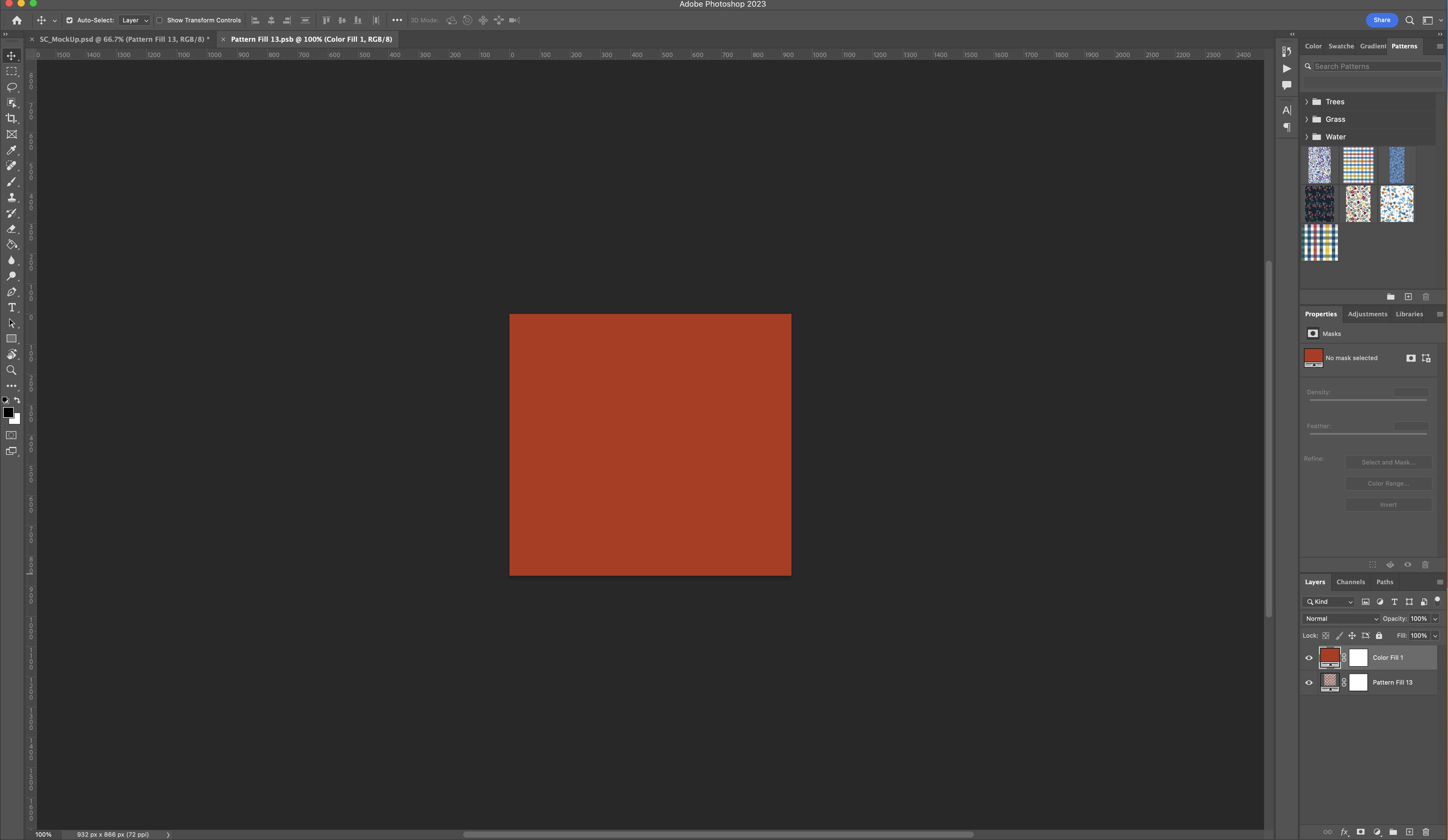
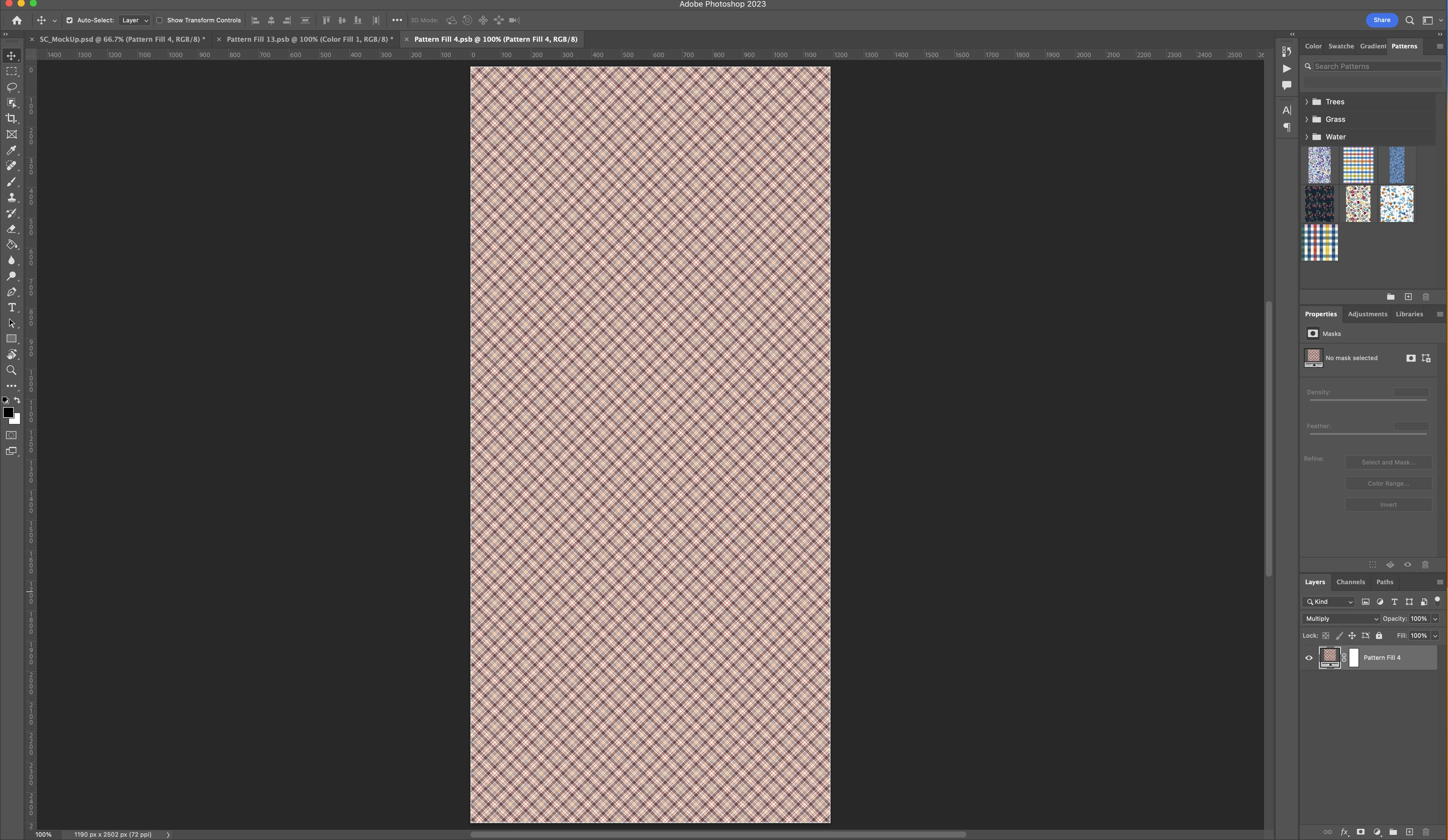
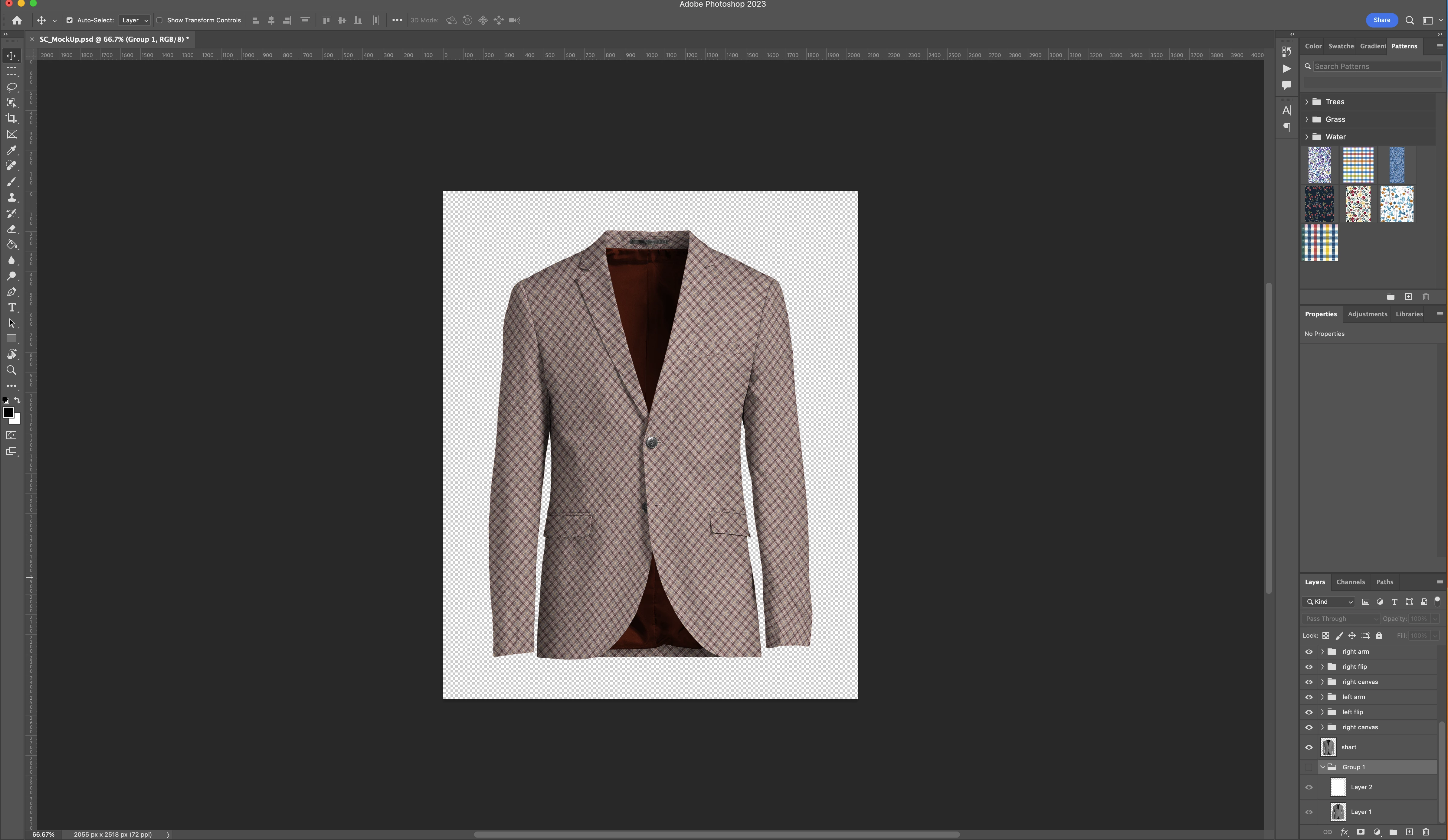
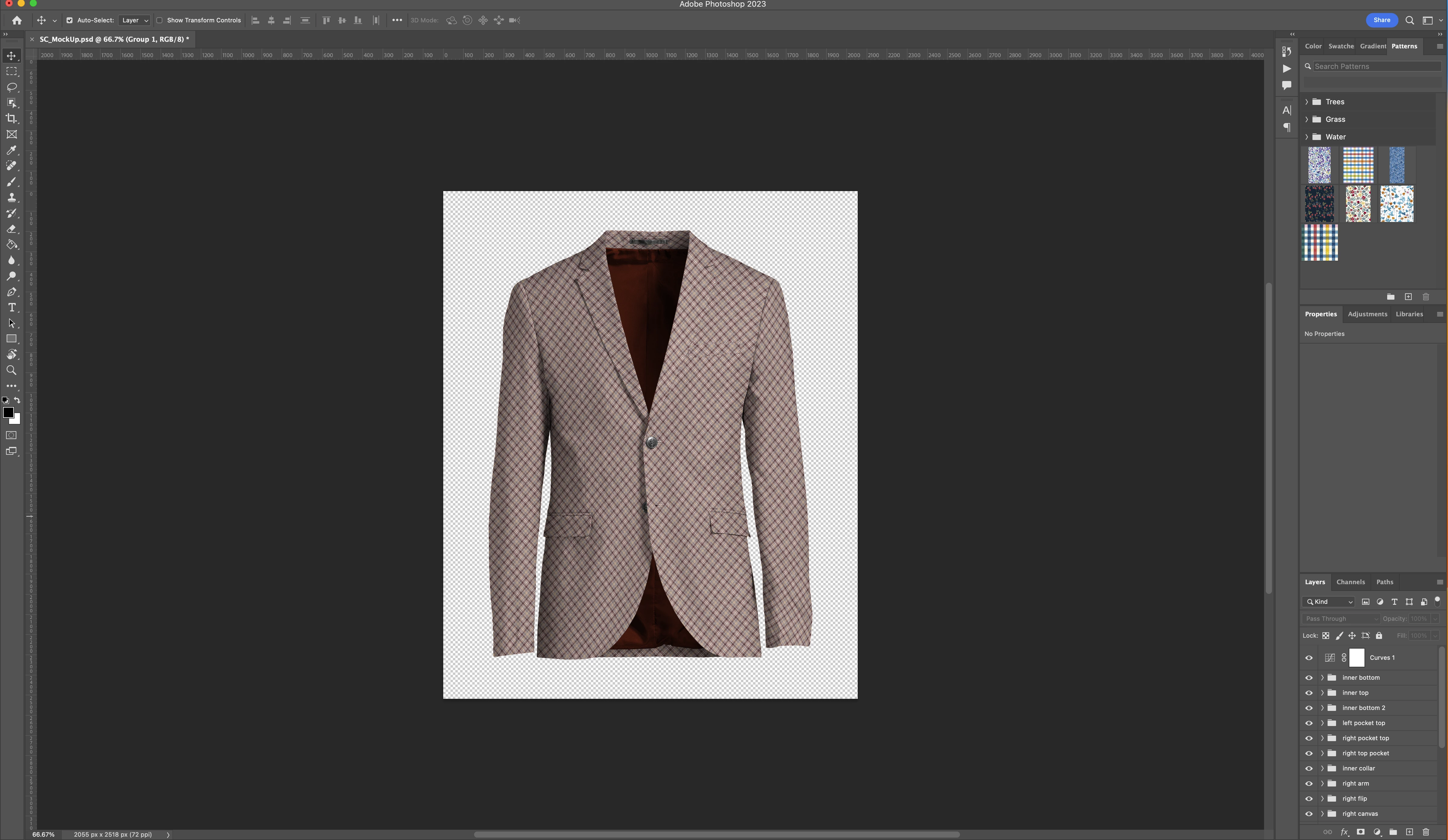
I have a .psd file that is a rendering of a sportcoat/blazer. All portiond of the sportcoat have been turned into masks and linked with a smart object so that new patterns can be applied to the smart objects to adjust the rednering to different fabric patterns.

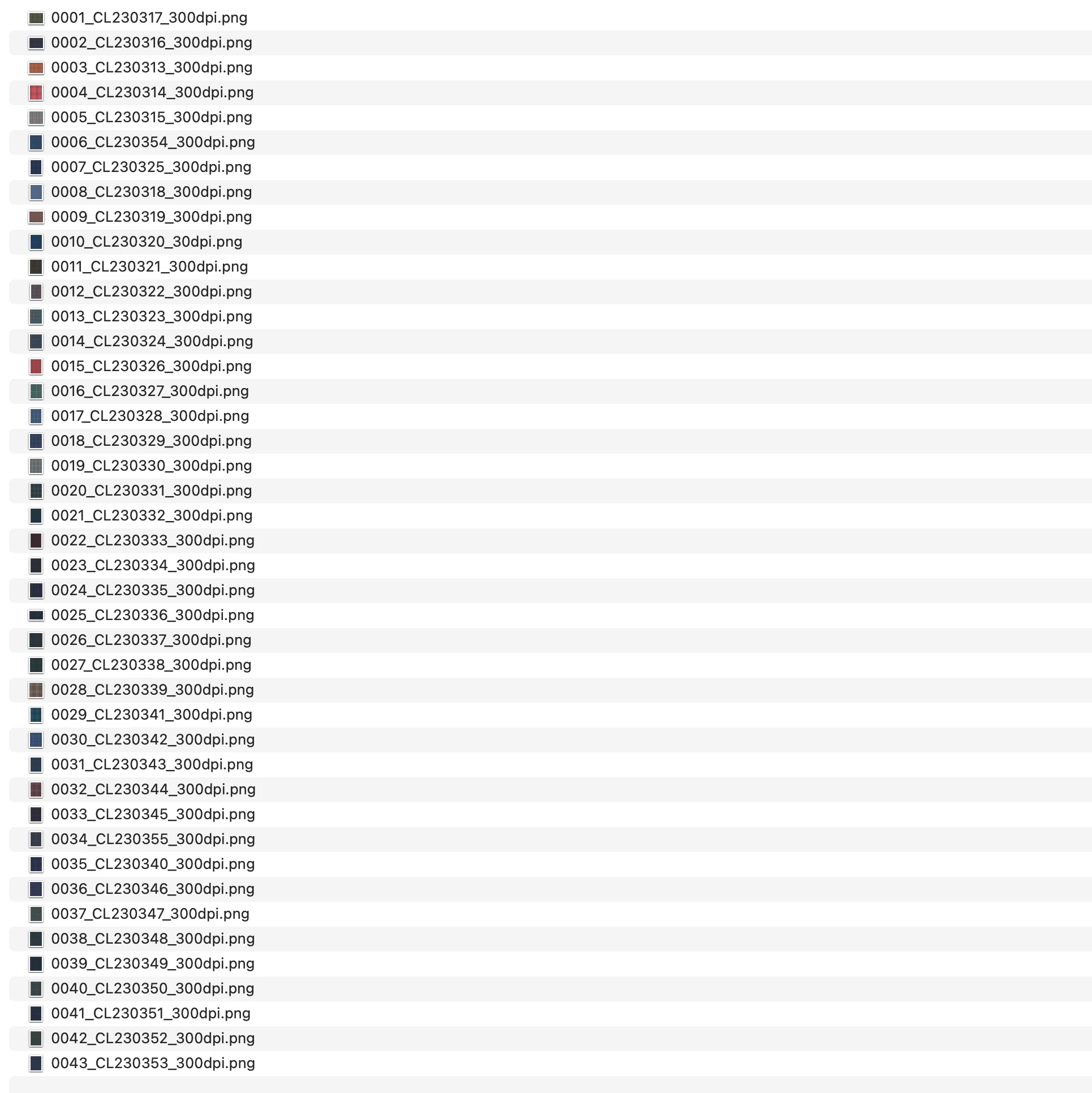
What I am trying to achieve is a workflow to automatically apply new .png patterns I have in a folder and export a .png so that I have an rendering of every fabric.

I have attached some screen shots to better understand the file structure.

I am open to ideas or better practices. The end goal is having a realistic as possible rendering of the Jacket made up in every fabric I have.

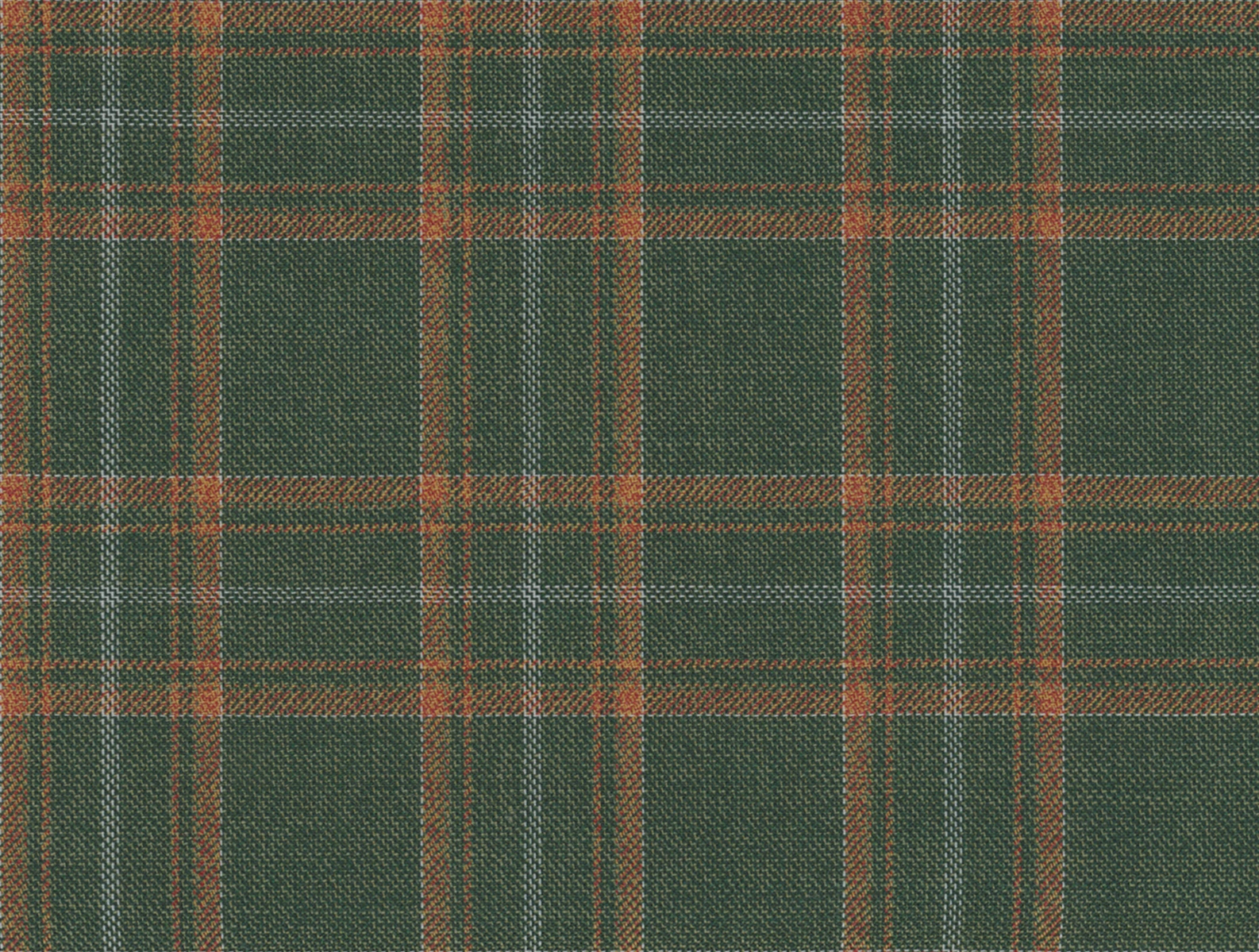
In respect to the fabric patterns I have both large swatches and smaller clips of those swatches I have turned into a tile that will seamlessly repeat.
 

This topic has been closed for replies.

2 replies

Stephen Marsh
Community Expert
Community Expert
August 30, 2023

@josh.hues 


I’m going to use an example of an action, however, to my knowledge scripts have the same requirements... But some creative advanced Action Manager coding may be able to work around the following complexity:


Changing a pattern requires both the "obvious" pattern name, but also the internal ID of the pattern.

c.pfaffenbichler
Community Expert
Community Expert
August 31, 2023

In trying to help someone in another thread I noticed that, at least if Patterns have unique names, it seems the names suffice for identification of a Pattern in a Script. 


Edit: 

// create pattern layer with last pattern;
// 2023, use it at your own risk;
if (app.documents.length > 0) {
try {
var ref = new ActionReference();
ref.putProperty(stringIDToTypeID ("property"), stringIDToTypeID("presetManager") ); 
ref.putEnumerated( charIDToTypeID("capp"), charIDToTypeID("Ordn"), charIDToTypeID("Trgt") );
var applicationDesc = executeActionGet(ref);
var presetManager = applicationDesc.getList(stringIDToTypeID("presetManager"));
var patternNames = presetManager.getObjectValue(4).getList(stringIDToTypeID("name"));
var theNames = new Array;
for (m = 0; m < patternNames.count; m++) {
    theNames.push(patternNames.getString(m))
};
makePatternLayer (theNames[theNames.length-1], 100);
//brickFill (theNames[theNames.length-1], 0.1)
} catch (e) {};
};
////// make pattern layer //////
function makePatternLayer (thePatternName, theScale) {
// =======================================================
var idMk = charIDToTypeID( "Mk  " );
	var desc3 = new ActionDescriptor();
	var idnull = charIDToTypeID( "null" );
		var ref1 = new ActionReference();
		var idcontentLayer = stringIDToTypeID( "contentLayer" );
		ref1.putClass( idcontentLayer );
	desc3.putReference( idnull, ref1 );
	var idUsng = charIDToTypeID( "Usng" );
		var desc4 = new ActionDescriptor();
		var idType = charIDToTypeID( "Type" );
			var desc5 = new ActionDescriptor();
			var idScl = charIDToTypeID( "Scl " );
			var idPrc = charIDToTypeID( "#Prc" );
			desc5.putUnitDouble( idScl, idPrc, theScale );
			var idPtrn = charIDToTypeID( "Ptrn" );
				var desc6 = new ActionDescriptor();
				var idNm = charIDToTypeID( "Nm  " );
				desc6.putString( idNm, "rust400x400" );
				var idIdnt = charIDToTypeID( "Nm  " );
				desc6.putString( idIdnt, thePatternName );
			var idPtrn = charIDToTypeID( "Ptrn" );
			desc5.putObject( idPtrn, idPtrn, desc6 );
		var idpatternLayer = stringIDToTypeID( "patternLayer" );
		desc4.putObject( idType, idpatternLayer, desc5 );
	var idcontentLayer = stringIDToTypeID( "contentLayer" );
	desc3.putObject( idUsng, idcontentLayer, desc4 );
executeAction( idMk, desc3, DialogModes.NO );
return app.activeDocument.activeLayer
};
c.pfaffenbichler
Community Expert
Community Expert
August 24, 2023

Could you please post screenshots with the pertinent Panels (Toolbar, Layers, Options Bar, …) visible that illustrate the Layer structure of the template file? 


There have been several threads about batch-replacing Smart Object contents in templates, have you done a Forum search yet (for »smart object template script« for example)?