
danielb94023111
Known Participant
June 13, 2024
Question

use the pen tool to add to an existing mask

  • June 13, 2024
  • 1 reply
  • 1684 views

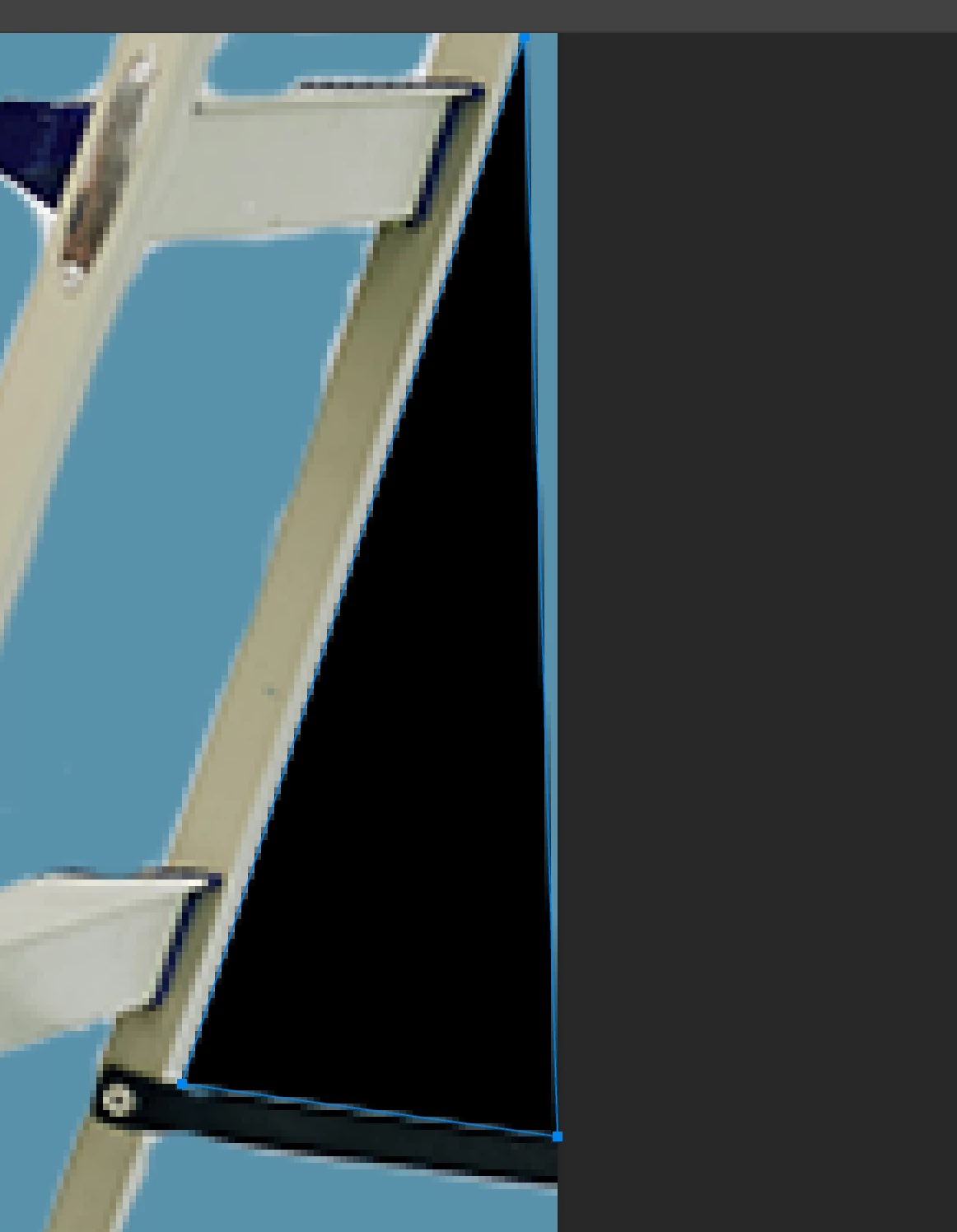
I have most of the already I just need to usel pen to make a perfectly straight line and add that to the mask. Every time I use the pen tool it makes a new shape on a new layer or it does absolutely nothing just has a blue outline. What am am I doing wrong and why does it gonna be made this program so incredibly difficult to use?
1 reply

Semaphoric
Community Expert
Community Expert
June 13, 2024

Is this a Vector Mask? Position the Pen over the path; the cursor should have a small plus sign next to it. Click to add a new point. Also, be sure that you have the vector mask selected in the Paths panel.

danielb94023111
Known Participant
June 13, 2024

I don't know what a vector mask is it's just a regular mask. I clicked the mask button and then started painting. Realize that it was gonna be super difficult to get the mask right so I thought I could just use the pen tool I don't know what a vector mask is it's just a regular mask. I clicked the mask button and then started painting. Realize that it was gonna be super difficult to get the mask right so I thought I could just use the pen tool like the show you online and in school but when I do it either get a shape on a new layer or just a blue outline.

All the tutorials and teachers and everyone online say Black hides and White will reveal, but that's obviously not the case here.

Semaphoric
Community Expert
Community Expert
June 13, 2024

If you have an existing Layer Mask, and you wish to add to it with the Pen, set the Pen to make a plain path. Click on Make: Selection in the Options bar. With the Layer Mask selected in the Channels panel, fill with white, and de-select.