
danielb94023111
Known Participant
June 13, 2024
Question

use the pen tool to add to an existing mask

  • June 13, 2024
  • 1 reply
  • 1683 views

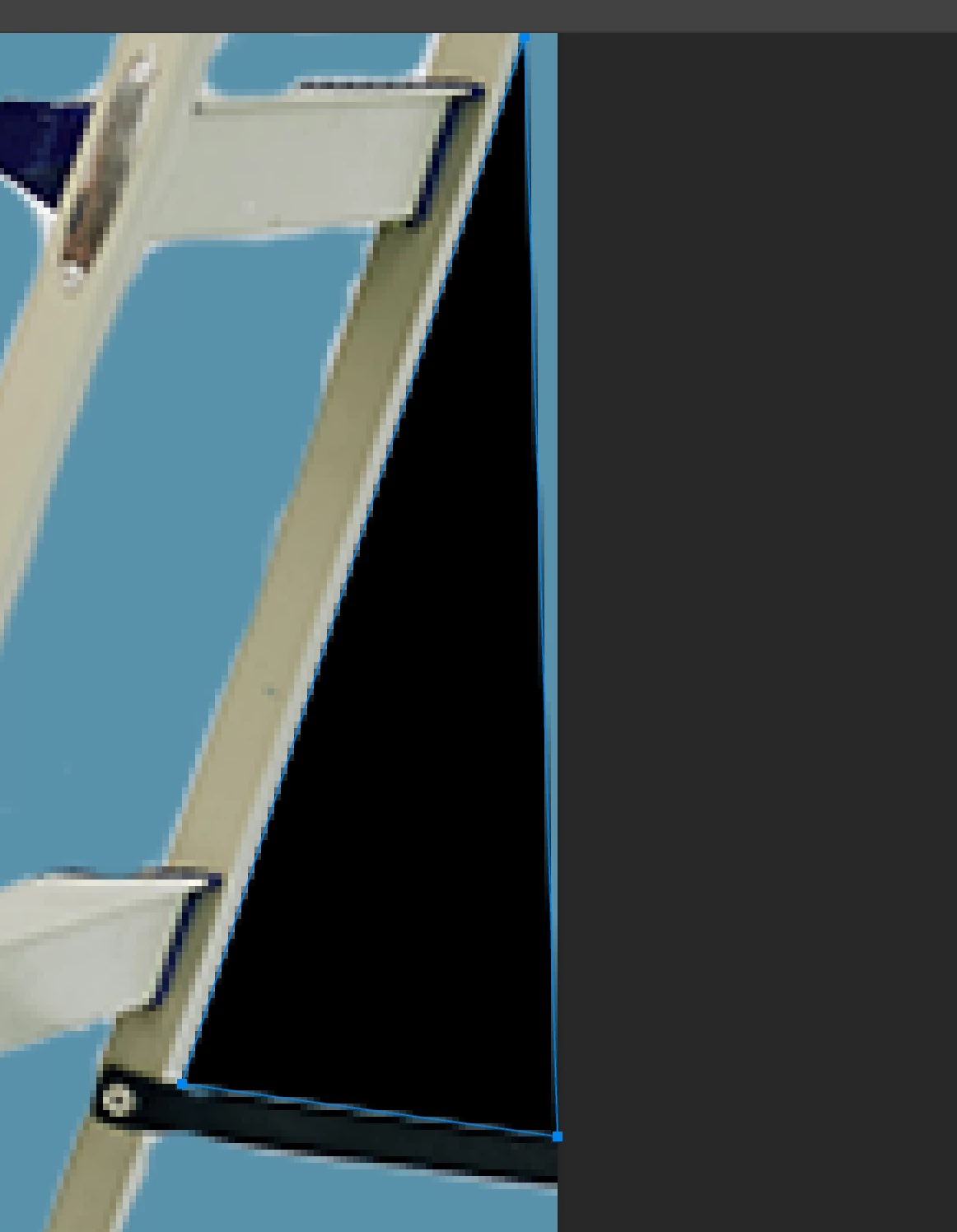
I have most of the already I just need to usel pen to make a perfectly straight line and add that to the mask. Every time I use the pen tool it makes a new shape on a new layer or it does absolutely nothing just has a blue outline. What am am I doing wrong and why does it gonna be made this program so incredibly difficult to use?
1 reply

Semaphoric
Community Expert
Community Expert
June 13, 2024

Is this a Vector Mask? Position the Pen over the path; the cursor should have a small plus sign next to it. Click to add a new point. Also, be sure that you have the vector mask selected in the Paths panel.

danielb94023111
Known Participant
June 13, 2024

Thank you for your response, but I have no idea what you're talking about. I need to use the Pen tool to ad to analredy exsisting mask.

If you look at this image here, you'll see a black triangle on the right side of the image and basically the idea is I would use the Pental to add a shape just like that to the already existing mask. No matter which I use path or shape on the Pental. It doesn't add anything to the mask and sometimes it doesn't even add anything.


Also, just for your information, maybe it's not difficult for you, but I've been using Photoshop for years and what you suggested is objectively and demonstrably far more difficult than just using the Pental and clicking the corners or angles of the mask you want to makemaybe it's not difficult for you, but I've been using Photoshop for years and. Either way, not trying to be a smart ass. I appreciate your help.

Semaphoric
Community Expert
Community Expert
June 13, 2024

I saw that my original post wasn't what you were asking, and your reply happened while I was revising it.  In addition to the revision, I would add, make sure Auto Add/Delete is checked in the options.