
andread14731216
Participating Frequently
February 13, 2020
Question

Using adobe stock overlay

  • February 13, 2020
  • 1 reply
  • 317 views

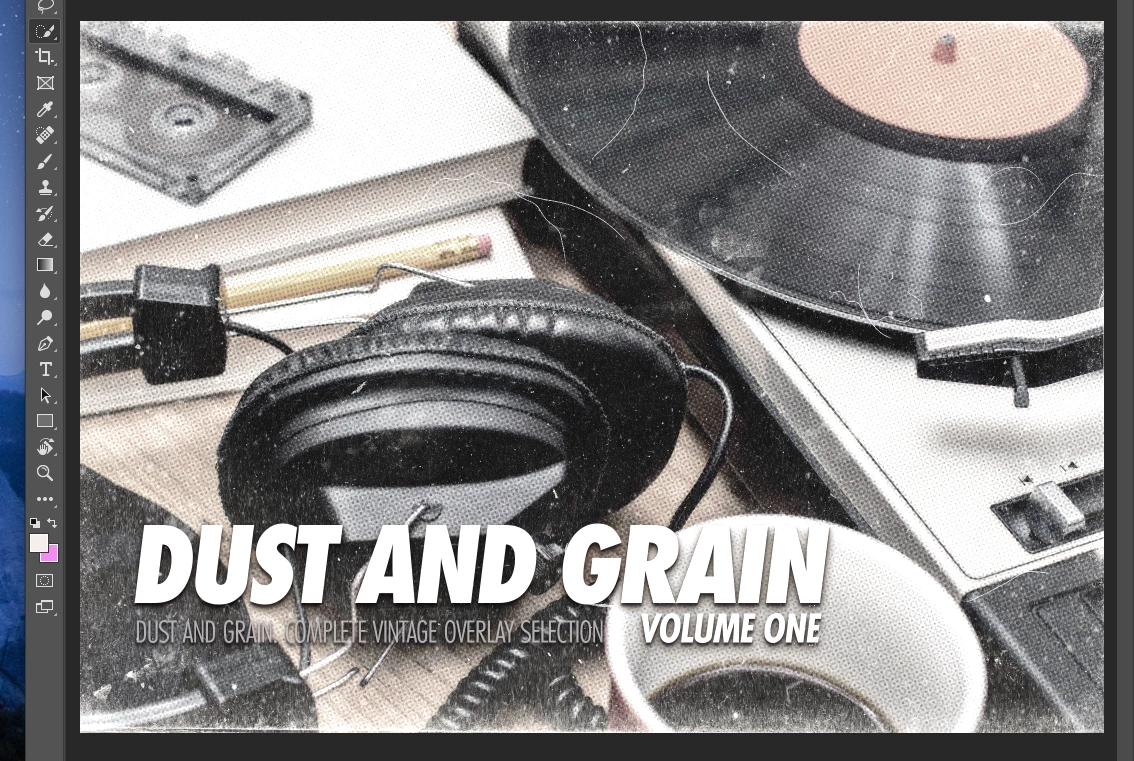
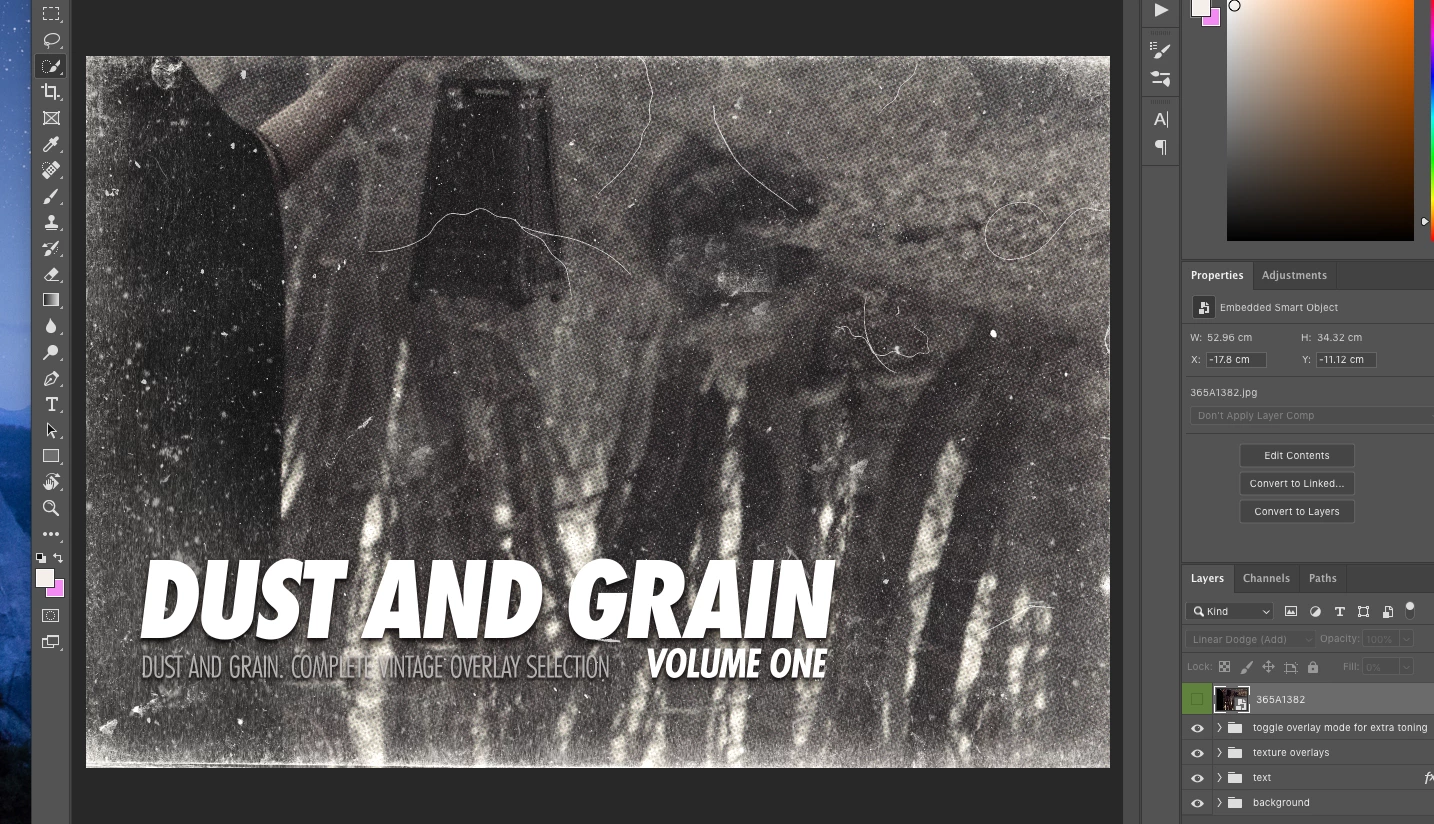
***EDIT*** problem solved. I was using the replace contents option instead of editing the tab in a new window. Thanks! Hello! I bought a template through adobe stock and am having trouble with it. I popped in my photo but it's super zoomed in. I tried to free transform and made the image the correct size but it doesn't change how it looks. Including some images. First is of the template when just opened. Second is of the photo I'm trying to use with it. Third is what it looks like when placed in the template. Appreciate any help! I'm new-ish to photoshop. Thought buying a template would be easier, LOL.

This topic has been closed for replies.

1 reply

Myra Ferguson
Community Expert
Community Expert
February 13, 2020

Your image is a higher resolution than the template. Select the layer with your image, go to Edit > Free Transform (Ctrl +T) and scale it down.


I know you said you're a new-ish to Photoshop, but you could do the scaling non-destructively (which isn't necessary but is more of a best practice because you can continue to make adjustments to the scale of your image without it affecting the original pixels.). If you want to try it, before you do the scaling, right-click on your layer and select Convert to Smart Object. Then use Free Transform to scale it down.

andread14731216
Participating Frequently
February 14, 2020
The free transform tool didn't do the trick, but I did figure it out in the
end 🙂