
Question
Using Color Range: Selecting 'Color' rather than 'Sampled Colors'
Hello,
Some advise, help, or explantion would be much appreciated:
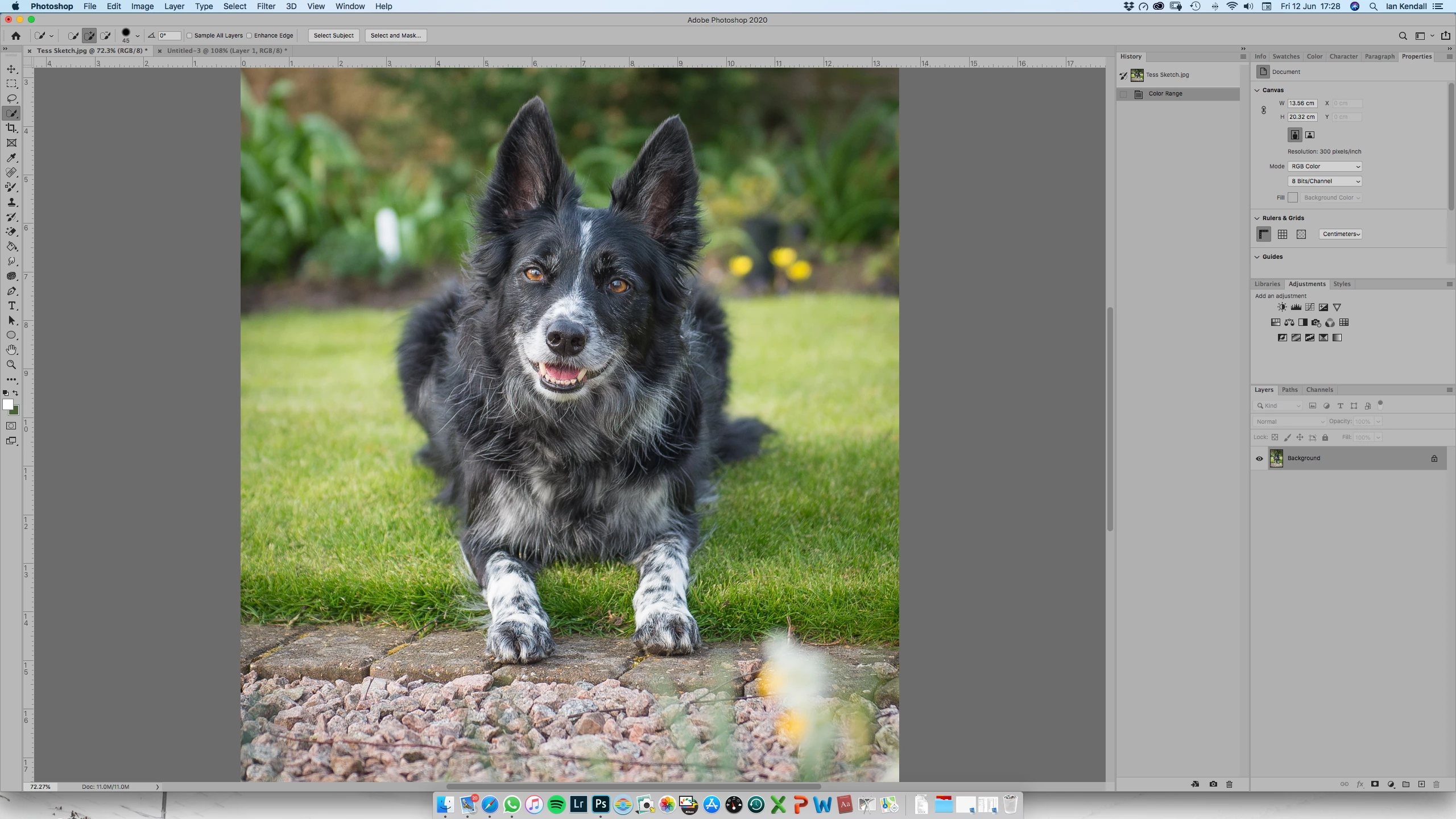
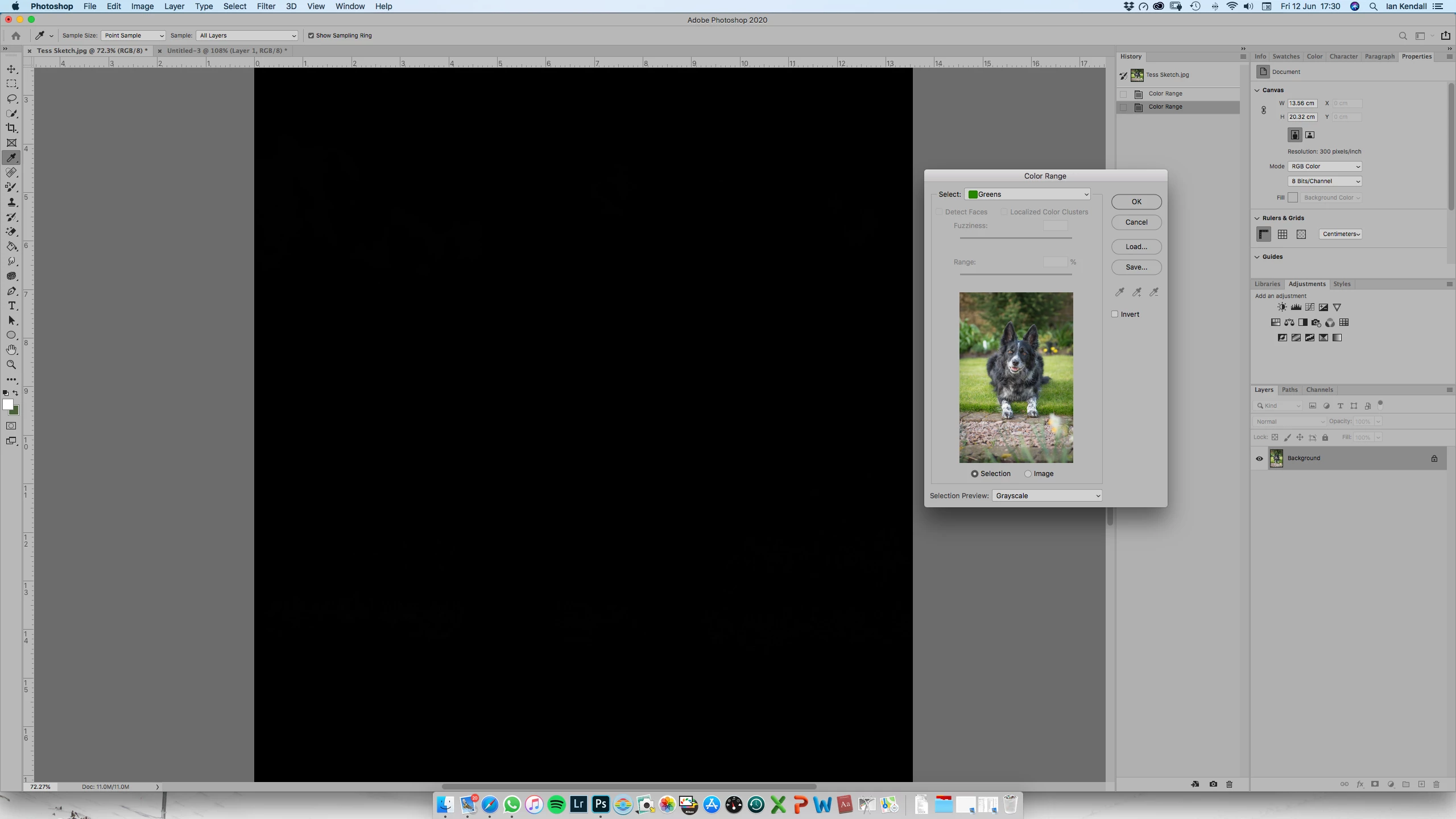
I have a photo of a black and white dog against green foliage (below). I'm trying to use Colour Range to select the green to remove it. In the Color Range window I select Greens rather than Sampled Colors, but I get the message:
Warning: No pixels are more than 50% selected. The selection edges will not be visible.
How is this so, when clearly there is a lot of green in the image?
Thanks,
Ian.
 AdChoices