
Answered
Using layers colour as clipping mask
Hello
Is there a way to use layers colour as clipping mask?
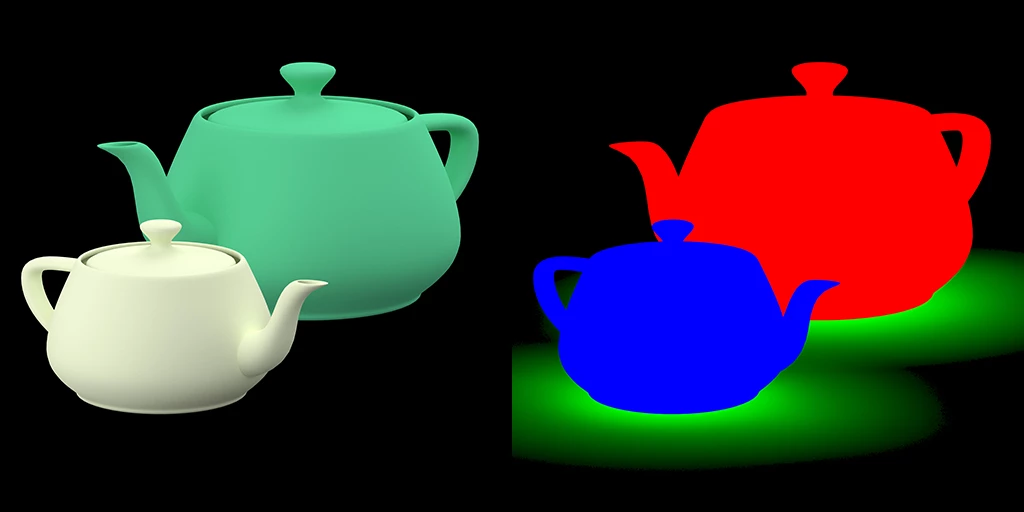
Below there are two images that have been rendered in 3ds max. I will drag and drop them from Finder to Photoshop by holding ALT so they will be linked layers.
For now I have made a selection from the Channels and use that selection as Mask but this slows me down as there are about 300 product images I need to do.
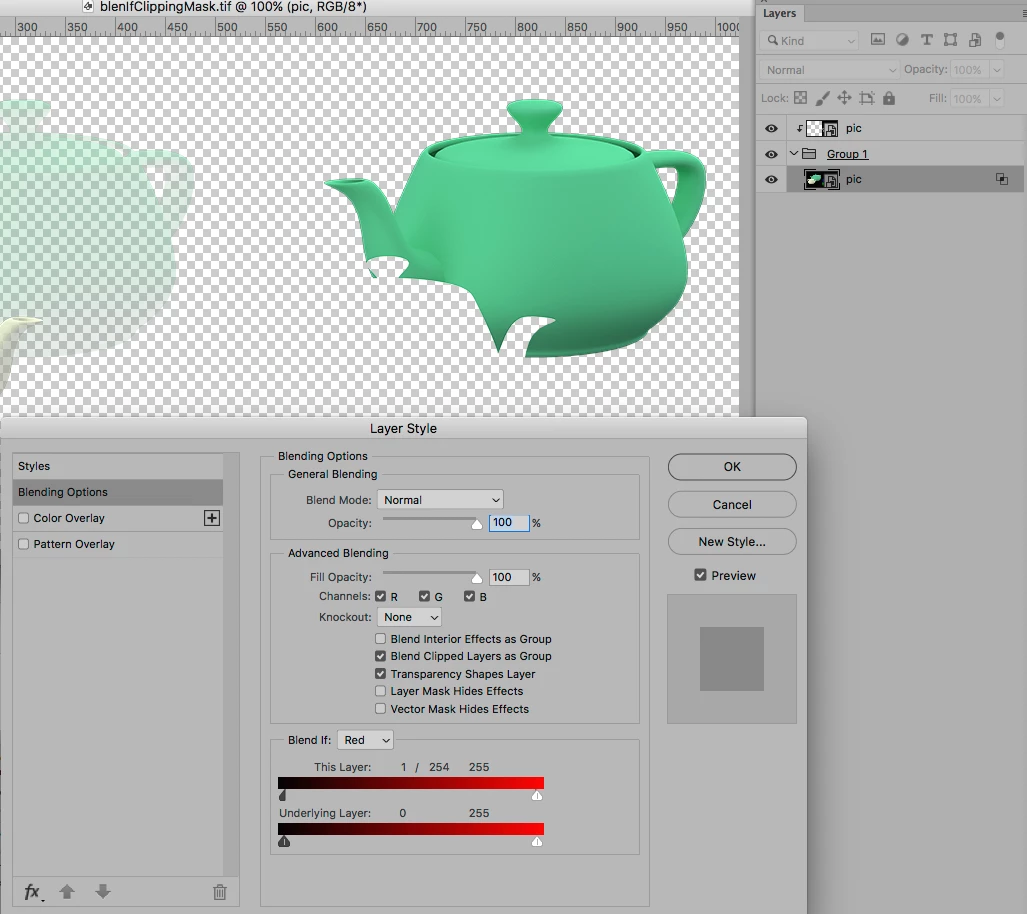
I would like to use some sort of clipping mask where I can choose which colour channel to use as mask. This would speed up my work flow and also it will be faster for me later if I need to move the objects. All I would need to do is update the changed linked files and that's it.
Hope you understand what I'm after with this. 
Thanks
Mikko
 AdChoices