

V22 update. Polygon tool Not showing Star option
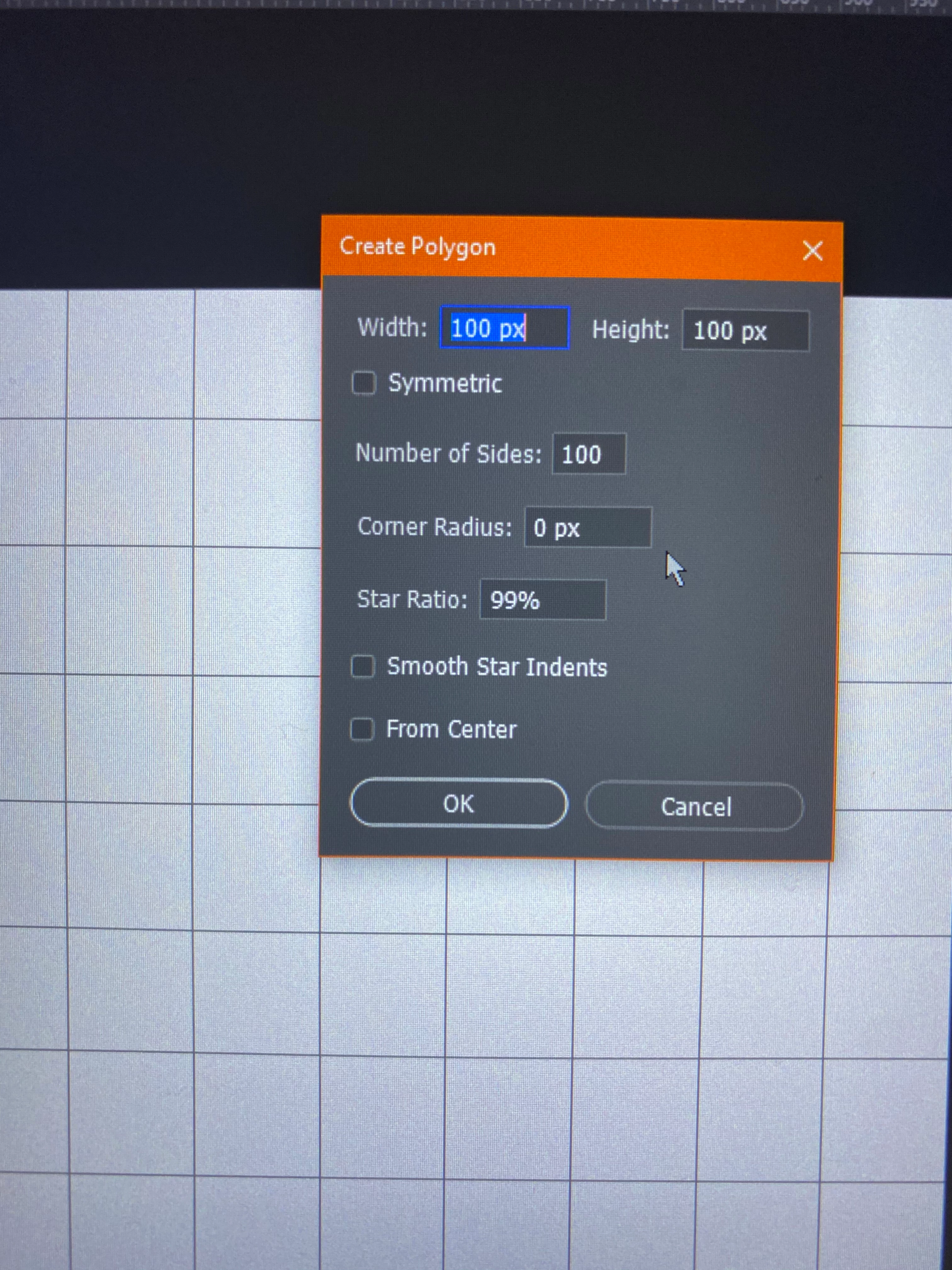
I updated before going to bed last night while working on a project that requires a perspective grid. I had been using the polygon tool and creating a star pattern that mimics a vanishing point. I learned this from various youtube tutorials.
When I opened the app this morning to tried to create said star, the options for paths changed during the update and for the life of me I cannot seem to make the star I wanted. Before you'd make sure the polygon tool was selected, shape, no fill, 1pt stroke, click on path options and click on 'star', indent sides by 99% and add 100 sides to the star and drag out from the horizon line.
I tried to work with the settings available but instead I keep getting a circle with 100 small divots like one of those scholastic award stickers on books. Is anyone else having this issue after the update?
 AdChoices