Deaf_Guy
Inspiring
February 5, 2018
Answered

Various ideas for cutting out subject from background?

  • February 5, 2018
  • 1 reply
  • 781 views

I'm looking for some tips on cutting out the BG.  I know about magic wand, magic selector, pen etc.  For pen there has to be a better easier way.

I even tried making a layer of image and blowing out the levels to easily select the BG but that did not work.

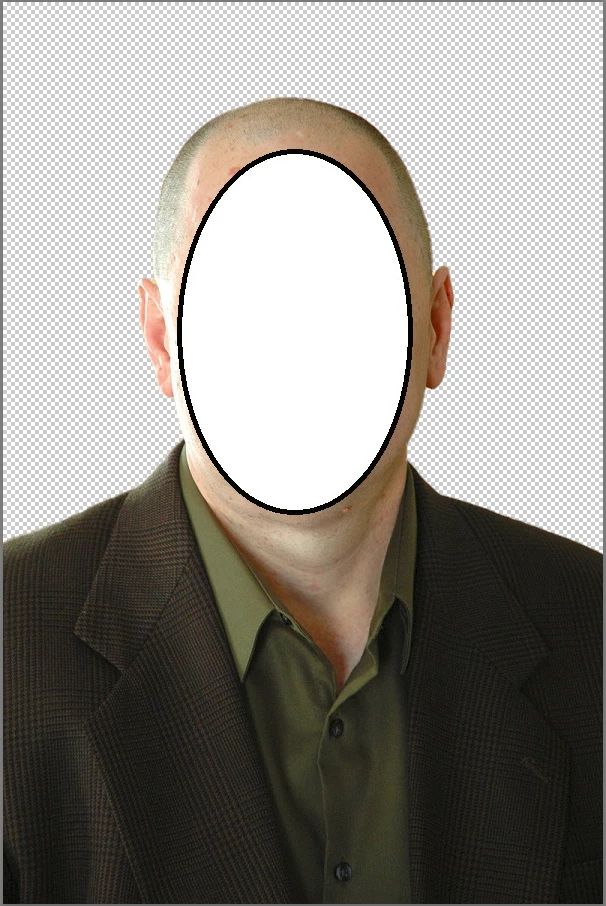
Here is image:

Any tips?  I know there's a ton of videos out there but just like to see and hear what works best for you.  I know too that this is a easy one to do as subject does not have fluffy hair all over the place.  Thanks.

    This topic has been closed for replies.
    Correct answer davescm

    If you are running CC2018 version 19.1.0, try clicking Select Subject. One press did this (the mask shown in black and white in the Select & Mask Workspace):

    Then showing the result:

    Dave

    1 reply

    davescm
    Community Expert
    davescmCommunity ExpertCorrect answer
    Community Expert
    February 5, 2018

    If you are running CC2018 version 19.1.0, try clicking Select Subject. One press did this (the mask shown in black and white in the Select & Mask Workspace):

    Then showing the result:

    Dave

    Trevor.Dennis
    Community Expert
    Community Expert
    February 5, 2018

    davescm  wrote

    If you are running CC2018 version 19.1.0, try clicking Select Subject. One press did this (the mask shown in black and white in the Select & Mask Workspace):

    Dave

    One of the best new features in a very long time, and incredibly clever.  It has several times surprised me with images I felt sure would be too complex for it.  I have taken to hitting the W key and using the button on the Options bar, but I'll be assigning a G-key to it when configuring the new system.

    btw davescm​ SFTW5 has slipped to page 4. Do we need to bump it?

    davescm
    Community Expert
    Community Expert
    February 5, 2018

    It is indeed clever.

    I'll give SFTW a bump.

    Dave