Legend
February 17, 2021
Answered

Vector Mask Issue

  • February 17, 2021
  • 1 reply
  • 614 views

Hello Everyone.

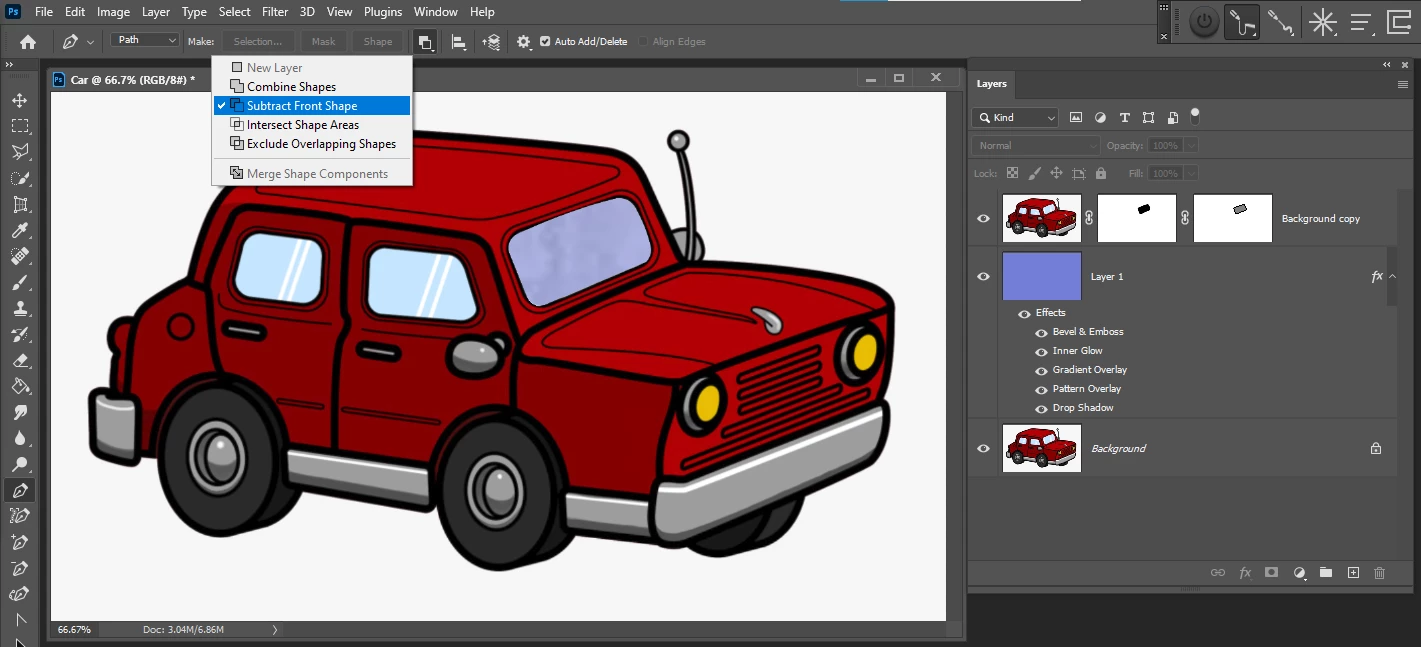
I am using Vector Maks to Delete the Window of this car. I can easily Delete It using a regular Mask, but I want to use Vector Mask. I use a Pen Tool to draw a Path, and Later I select my Path, and I control Click on Create Mask, and It workes fine.


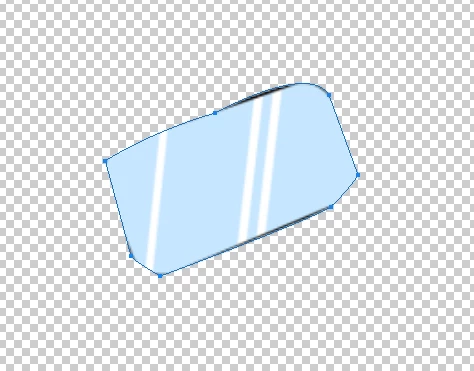
Many times I noticed It works opposite, in other words, it deletes the entire car and leaves the Window.

Here is the screenshot.  I have the correct settings To Subtract.
Thanks.
This topic has been closed for replies.
Correct answer JJMack

The Vector tools tool option bar and the pen tool otpton bar has controls to set how a closed path will combine. You want to set subtract  create the path the use menu Layer>Vector Mask>Current Path

1 reply

JJMack
Community Expert
JJMackCommunity ExpertCorrect answer
Community Expert
February 17, 2021

The Vector tools tool option bar and the pen tool otpton bar has controls to set how a closed path will combine. You want to set subtract  create the path the use menu Layer>Vector Mask>Current Path

JJMack
Legend
February 18, 2021

Dear JJMack.


I have no problem with using regular Mask, I used regular Mask for many years, but I don't know why I have been struggling so much in the past few weeks learning Vector Mask. Maybe it's because I never used it?

I am practicing your Technique, If I had any more Issues I will post a question

Once again Thank you very much.

Legend
February 18, 2021

UPDATE;

Dear JJMack.

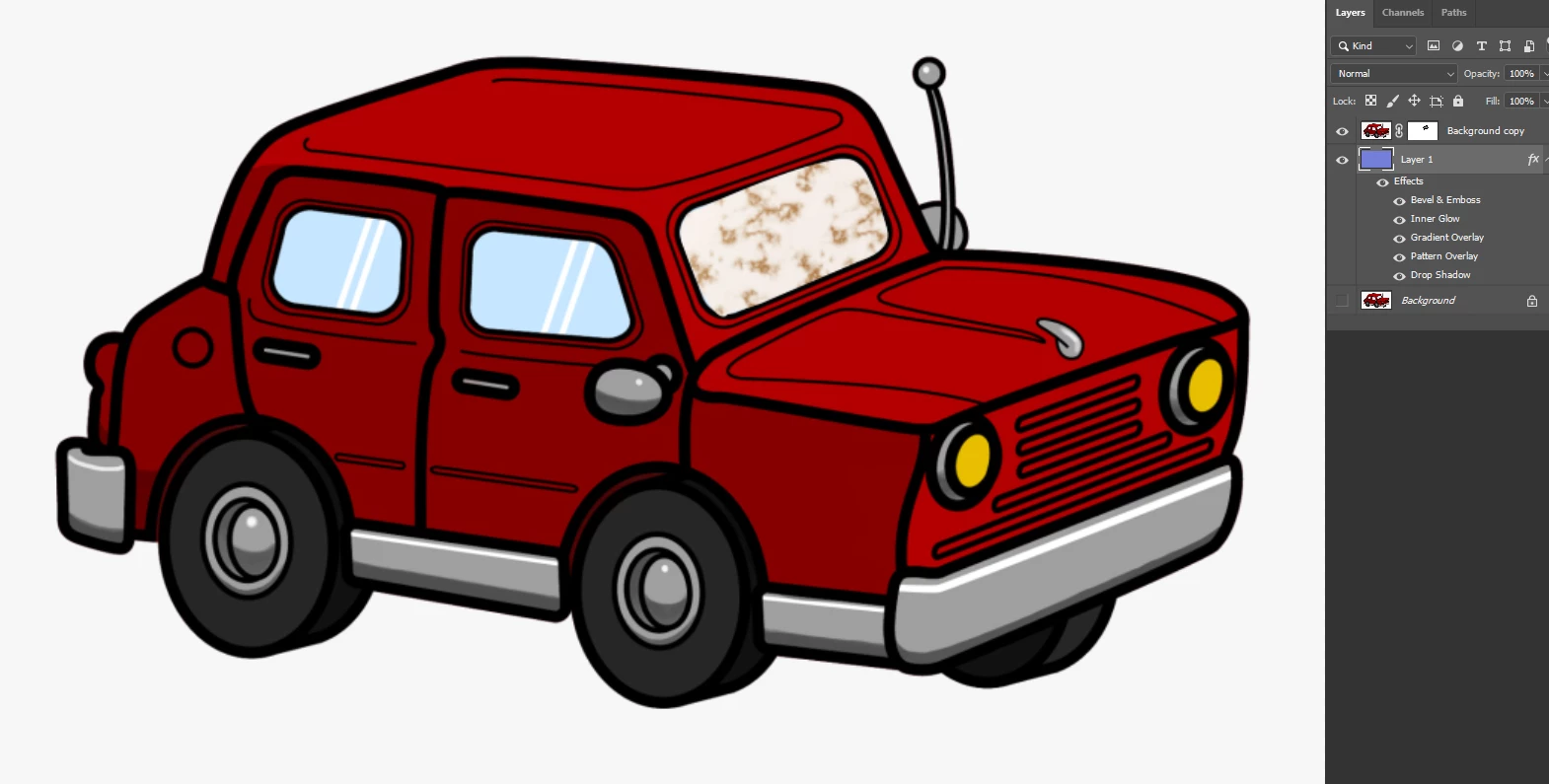
I am using your Technique, Subtract Front Shape, and I noticed again, sometimes it works, and sometimes it does not work.

After creating Paths few times I noticed It worked opposite.

Here is the screenshot.

Thanks