
Vector Mask using Pen Tool not working like usual
Up until a couple of weeks ago, I used to create vector masks by using the pen tool to choose all areas in the photo that I wanted to stay in the picture, and then create a vector mask which would then remove the background (including internal paths) all at once. I have literally done thousands of images like this for over to 10 years.
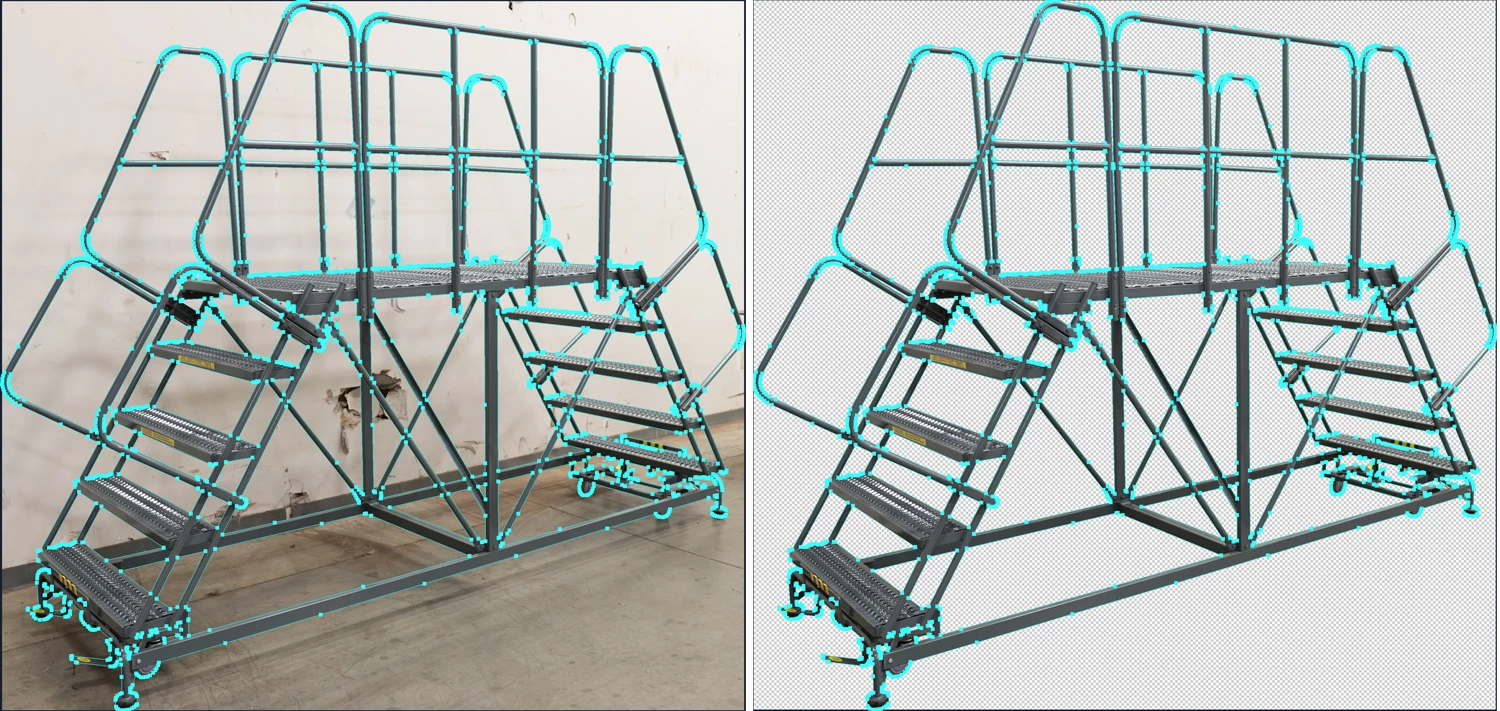
See Before and After Example of how it should work (making all paths and then masking):
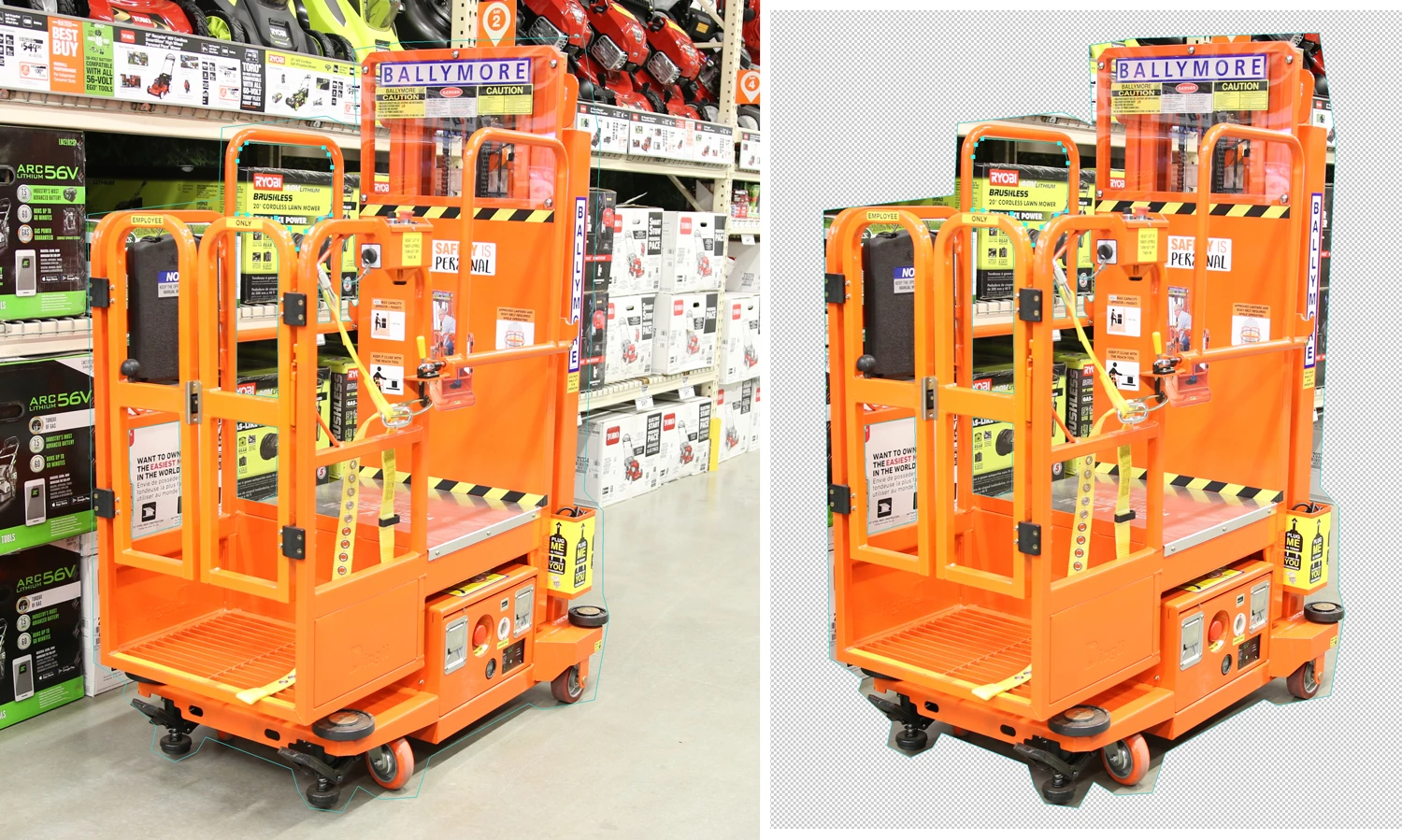
A couple of weeks ago, this stopped working. Now after creating my path, and choosing Vector Mask, the background is removed, but none of my internal paths are removed. See this rough example below:
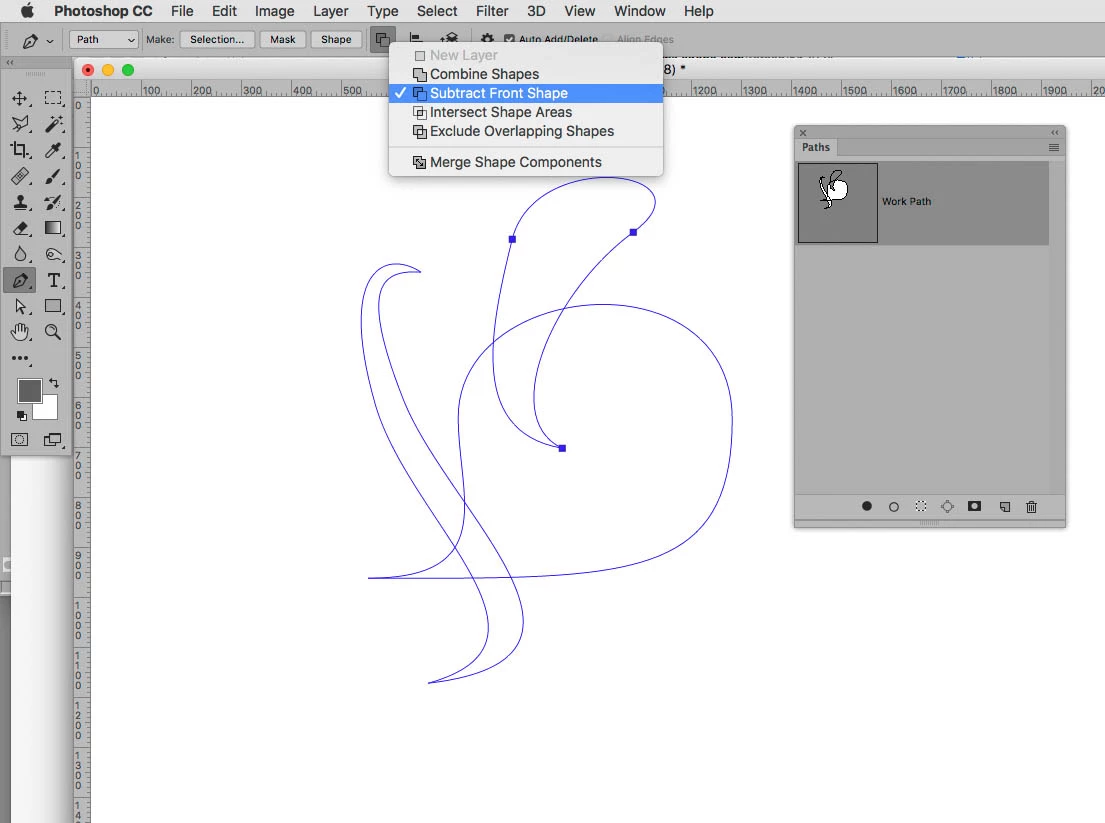
I called Adobe Support, they tried to tell me that it had never worked the way I am saying I have done for a long time. They told me I needed to do my initial outer path, create the mask, and then do a second path subtracting from the path shape to do all my internal points individually. Although this does work, this is definitely not how it used to be, and it easily doubles or triples the clipping time.
Can anyone tell me how to fix this, or am I crazy? I know that this is not the way that I have been doing it for years. I have been waiting to hear back from Adobe for over a week now with no follow up on my escalated ticket.
 AdChoices