

vector paths don't render correctly in photoshop 3D
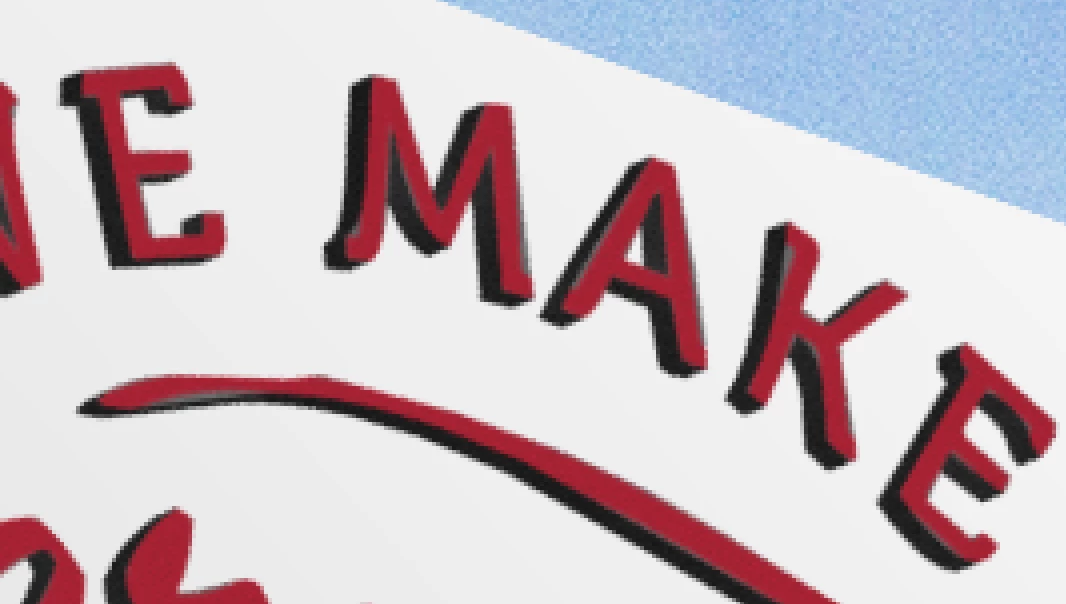
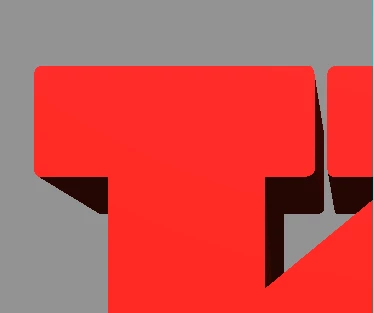
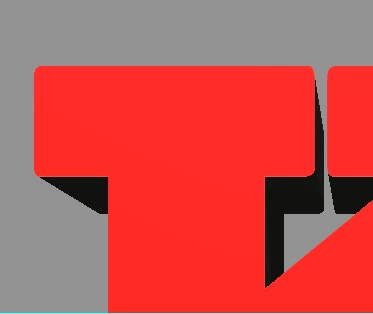
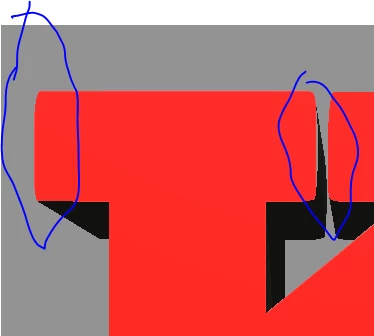
I'm looking for a way to keep rendered paths true to the original shape. If I render layers based on extruded paths, the rendering is often distorted. You can see the distortion most often near corners or intersections, but also on straight and curved segments (see image area of the letter k and the line beneath it which should be a clean shape). How can this be fixed? The problem is most apparent when I use outlined fonts as opposed to extruding from a live text layer, but the distortion happens on just about any vector based art such as logos, etc. I've tried extruding from smart objects, object layers with uneven results. Is there a way to make rendering more predictable when using paths?
I'm using Photoshop CC 2017.0.1 on a Power book with Retina display, 16mgs Ram, NVIDIA GeForce GT if that info helps.
 AdChoices