

Frage
Vectors come out blurry when copying from Illustrator and pasting into Photoshop.
Hey everyone,
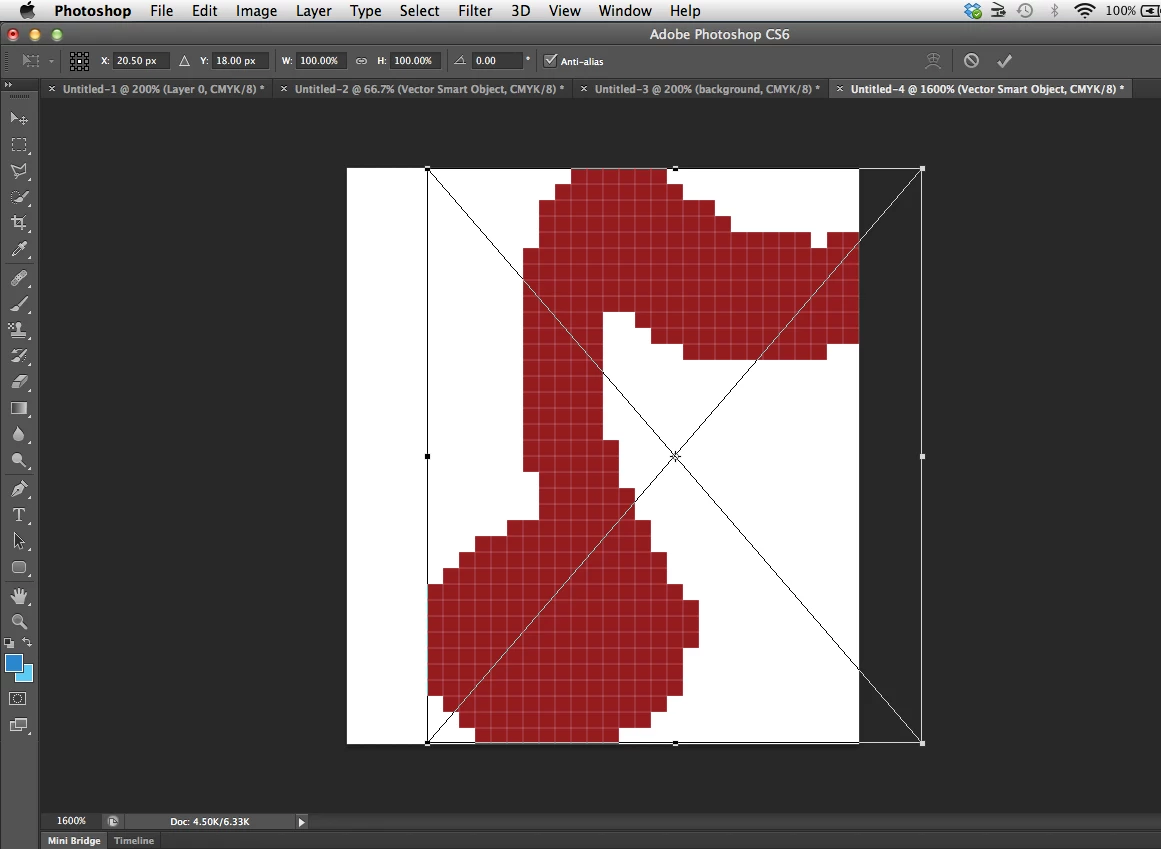
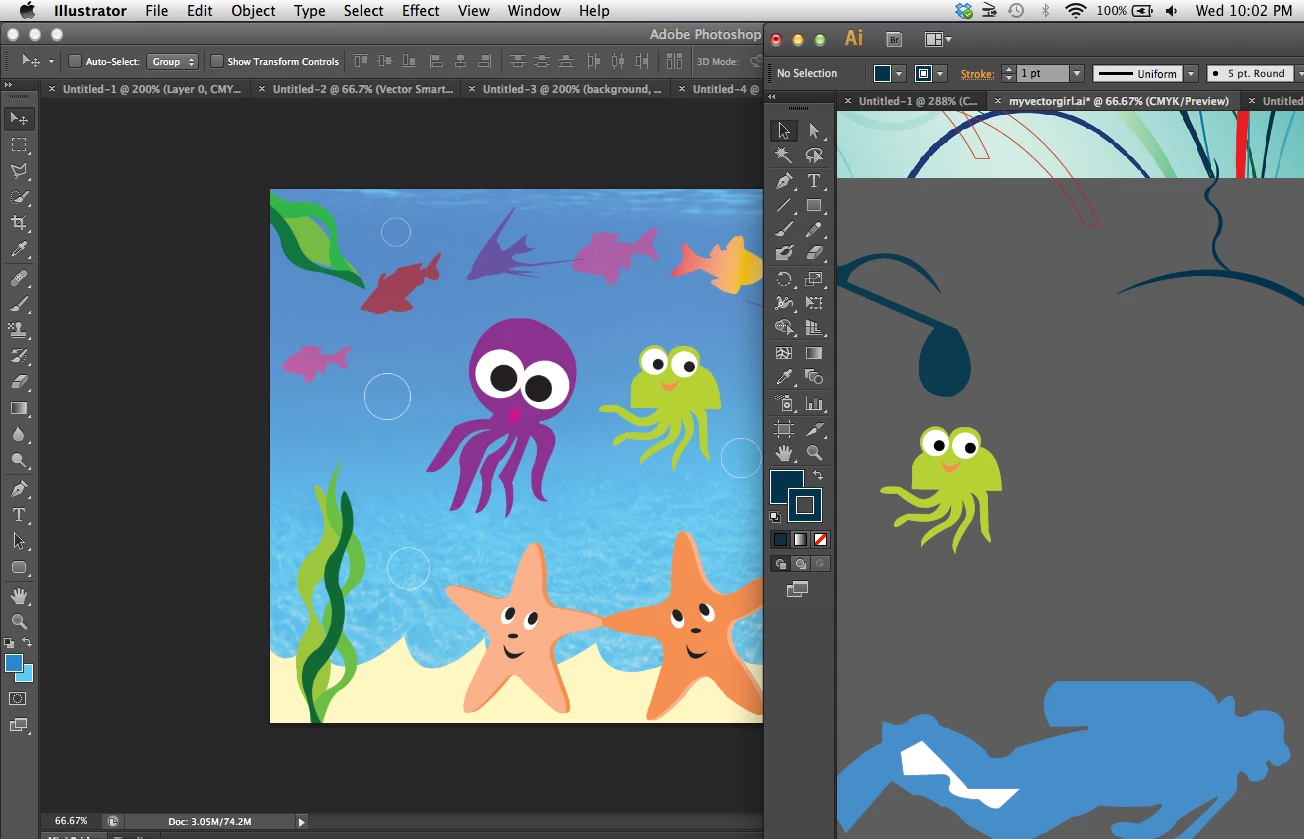
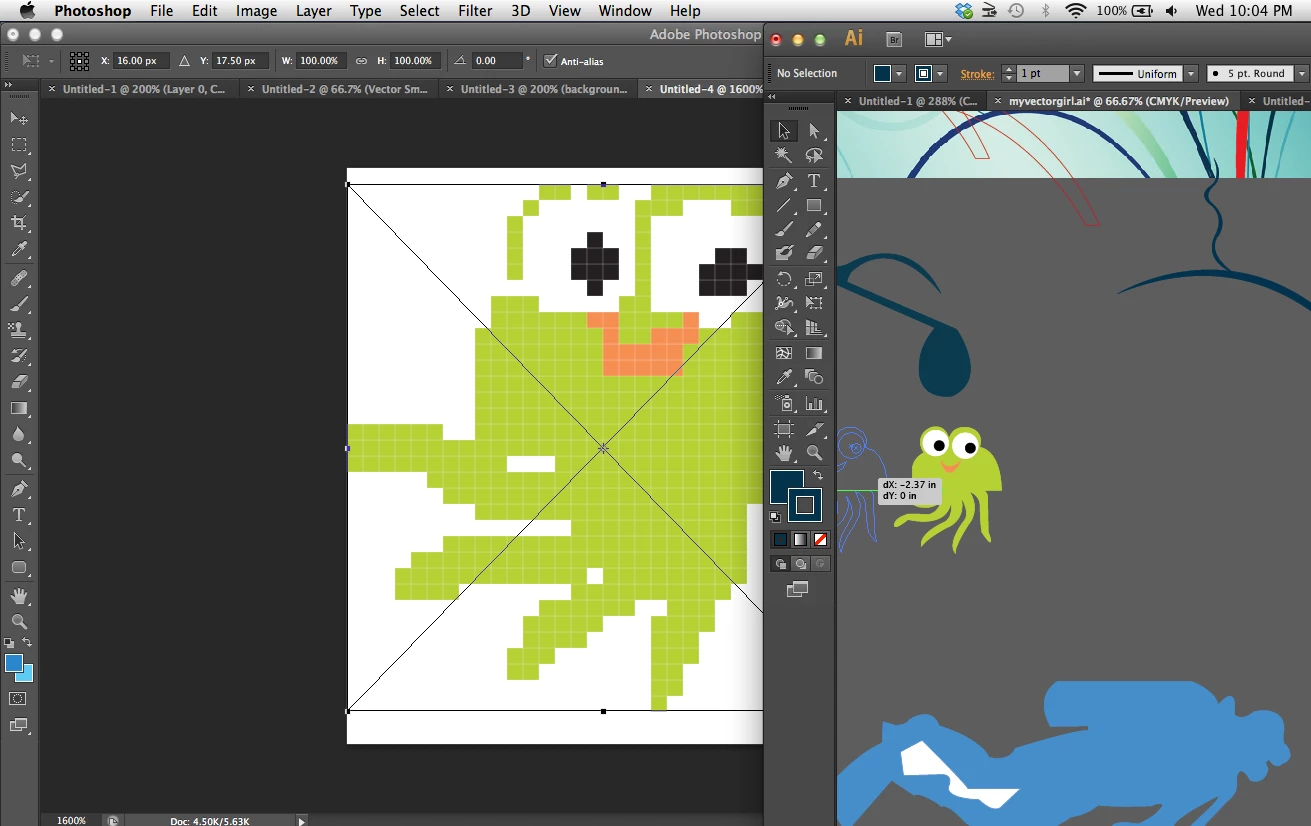
I always draw in Illustrator, then paste my drawings into Photoshop with no problem. Today, when I paste my drawings into Photoshop from Illustrator, they are very blurry and weird looking. Here are some pictures of what I am talking about.
Here is a project I worked on a couple of weeks ago. Illustrator is on the right, Photoshop is on the left. I copied my little green guy into Photoshop with no problem.
Here is what I get when I try to copy and paste him as a vector smart object now
 AdChoices