Participant
January 4, 2023
Question

video rendering - colors

  • January 4, 2023
  • 2 replies
  • 147 views

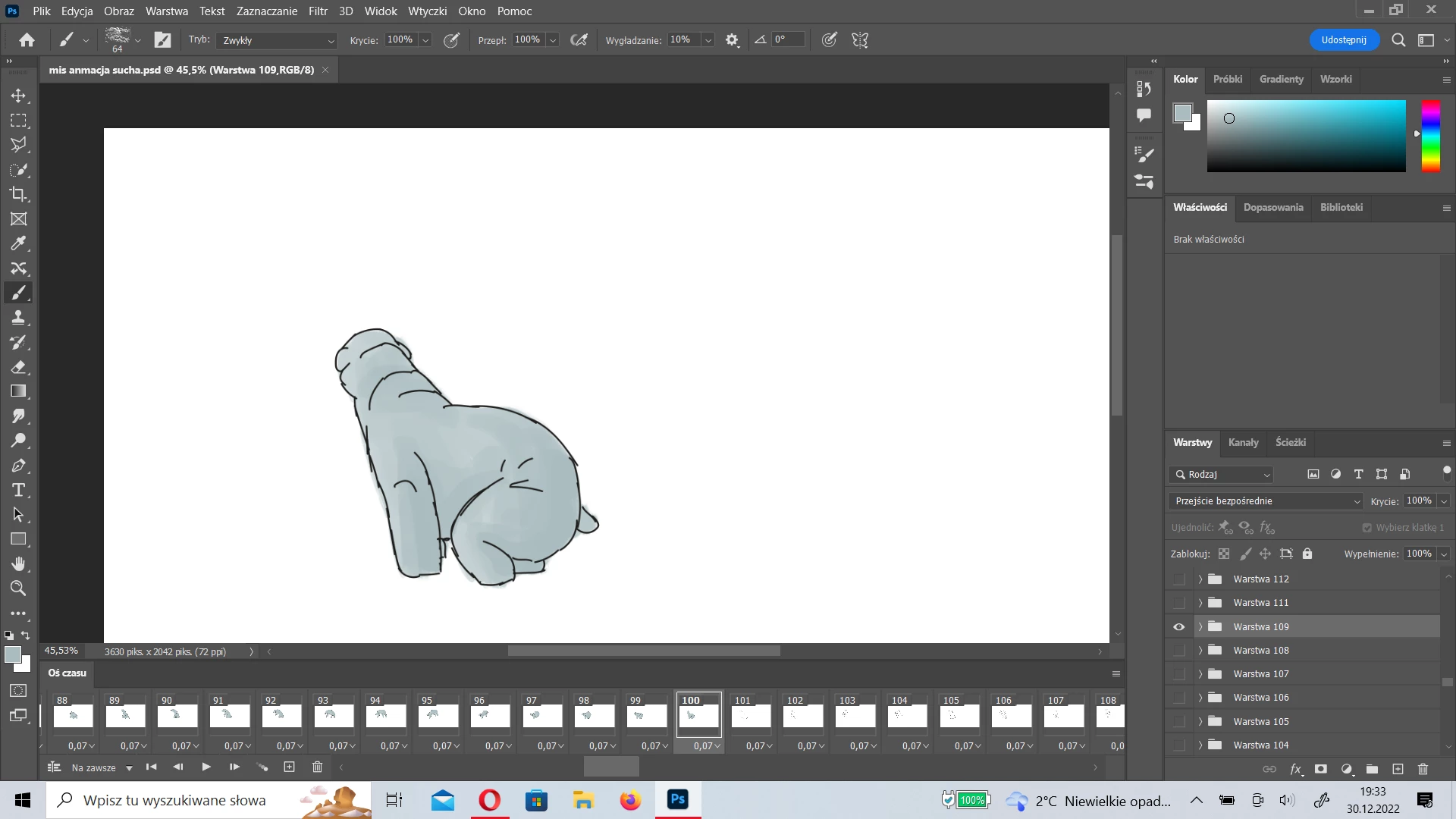
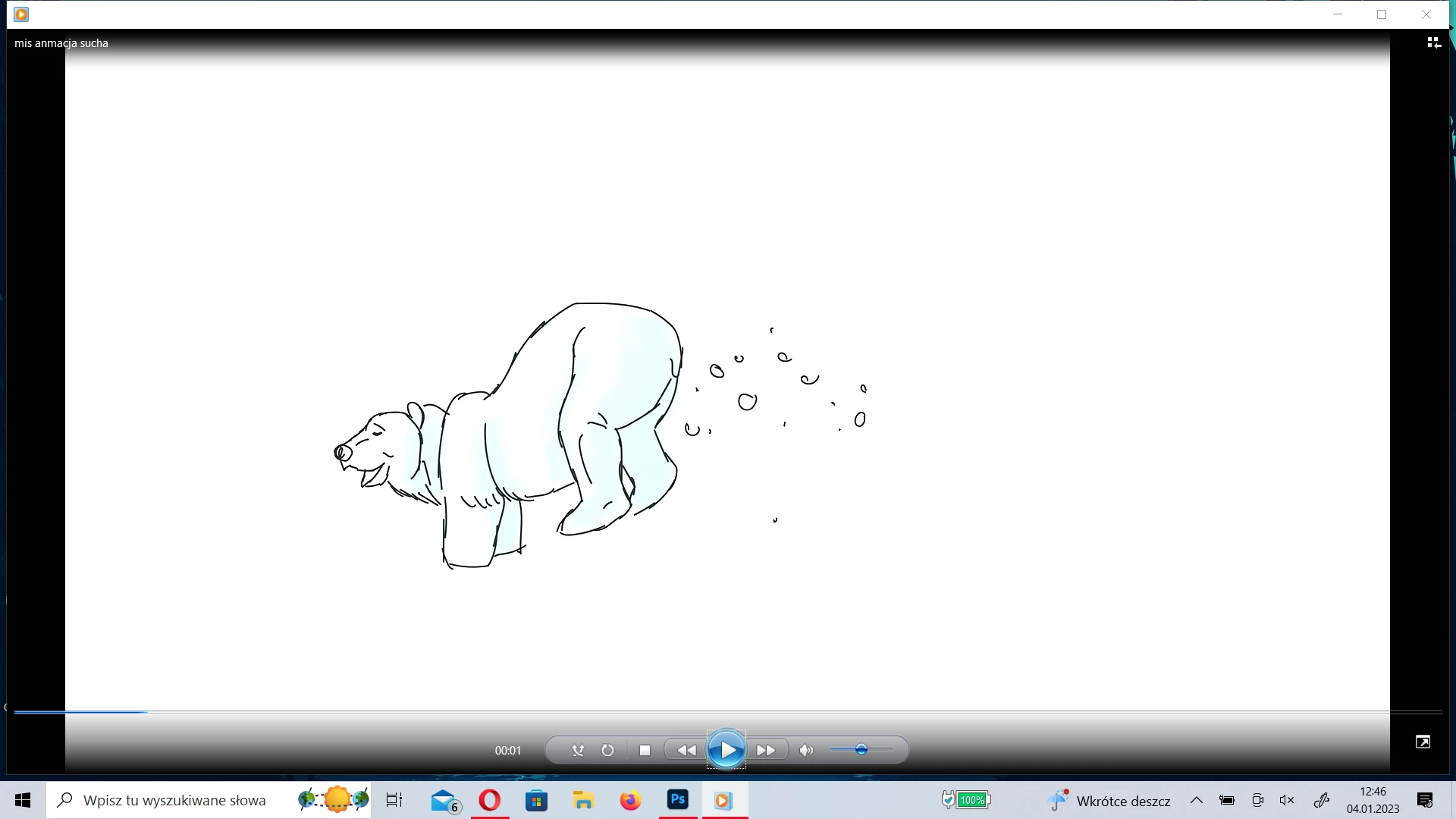
Hi, I have a problem why when I render a color time-lapse video in photoshop after rendering in the video there are completely different colors and they are barely visible.
This topic has been closed for replies.

2 replies

Mylenium
Legend
January 5, 2023

This looks like the old issue when rendering with the "Render with Maximum Quality" in Media Encoder and the colors not getting correctly normalized due to hardware acceleration not working properly. I would try to turn off this option or the acceleration entirely.


Mylenium 

Ranjisha Sengupta
Legend
January 5, 2023

Hi there,


Thanks for reaching out.

Which version of Photoshop and operating system are you using? Since when are you seeing this issue? Is it happening with particular file formats?

Can you share the image of your Export Dialogue box? Did you try any alternative applications to check the video?


We're here to help, just need some info.


Regards,

Ranjisha
