joaquinf61484625
Participant
March 26, 2020
Answered

Violet, orange Gradient

  • March 26, 2020
  • 1 reply
  • 5564 views

Can some tell me how I can get the "Violet, Orange gradient" in Photoshop? It looks like it disssappeared after the update. 


[Moved from Community Help (which is about the forums) to a better forum... Mod]
[To find a forum for your program please start at https://community.adobe.com/]
Correct answer davescm

Nope. It's not there


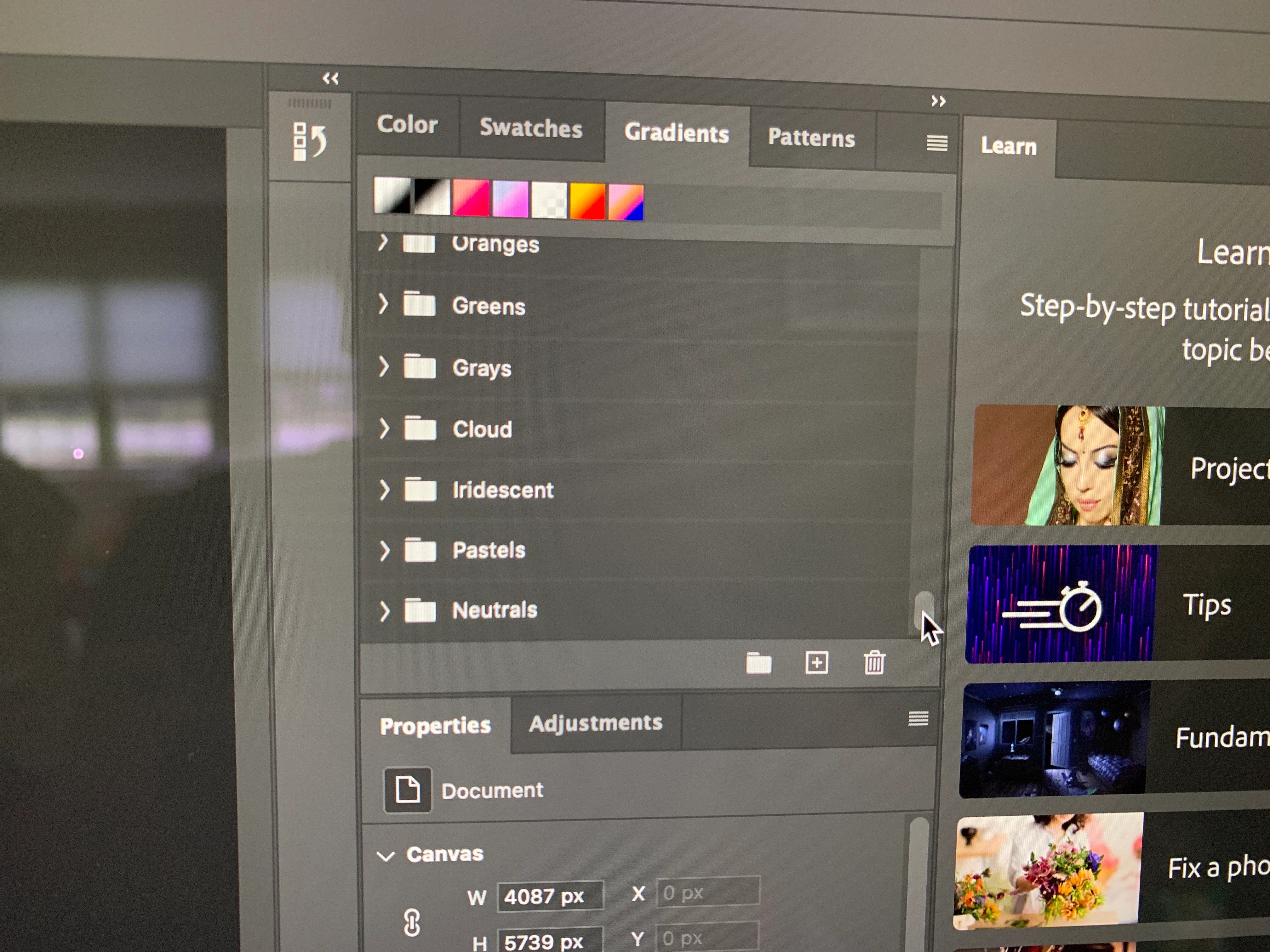
Click at the top right of the Gradient panel on the little square made of horizontal lines. It will open a menu. Then choose Legacy Gradients. It will add a legacy folder to the other folders in the list


Dave

1 reply

Chuck Uebele
Community Expert
Community Expert
March 26, 2020

Open the gradient panel, Window>Gradient, then, in the top right click on the drop down menu. Then click on Legacy Gradients

joaquinf61484625
Participant
March 26, 2020

The drop down box only shows Basics, blues, purples, pinks, reds, oranges etc, but it does not give me the "Lagacy" option

joaquinf61484625
Participant
March 26, 2020

*Legacy