Participating Frequently
November 18, 2014
Question

Wacom, issue with mapping area

  • November 18, 2014
  • 3 replies
  • 24690 views

Hello,

I have:

  • Wacon Intuos Pen & Touch, CTH-480/S.
  • Wacom driver 6.3.10w2.
  • Adobe Photoshop CC 2014.2.1.
  • MacBook Pro (late 2013)
  • Mac OS X 10.10.1 Yosemite
  • I don't have any external monitors

Most of the times I restart my computer I have to revise the mapping area. Fot "All Others" and for "Adobe Photoshop CC 2014.app".

I want to use it as:

Mode: Pen

Screen Area: Full

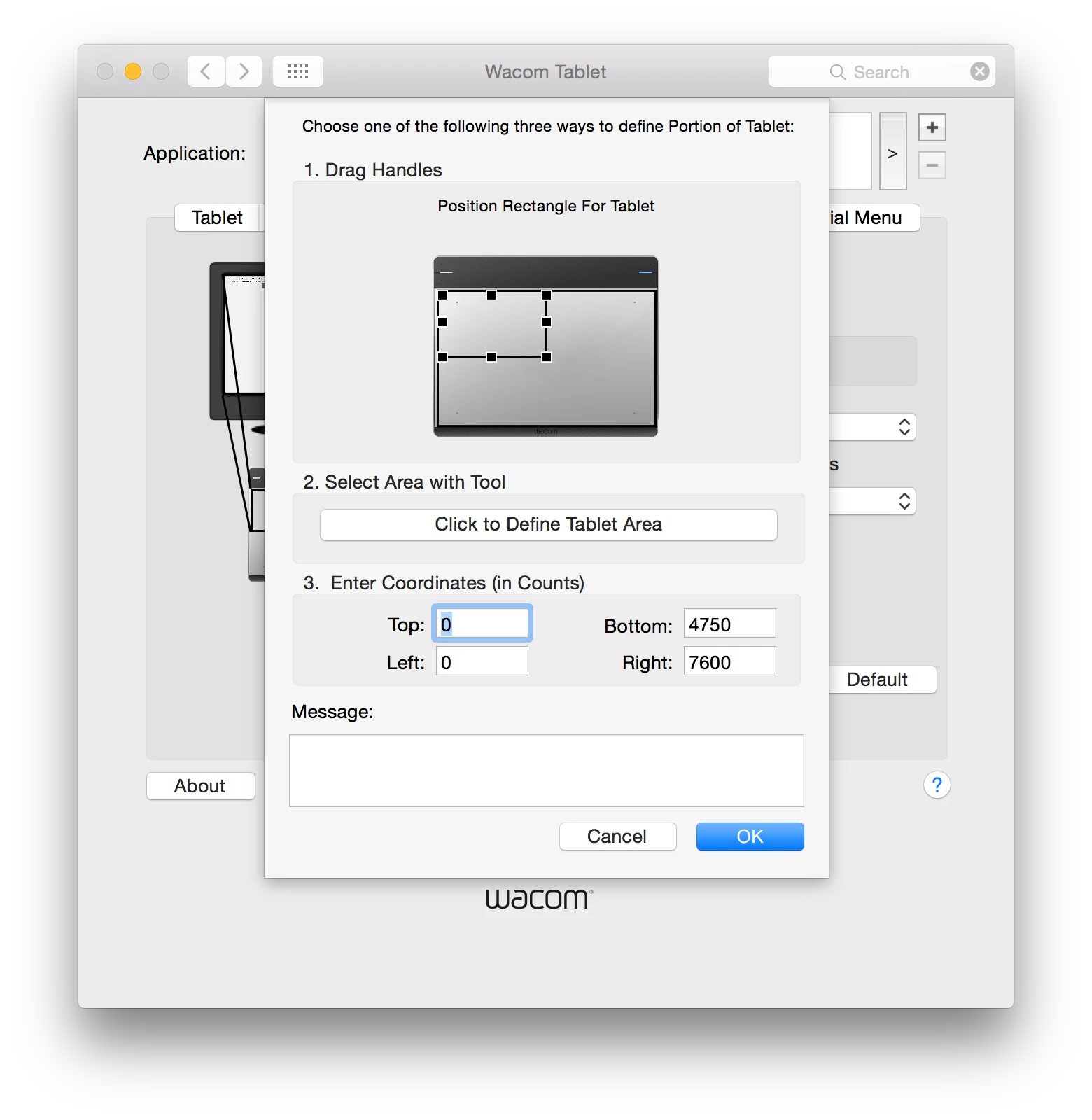
Tablet Area: Portion... (0,0, 4750,7600)
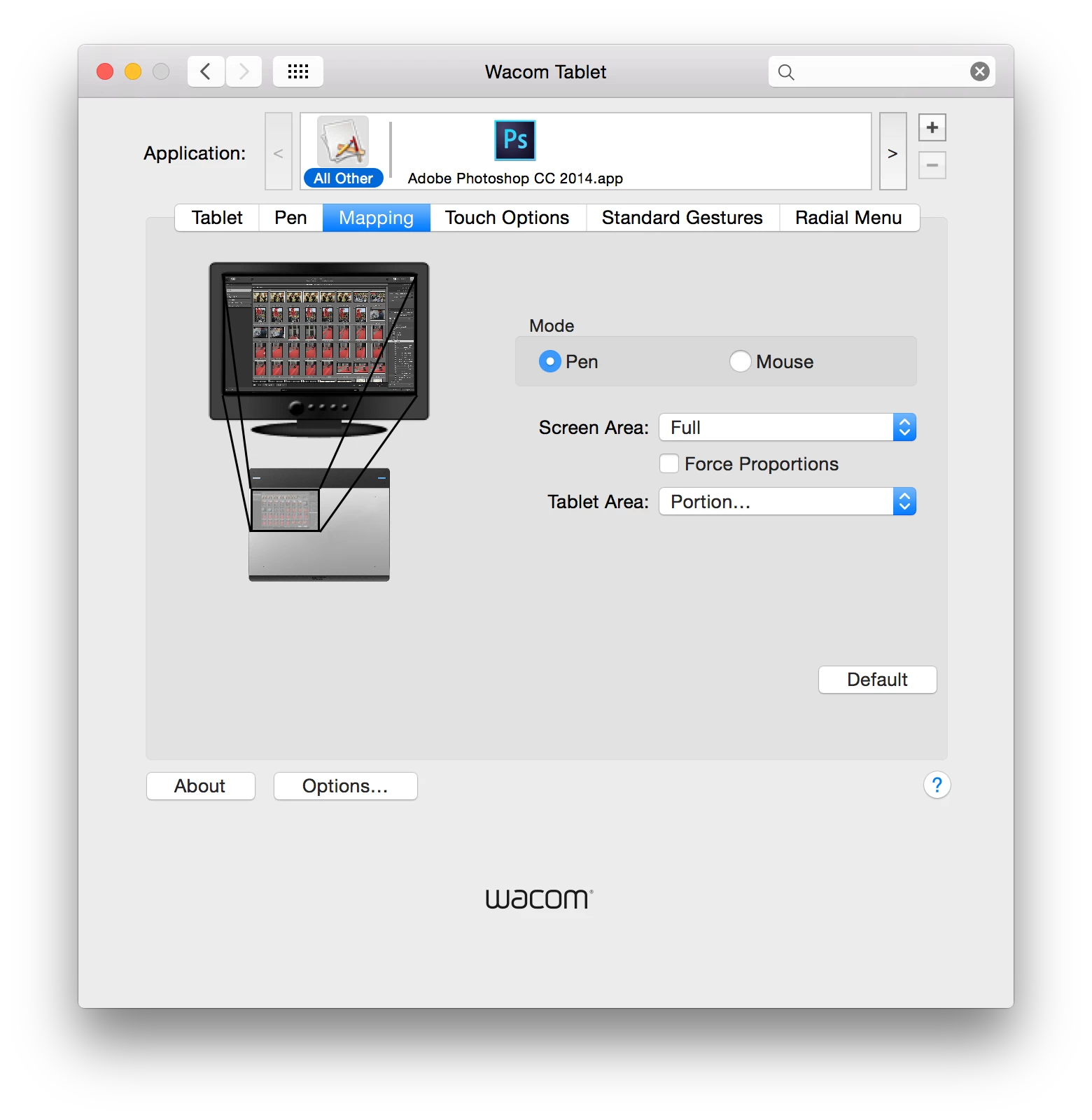
But after each reset, the tablet works as if I had it set to :

Mode: Pen

Screen Area: Portion... (the upper left portion)

Tablet Area: Portion... (0,0, 4750,7600)

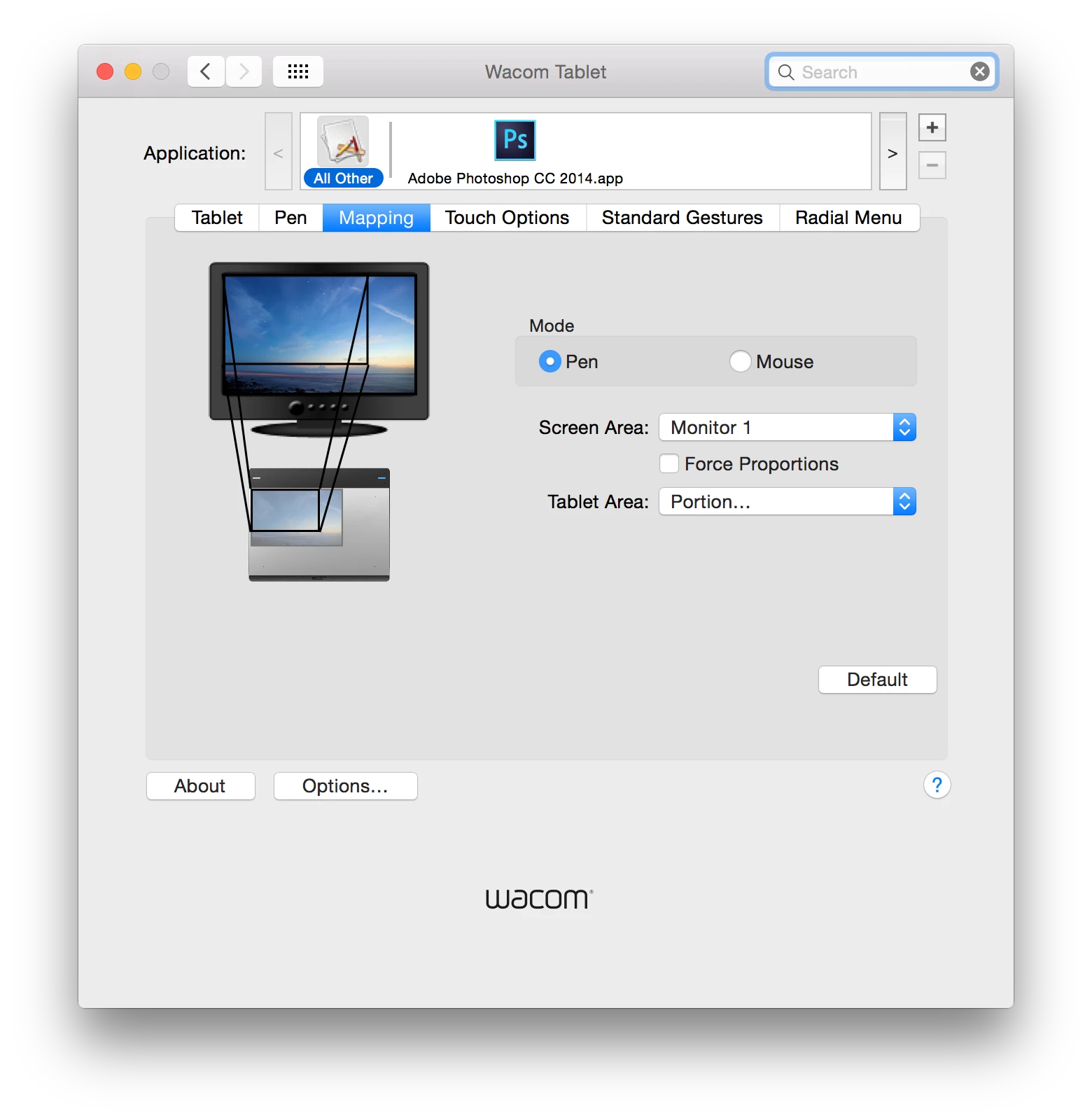
Notice the screen area set to "Monitor 1" and still the issue:
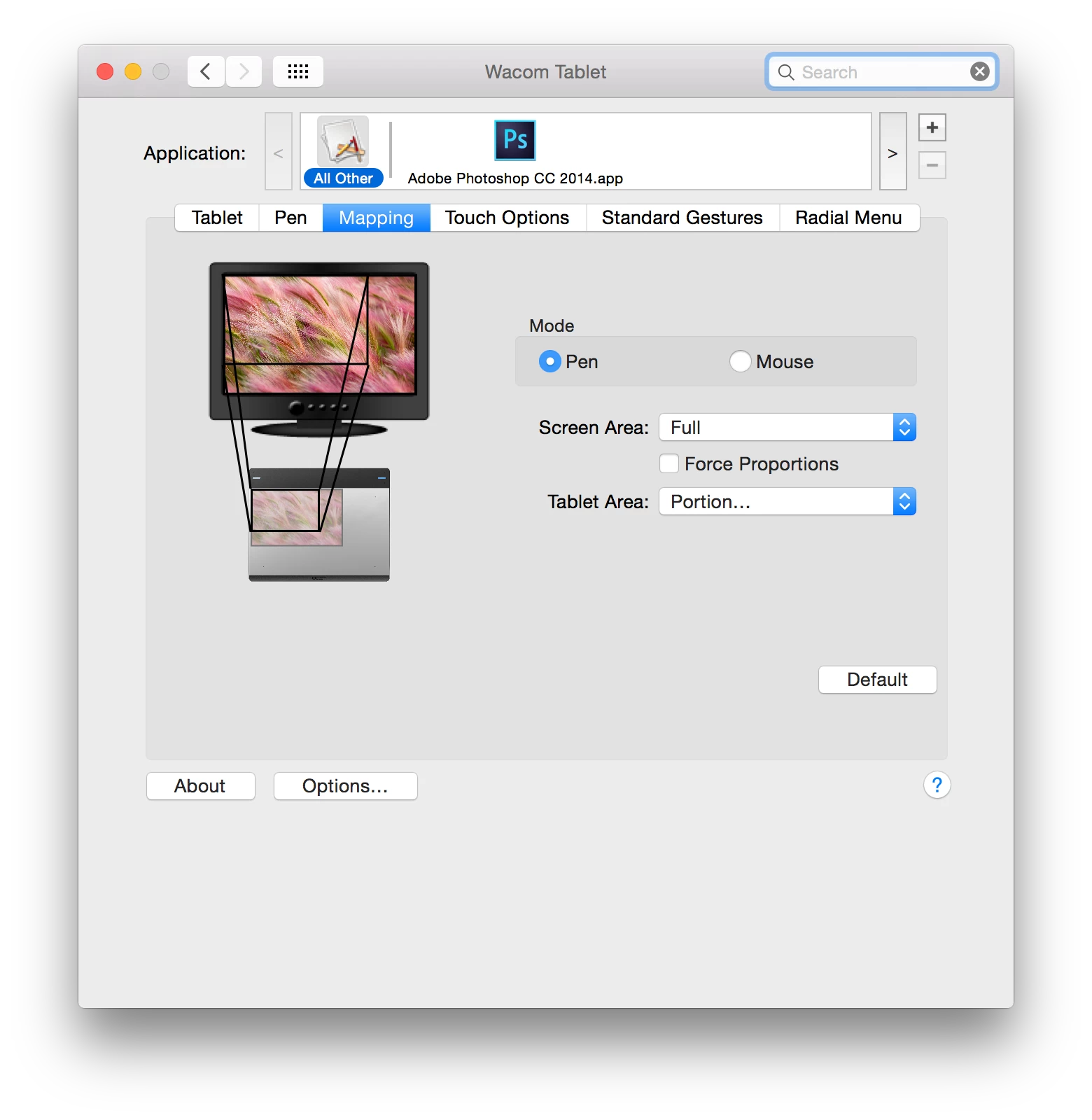
Notice the screen area is set to "Full" an still the issue.
I'm using my tablet with the original provided USB cable. I also tried using another USB port on my computer. I don't have any other device connected to my computer. I have also my Magic Mouse (Apple Bluetooth mouse) turned off. Also I'm using the original provided power source and I also tried using the computer unplugged.

I had this issue with several older drivers as well.

This issue started with Mac OS X 10.10 Yosemite. I also tried to fix it, doing a clean install of Yosemite.

I had tried the "REMOVE" and "RE INSTALL" driver using the "Wacom Tablet Utility".

I will appreciate your help.

Kind regards,

       Juan Pedro

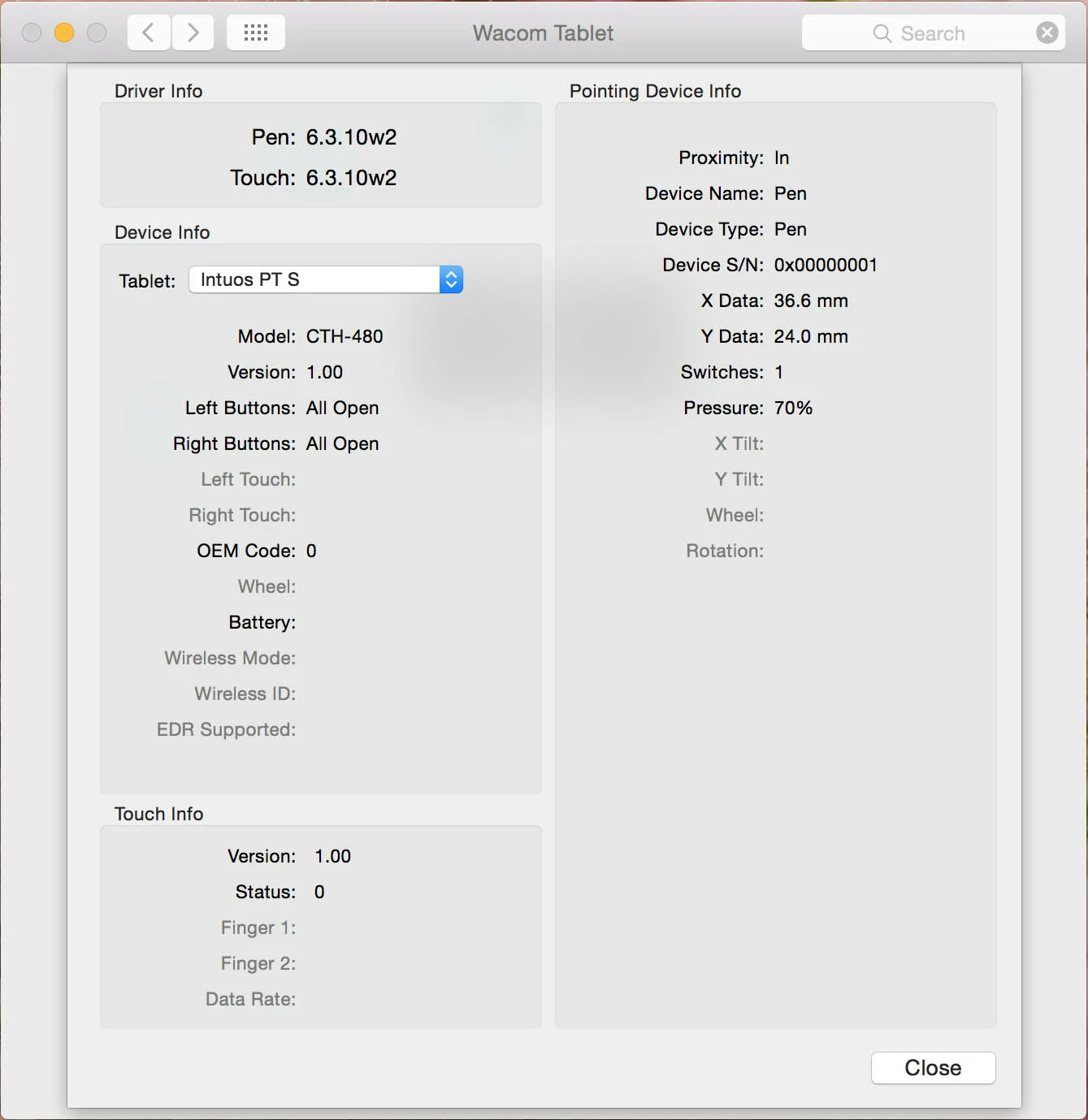
More info:
This topic has been closed for replies.

3 replies

Participant
December 1, 2020

If anyone still has that problem, the Wacom driver treats Photoshop as a special program. The settings for Photoshop are not the same as the settings for "All", so change the mapping in the Photoshop tab instead of the "All" tab.

Participant
August 10, 2022

Spot on - thanks.


gambit999
Participant
January 14, 2015

1. unplug tablet from the computer

2. remove driver/tablet software

3. restart your computer

4. install latest driver from WACOM

5. restart computer again and plug in your tablet

6. go to preferences and do your settings

hope this works for you. good luck

Participating Frequently
January 14, 2015

Peter,

Thank you for your reply.

Your steps does not solve the problem. I had tried those steps several times, but without luck.

The issue is (I think) because I use a more dense ppi and the driver gets the boot up ppi resolution. I use my screen at "More Space" but when the computer turns on... it on "Best (Retina)".

So my idea is the driver gets the "Best (Retina)" ppi and when my sessions starts and the computer changes to "More Space"... the Wacom driver already got the other resolution and there is the problem.

Check this post for more details: Low screen resolution on login after boot | Apple Support Communities

Miranda,

The drivers at the UK site and the US site are in the same family.

The difference is the UK are a bit older than the US.

For me, the new 6.3.11w3 driver is working a bit better.

Not perfect, but better.

Participant
January 14, 2015

I have a similar issue with the same equipment. The mapping works most of the time, but when I am in photoshop, the mapping 'slips' so that I'm only half way across the pad yet at the far edge of the screen. If I come out of photoshop and use another program, the mapping returns to normal. Sometimes it even slips the other way so that I can't access an inch or two at the edge of the screen.

Participating Frequently
January 14, 2015

miranda, I don´t have that issue... but everything could be with Wacom drivers.

Had you try deleting all the profiles and do it all again?

Also, did you try the new driver? Drivers | Wacom

Participant
January 14, 2015

The tablet doesn't seem to work at all with that driver! I had to download the driver from here: http://www.wacom.eu/index4.asp?pid=29&lang=en to get it to work at all! (I'm in the UK so using the EU site makes sense- if that has anything to do with it).